35
3.6 Statistic
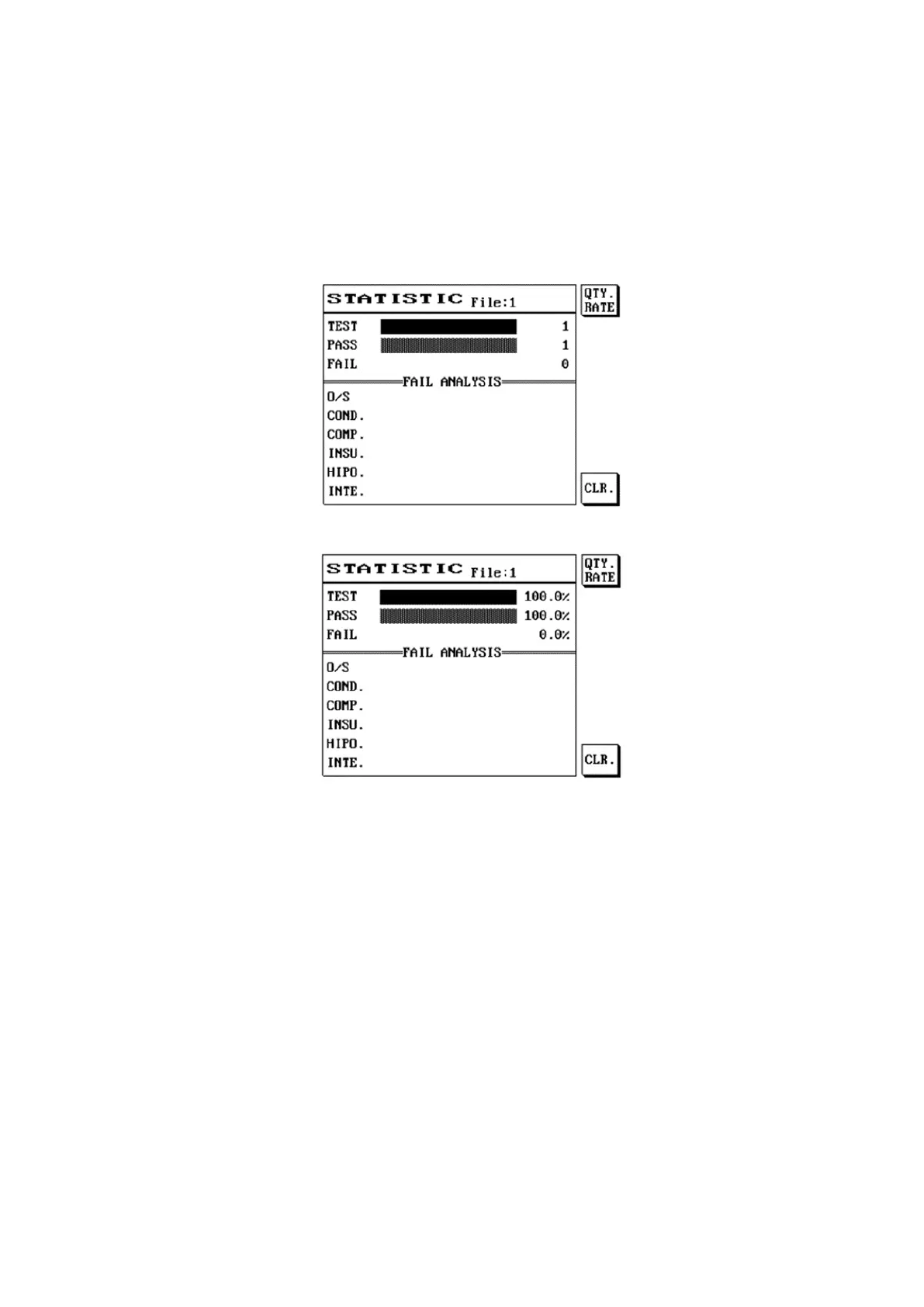
This function allows viewing of the test result statistical data, including: total number of tests, number of
passes, number of fails and cause of failure analysis, which searches for the number of fails in each item
category.
(1) Press [Stat].
(2) The LCD screen will display as follows.
(3) Press S1 [QTY.RATE] to display the statistical data using percentages.
(4) The LCD screen will display as follows.
(5) Press S6 [CLR] to clear all current statistical data.
(6) Press [Exit] to exit when completed.



 To Next Page