62
4.3.2 Step Setting
When you need to perform multiple test steps to a DUT, you can set the test steps that need to be performed
using step test to simplify your test process and reduce your test time.
(1) Press [File] and then press S1 [SET STEP].
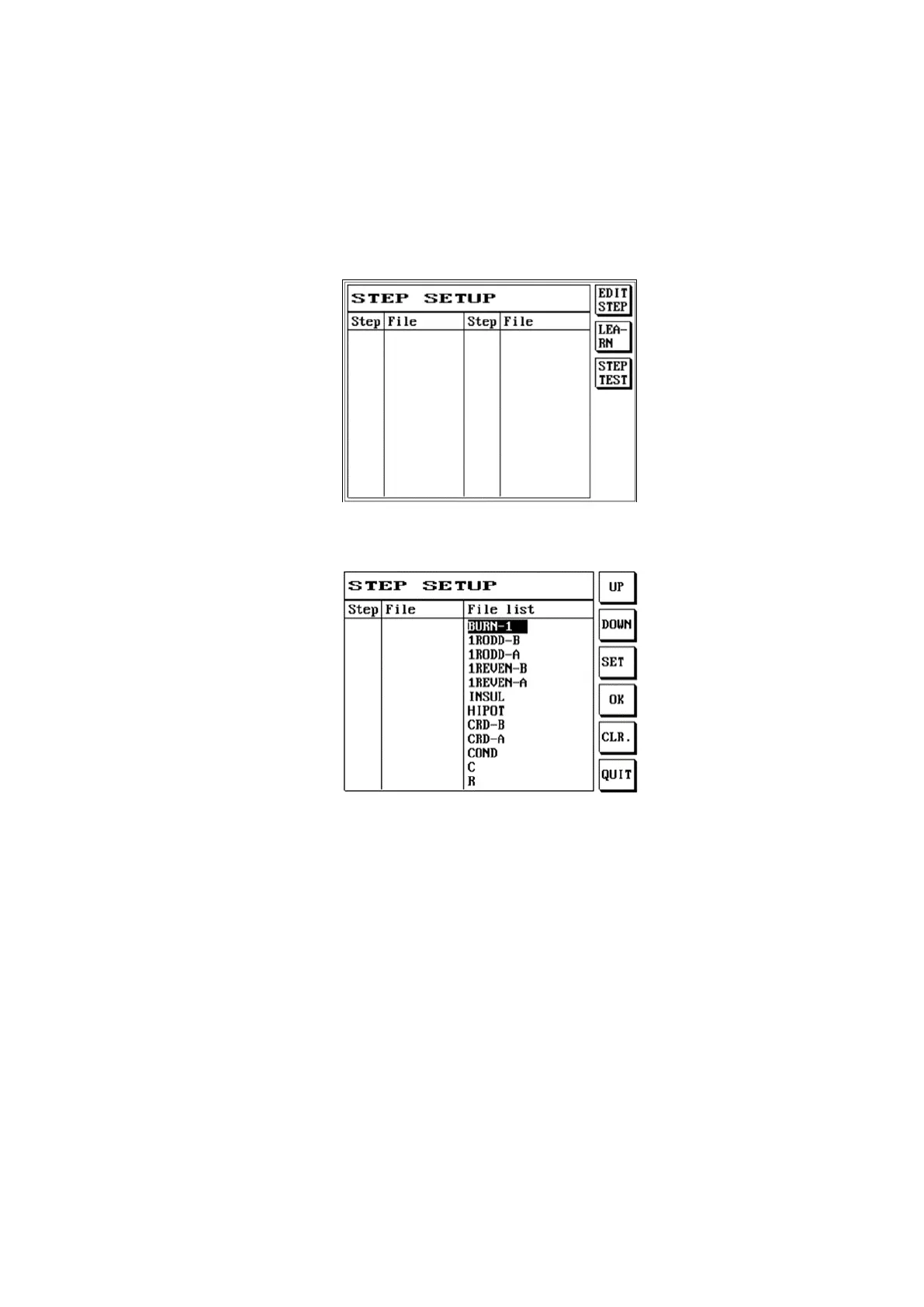
(2) The LCD screen will display as follows:
(3) You can press S1 [EDIT STEP]; the LCD screen will display as follows:
(4) Use [↑] or [↓] to move the cursor to select and set the test steps needed to be performed to the DUT.
(5) For example: We selected the three files EX1, EX2 and EX3.
(6) Use [↑] or [↓] to move the cursor to EX1, and then press S3 [SET].



 To Next Page