61
4.3 File Management
You can execute select old file/delete old file/file sorting actions to make it easier to manage and use the
files; instructions are as follows:
4.3.1 Select File
Select file loads files saved on the permanent memory to the main memory so that they can be used for
other purposes, including testing, editing, and printing etc. Instructions are as follows:
(1) Press [File].
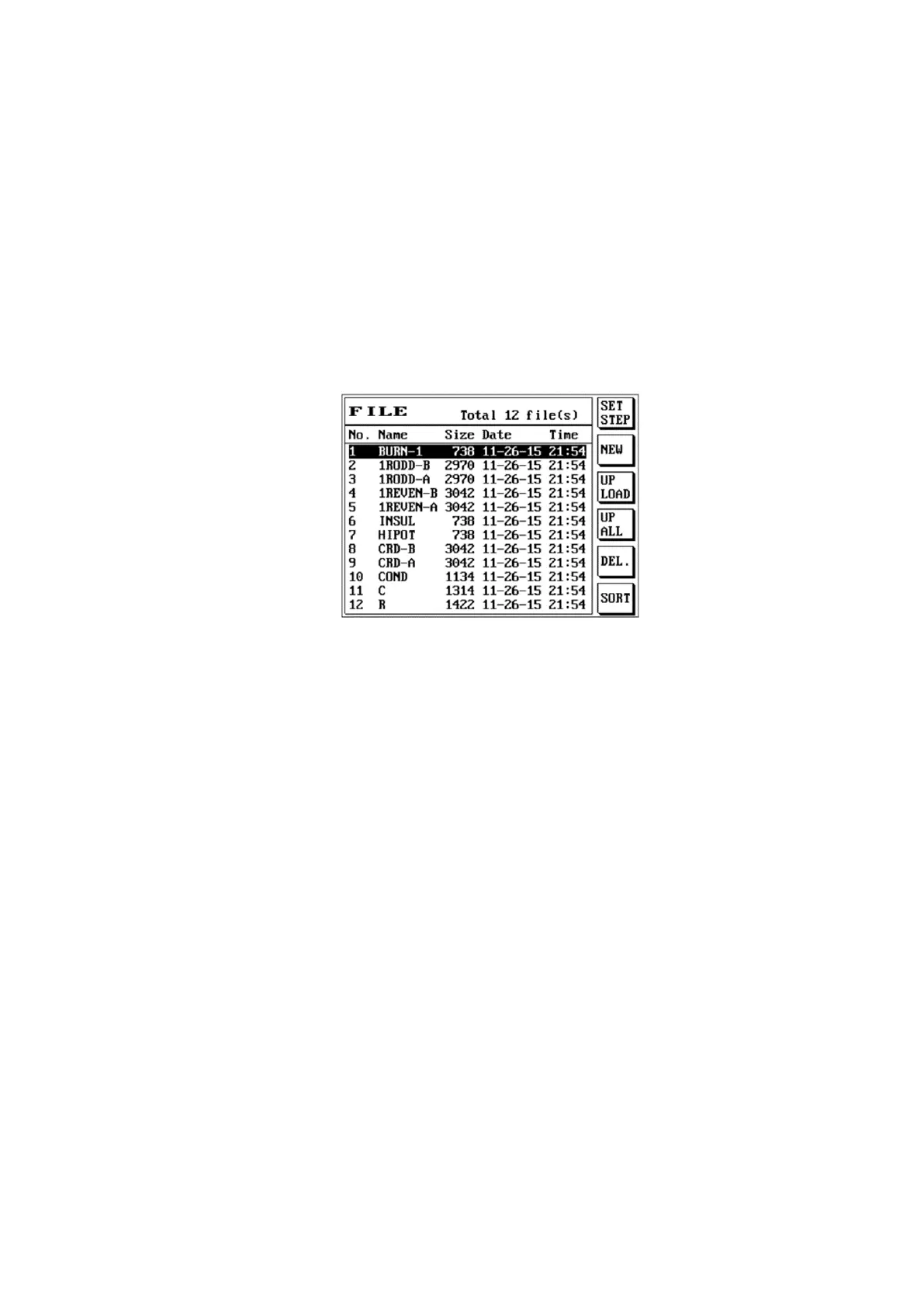
(2) The LCD screen will display as follows.
(3) Please use [↑] or [↓] to move the cursor to select the file name to load.
(4) Press [Enter] to execute the load file action.
(5) The tester will start loading the selected file into the main memory.
(6) At this time the LCD screen will return to the main screen and the name of the file you selected will
be displayed for current file; file loading has been completed at this time.



 To Next Page