33
3.2.4 Changing the System Password
This tester provides key lock protection in order to prevent data from being modified randomly.
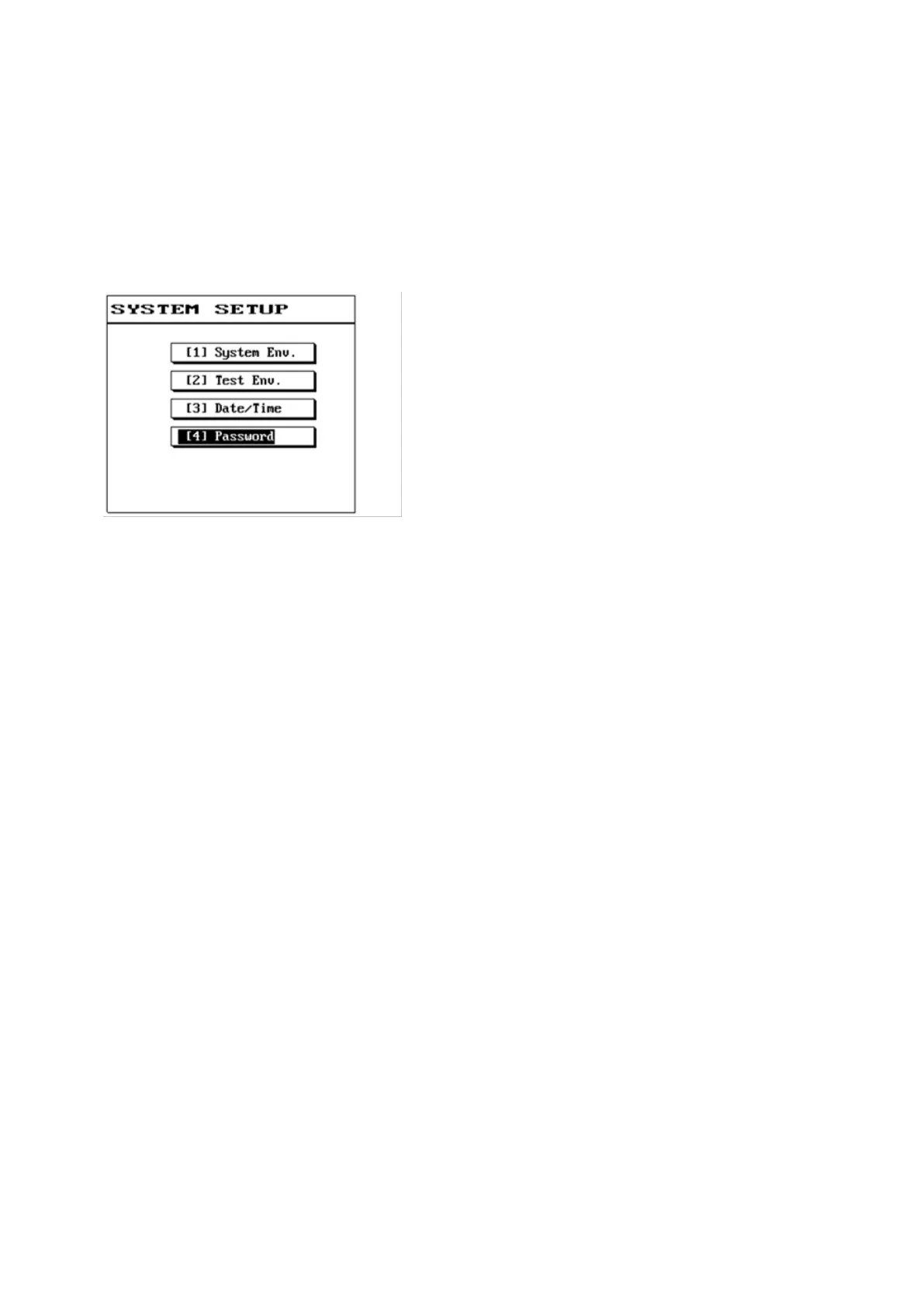
(1) Press [Sys].
(2) Please use [↑] or [↓] to select this item and then press [Enter].
(3) The LCD screen will display as follows.
(4) If you are setting the password for the first time, enter the new password directly. If you have
previously set a password, then you must first enter the original password and press [Enter].
(5) Then enter the new password again and press [Enter]; the screen will display {Successfully set} at
this time.
(6) Once the new password was successfully set, it will automatically return to the function menu.
(7) To change the password, please repeat the setting steps described above.



 To Next Page