68
4.3.5 Upload All
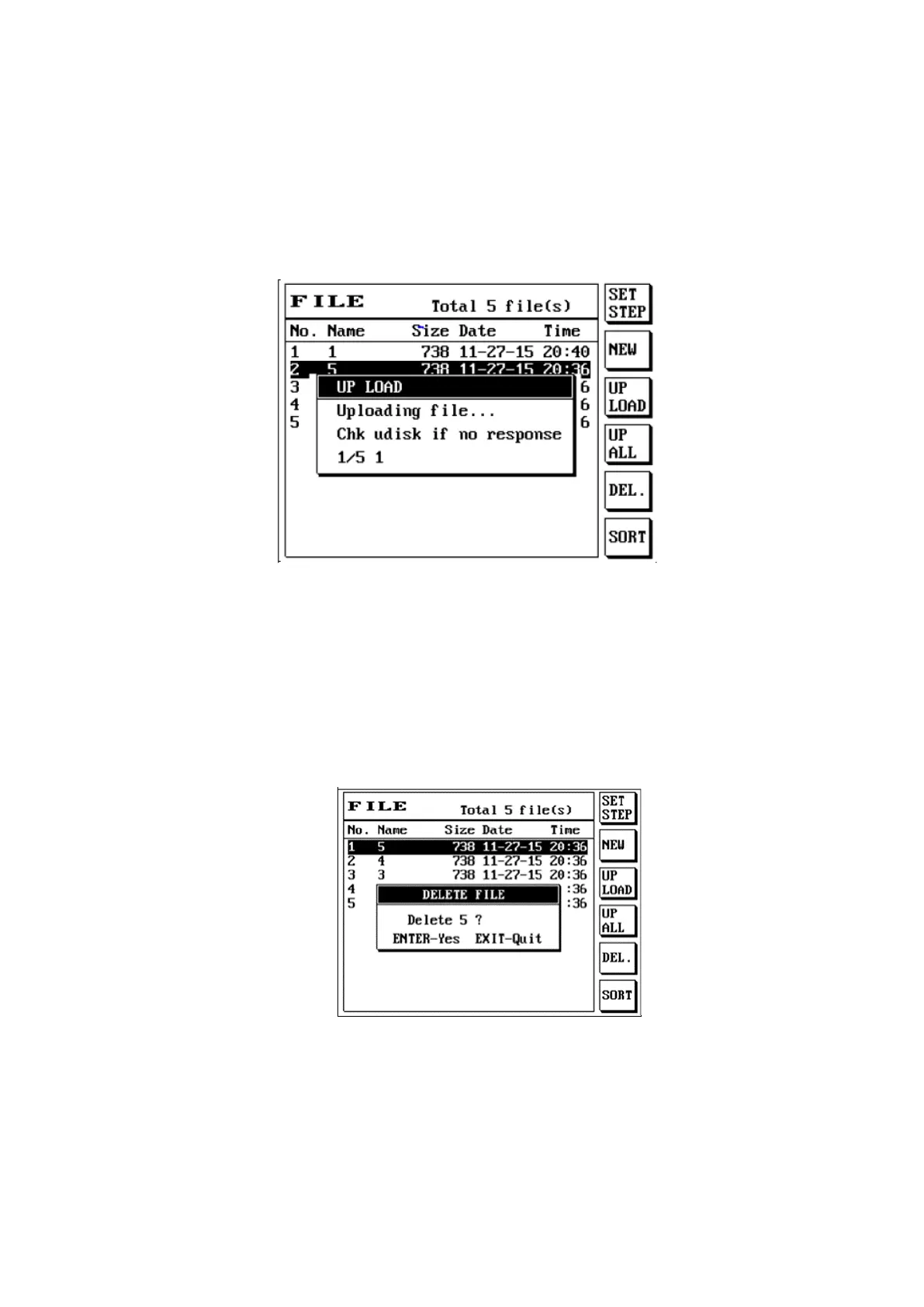
Upload all uploads all the files to the USB flash drive; its instructions are as follows:
(1) Press [File].
(2) Press S4 [UP ALL] to execute the upload all files action.
(3) The LCD screen will display as follows:
4.3.6 Delete File
Delete file permanently deletes files saved on the permanent memory in order to avoid using up precious
permanent memory; its instructions are as follows:
(1) Press [File] and use [↑] or [↓] to move the cursor to select the file name to delete.
(2) Press S5 [DEL.] to execute the delete file action. [SHIFT] + S5 S5 [DEL.] deletes all files.
(3) The LCD screen will display as follows:
(4) Confirm the file name you want to delete and press [Enter] to complete the delete file action.



 To Next Page