16
Chapter 3. Function setting and System setting
The function settings and analysis modes include main system functions [Func], system settings [Setup]
and print function [Print]; descriptions are as follows:
3.1 Function
Provides the main function for the system; its operations and function descriptions are as follows:
(1) Press [Func].
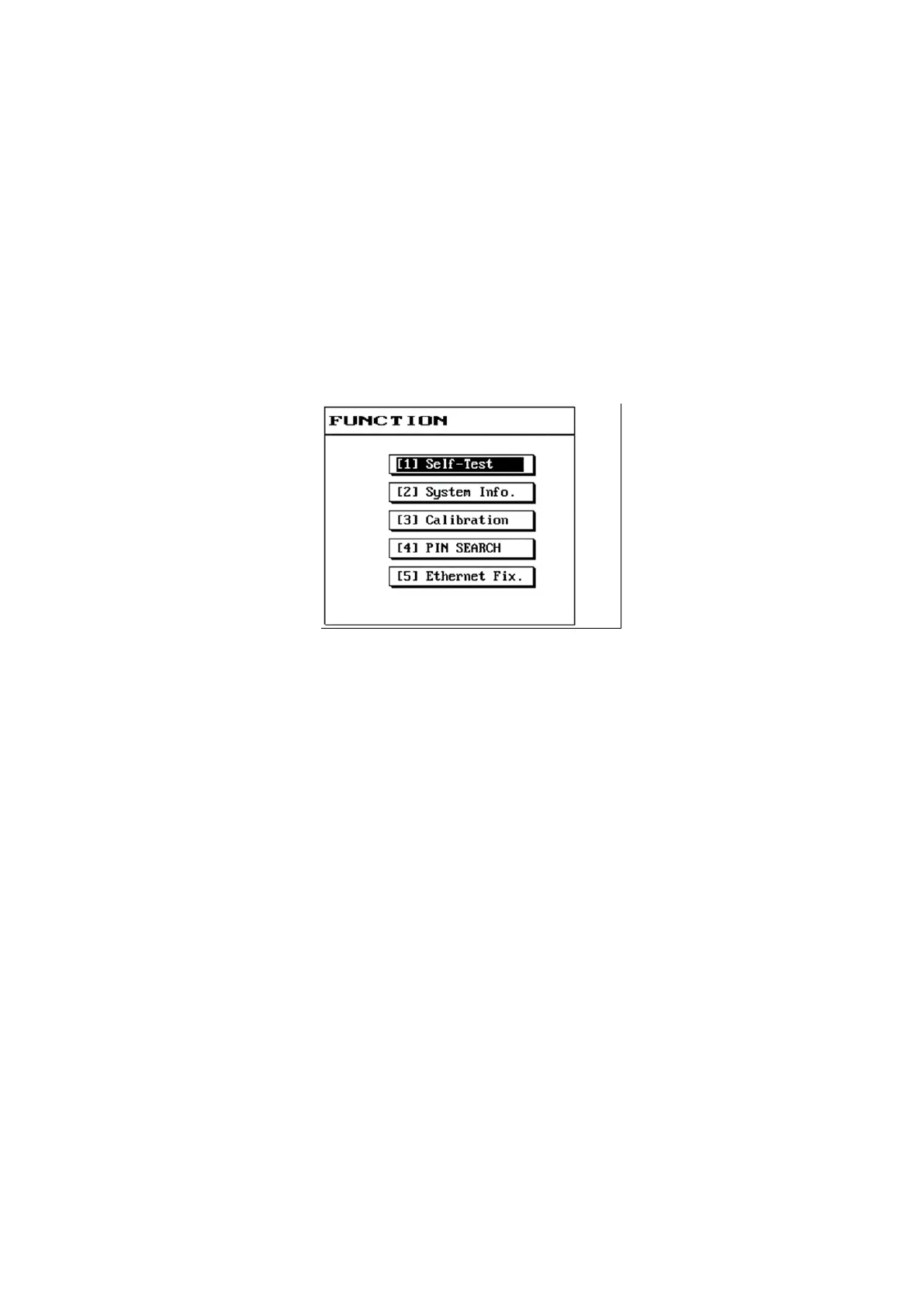
(2) The LCD screen will display as follows:
(3) Please use the [↑] or [↓] buttons to select the item needed.
(4) Press [Enter] to enter the selected item function.
(5) Press [Exit] to return to the previous screen.



 To Next Page