25
(1) Power ON Self-Test
There is a total of two options: The default value is │On│.
On: Perform power on self-test.
Off: Do not perform power on self-test.
(2) Power Line Freq
Set the input power frequency (50Hz/60Hz).
(3) Key Stroke Sound
This tester allows enabling/disabling button sounds according to the needs. The default value is
|ALLKEY|.
ALLKEY: Set it so that there are sounds when the buttons are pressed.
DISABLE: Set it so that there are no sounds when the buttons are pressed.
VALID: When the button is valid, there is sound when the button is pressed
INVALID: When the button is invalid, there is sound when the button is pressed
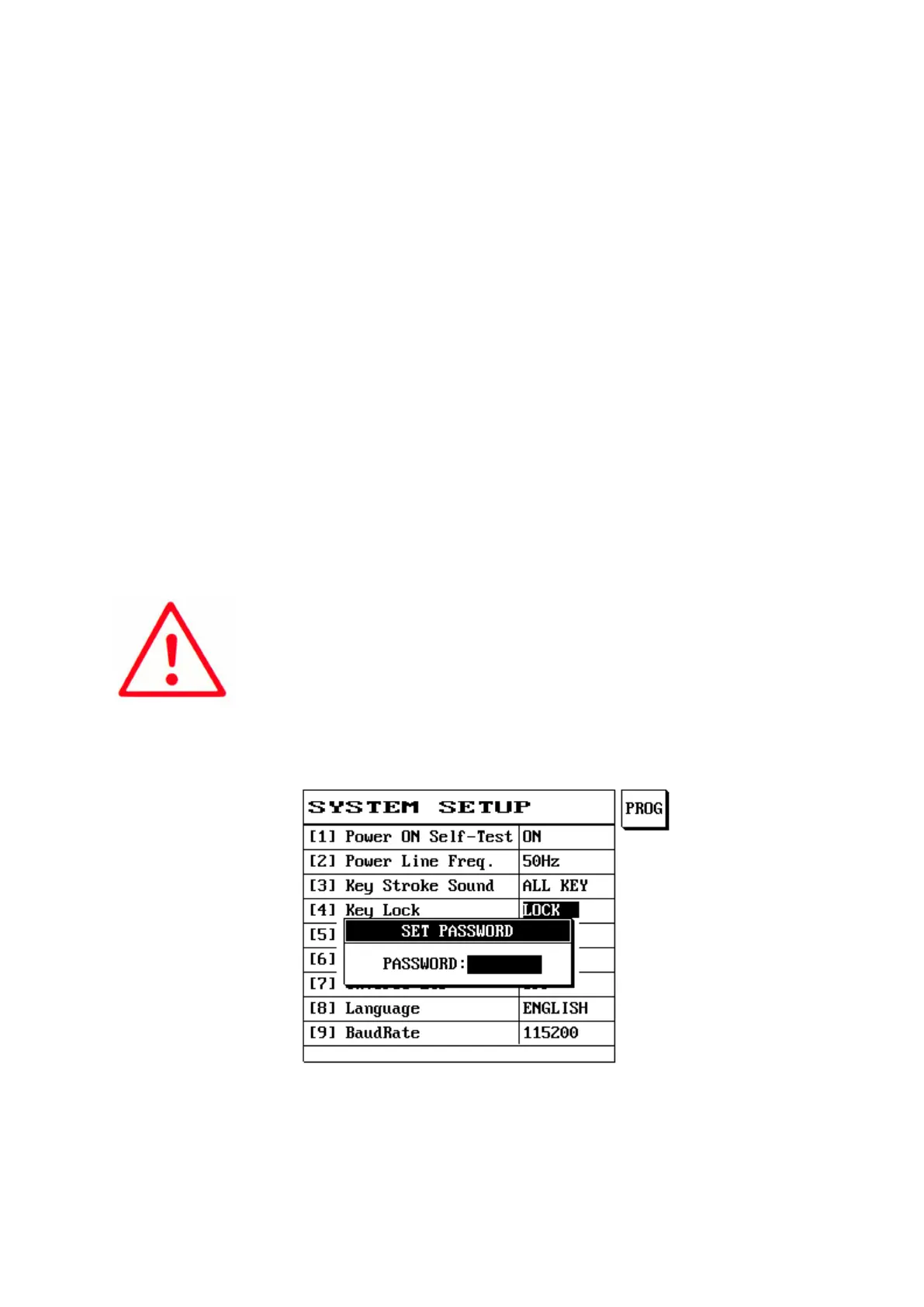
(4) Key Lock
This machine provides key lock protection in order to prevent data from being modified randomly;
please first go to system settings to change the system password and then go to key lock and select |
Lock | before this function can be used.
Note:
1. A password must be entered when the release key lock protection is
selected, so please read the User Manual carefully.
(1) Press [Sys] and use [↑] or [↓] to select this item function.
(2) Press S1 (PROG) or →← [Item selection].
(3) The LCD screen will display as follows.
(5) Sound Volume
Press S1 or →← [Item selection] to adjust the volume size (1~10).
(6) LCD Contrast
Press S1 or →← [Item selection] to adjust the LCD brightness level.



 To Next Page