39
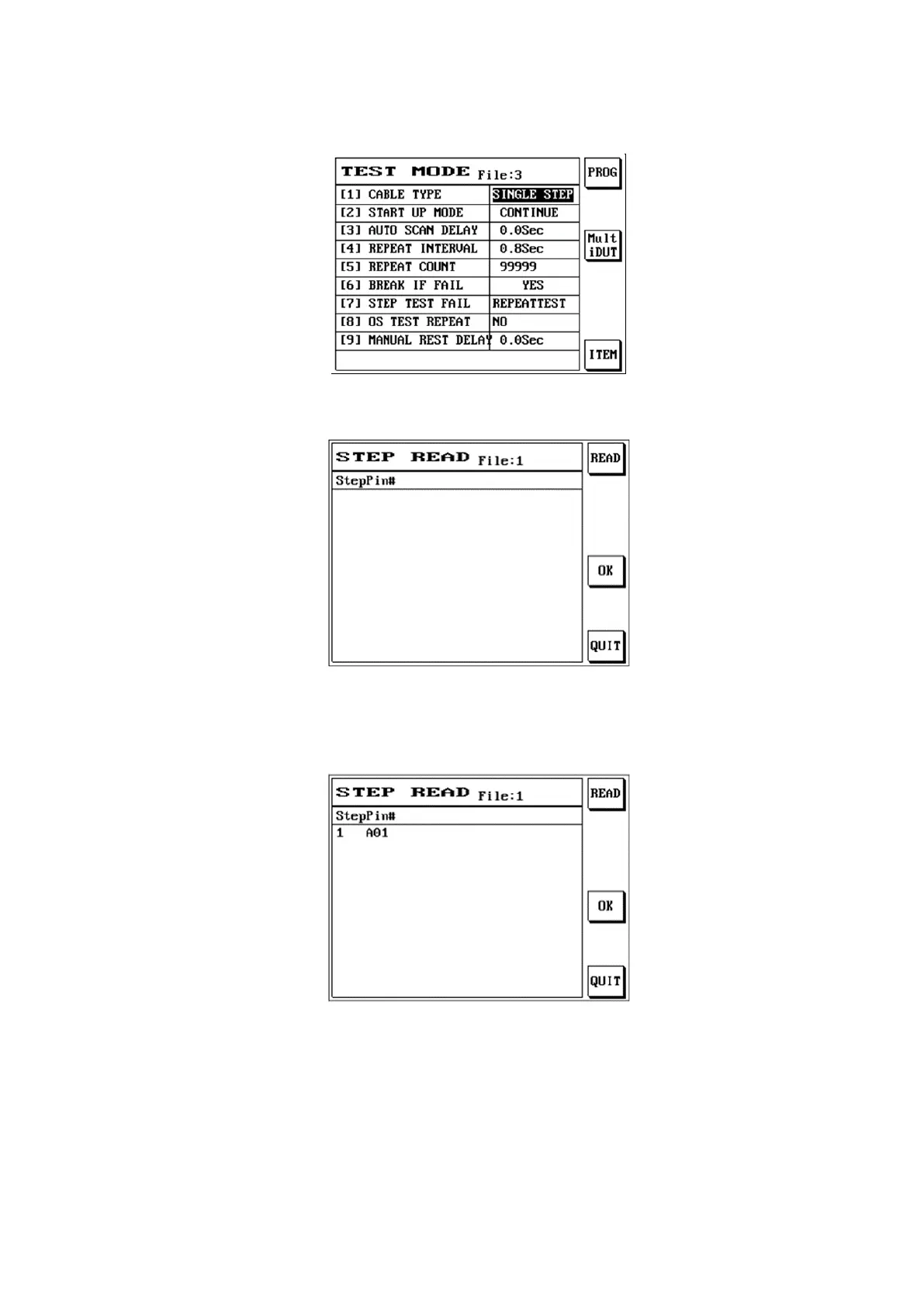
(1) When test mode is being set, set the cable type as {SINGLE STEP}.
Press [Learn]; the LCD screen will display as follows:
Use the automatic pin search probe to specify the short circuit pin to test; example is as follows:
When using the PIN SEARCH probe on the panel, touch the relative position (A01) specified by the
cable and the LCD will display that pin.
Place the probe sequentially on the pins specified by the cables (A03, A05, A07) and also press S1
[READ]; press S4 [OK] when completed.
When performing the cable test, press [TEST] and the LCD screen will display as follows:



 To Next Page