48
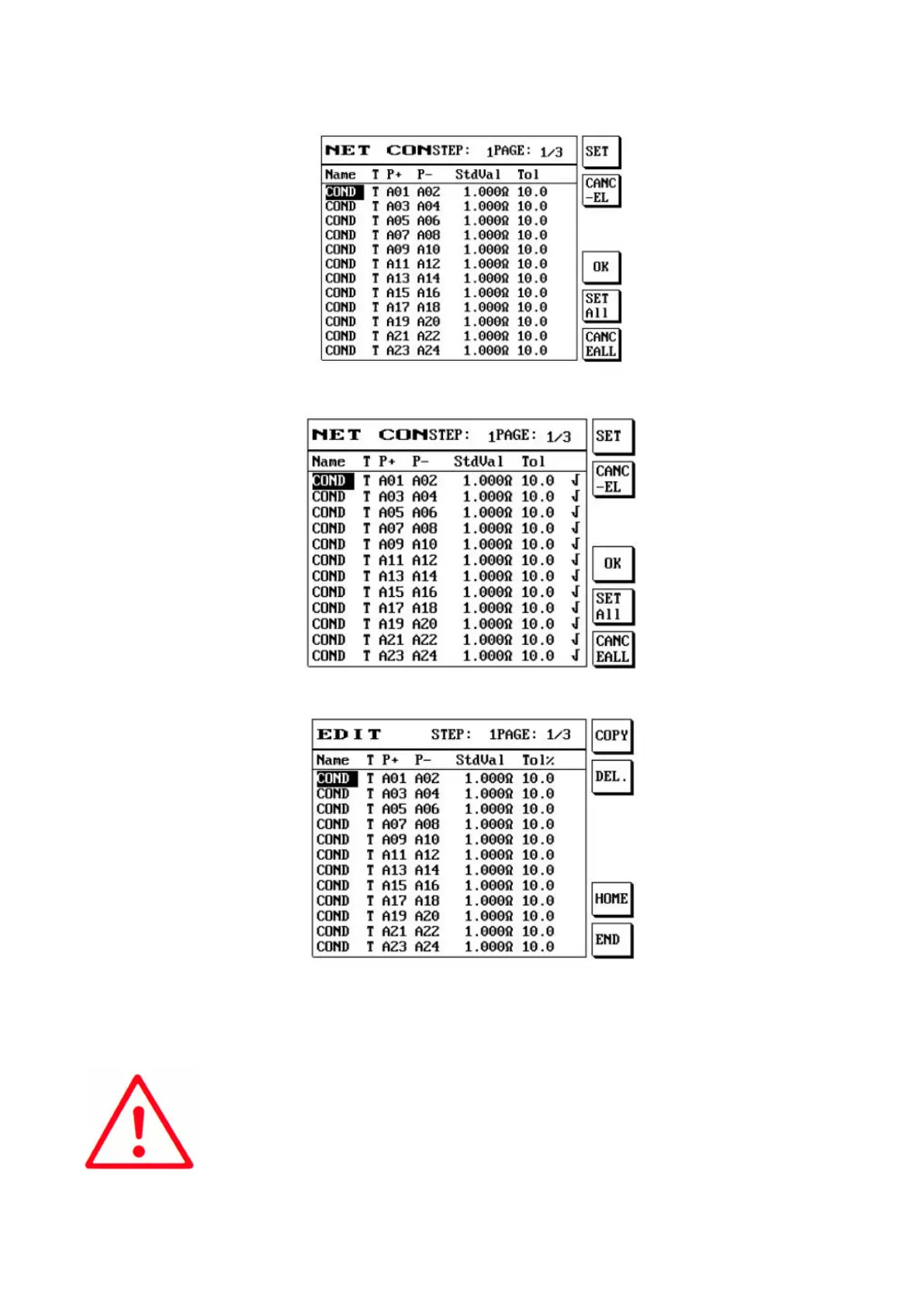
Press S1 [Select] the item needed and then press S4 [Import component]:
Import to component edit:
(7) Cable off: After inserting the offset fixture, press S5 [COMD ZERO] to perform offset, and the
cable offset located at the bottom left will display: Yes.
(8) Clear offset: Press S6 [CLR ZERO] to clear the previous conduction value, and the cable offset
located at the bottom left will display: None.



 To Next Page