65
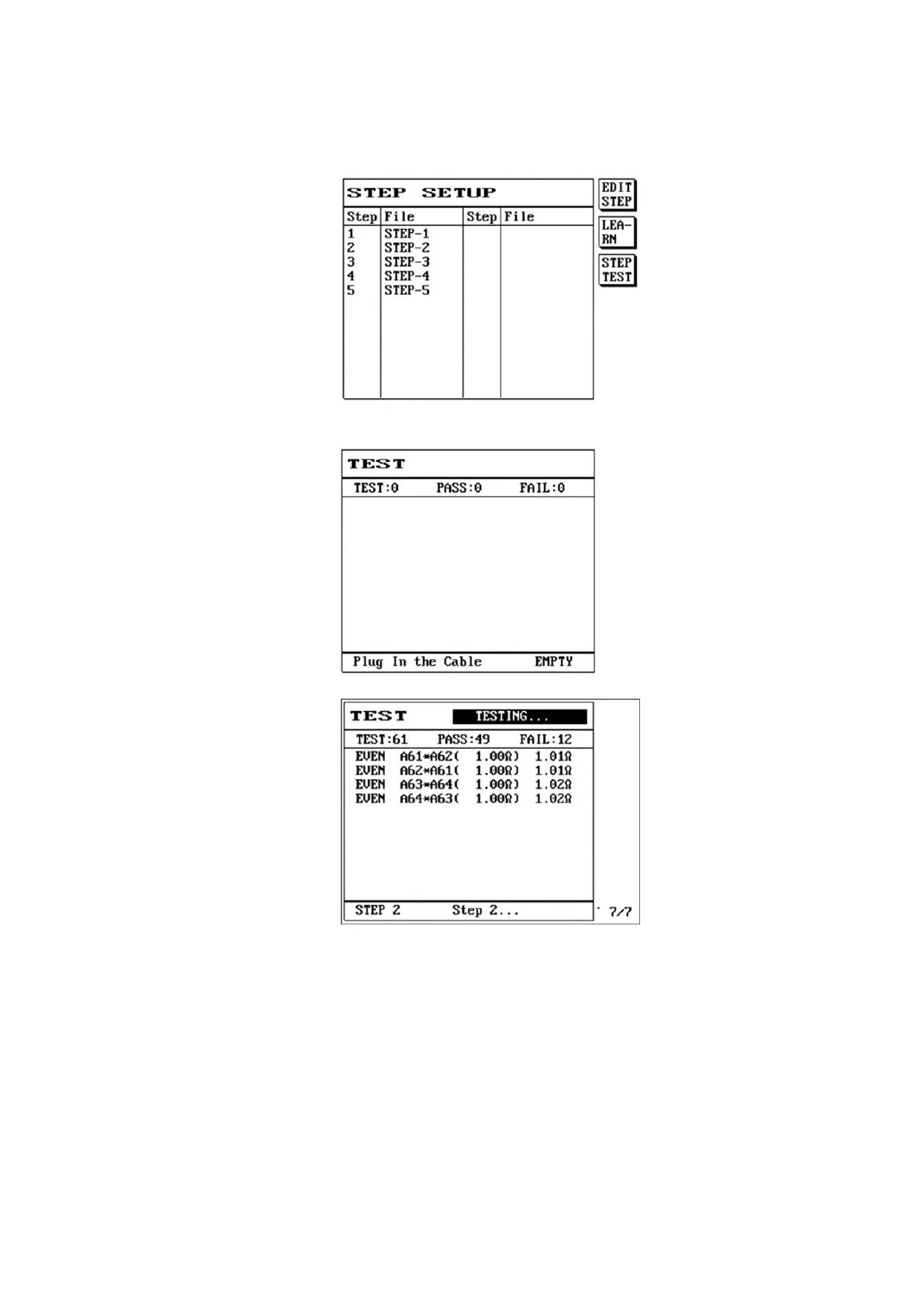
(15) And so on; we can set the 1
st
, 2
nd
...step. Assume we have set a total of five test steps, once setting is
completed, press S3 [OK] and the LCD screen will display as follows:
(16) This also completes the setting for step test.
(17) Press S3 [Step Test] or [TEST] and the LCD screen will display as follows:
(18) Performs the 1st test step; the LCD screen will display as follows:
(19) First step PASS, the LCD screen will display {wait for test step 2}.



 To Next Page