Connecting up the XL8 13
DL431 Mic Splitter
Operator Manual
System interconnection checklist
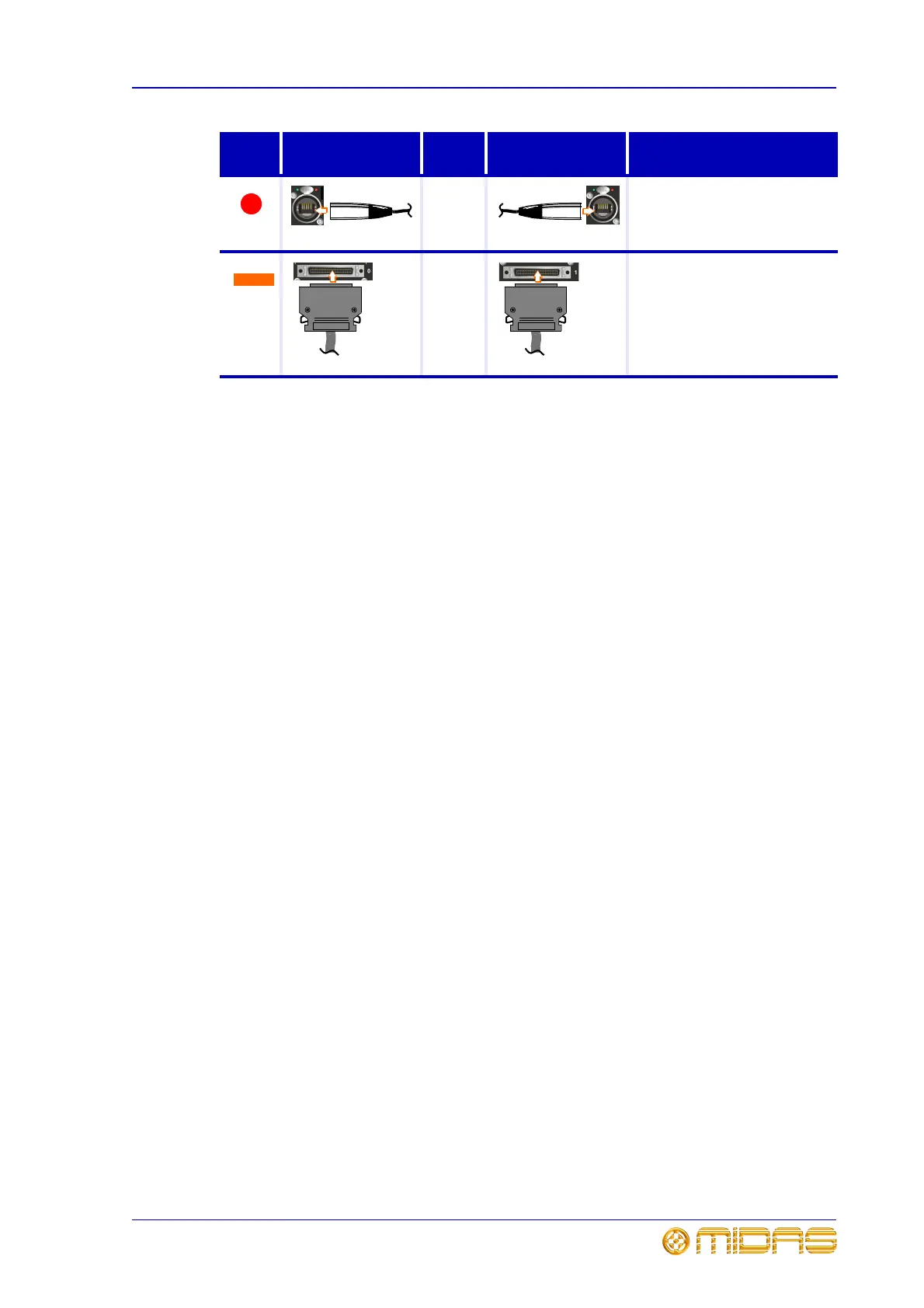
Please make sure that the connections match those numbered in the diagram in
“Connecting up the XL8” on page 10. Further connection details are shown in “Cable
type and function” on page 12.
The following lists the system interconnections required to set up an FOH XL8 Live
Performance System. The list can be used as a check to make sure all connections are
correct either when installing an XL8 system or if it does not work after installation.
Please note that it only deals with the units supplied with the system; for unit-specific
connections to other equipment, such as mics, speakers etc., refer to the unit’s
operator manual.
• Router/Router: This is an important connection, as system snake
redundancy will be compromised without it.
• XL8/Routers: Connect the ‘snakes’. Use an optical or Cat6e cable to connect the X
snake socket on the rear of the XL8 Control Centre to the appropriate snake socket
on the X Router. Repeat for the Y Router using the Y socket on the XL8 Control
Centre.
• XL8/I/O units (FOH rack): Connect the AES50 audio X sockets on the rear of
the XL8 Control Centre to the AES50 audio X socket on each of the three
I/O units in the FOH rack. Do the same for the Y sockets.
• XL8/RapidE unit: Connect the external 2 X or Y socket in the Ethernet tunnel
section on the rear of the XL8 Control Centre to one of the eight “ETHERNET”
(Ethercon XLR) sockets on the rear of the RapidE unit. Use the socket (X or Y) of the
currently active network.
• Routers/Stage rack 1 units (2 x Mic Splitters and I/O unit): In the AES50
audio - bank 1 on the X router, connect sockets 1 and 2 to the AES50 audio - A X
socket on the Mic Splitters and socket 5 to the AES50 audio X socket on the I/O
unit. Repeat for Y router, using each unit’s equivalent Y socket.
• Routers/Stage rack 3 units (2 x Mic Splitters and I/O unit): In the AES50
audio - bank 1 on the X router, connect sockets 3 and 4 to the AES50 audio - A X
socket on the Mic Splitters and socket 6 to the AES50 audio X socket on the I/O
unit. Repeat for Y router, using each unit’s equivalent Y socket.
• Routers/DSP units (Stage rack 2):
•In the AES50 audio - bank 0 on the X router, connect the 10 sockets to the
AES50 audio X socket on DSP units. Repeat for Y router, using the equivalent Y
sockets on the DSPs.
•In the Ethernet control bank on the X router, connect the 10 sockets to the
Ethernet control X socket on DSP units. Repeat for Y router, using the
equivalent Y sockets on the DSPs.
• DSP/DSP: Connect all of the DSP units together.
Router
Cat5
Mic splitter
AES50 audio - bank 0 > X.
Carries a bi-directional
combination of 24 channels of
96KHz audio plus 5Mbs of control
data.
DSP
3M
cable
DSP
link 0 > link 1.
Carries a proprietary data format
for connecting the DSP units
together to form the DSP loop.
Key Socket and
Connector
Cable
Type
Socket and
Connector
Description
1
Ethercon XLR Ethercon XLR
1
50-way
connector
50-way
connector



 To Next Page