50 Chapter 7: Operation
DL431 Mic Splitter
Operator Manual
Adjusting a channel
This section is laid out in order of operation. To adjust a channel: select mic amp A
or B; select a channel; switch 48V phantom voltage on/off; switch 30Hz filter on/off;
and adjust the gain.
To select a mic amp
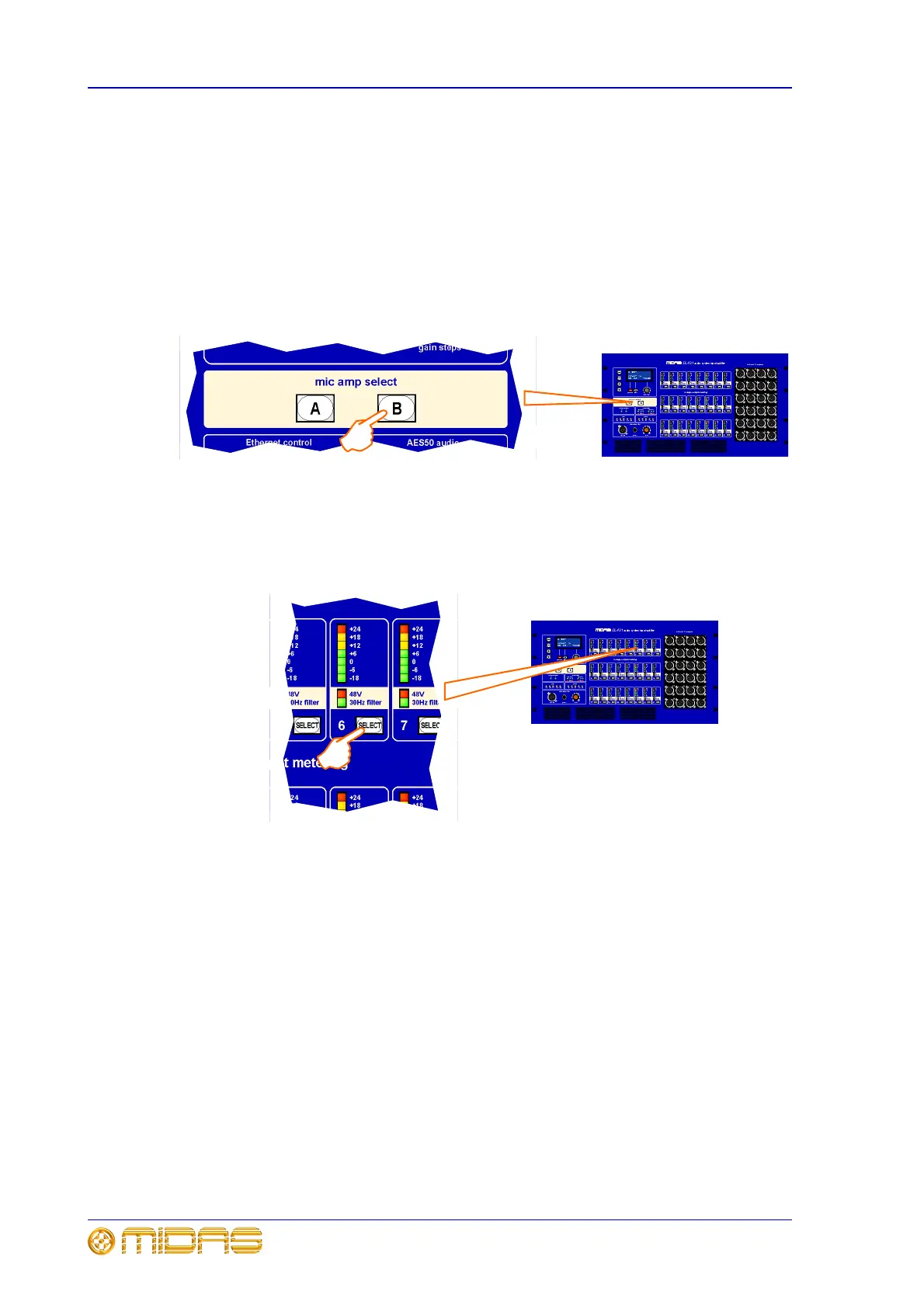
To select a mic amp, simply press the A or B button, as required, in the mic amp
select panel, for example, mic amp B in the illustration below. Button will illuminate to
indicate selection.
To select a channel
To select a channel, simply press the SELECT button (in the analogue output
metering section) of the channel you want, for example, channel 6 in the illustration
below. Button will illuminate to indicate selection.



 To Next Page