Adjusting a channel 51
DL431 Mic Splitter
Operator Manual
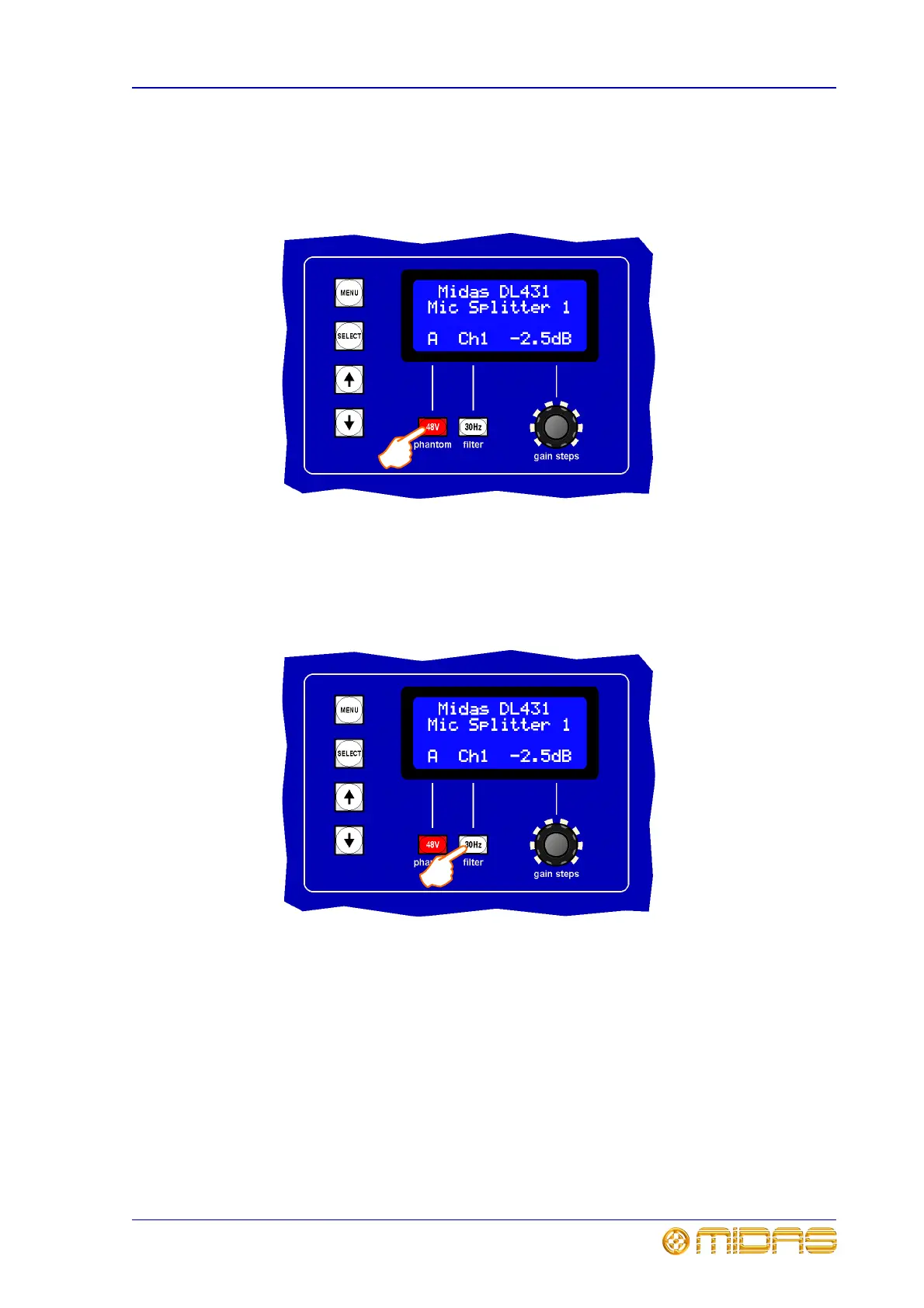
To switch on the 48V phantom voltage
Make sure the correct channel is selected, then switch the 48V phantom voltage on/off
by pressing the 48V switch on the control panel. The 48V LED in the channel’s panel
will illuminate when it is on; see “analogue output metering section” on page 31.
To switch on the 30Hz filter
Make sure the correct channel is selected, then switch the 30Hz filter on/off by pressing
the 30Hz filter switch on the control panel. The 30Hz LED in the channel’s panel will
illuminate when it is on; see “analogue output metering section” on page 31.



 To Next Page