Ethernet control panel 29
DL431 Mic Splitter
Operator Manual
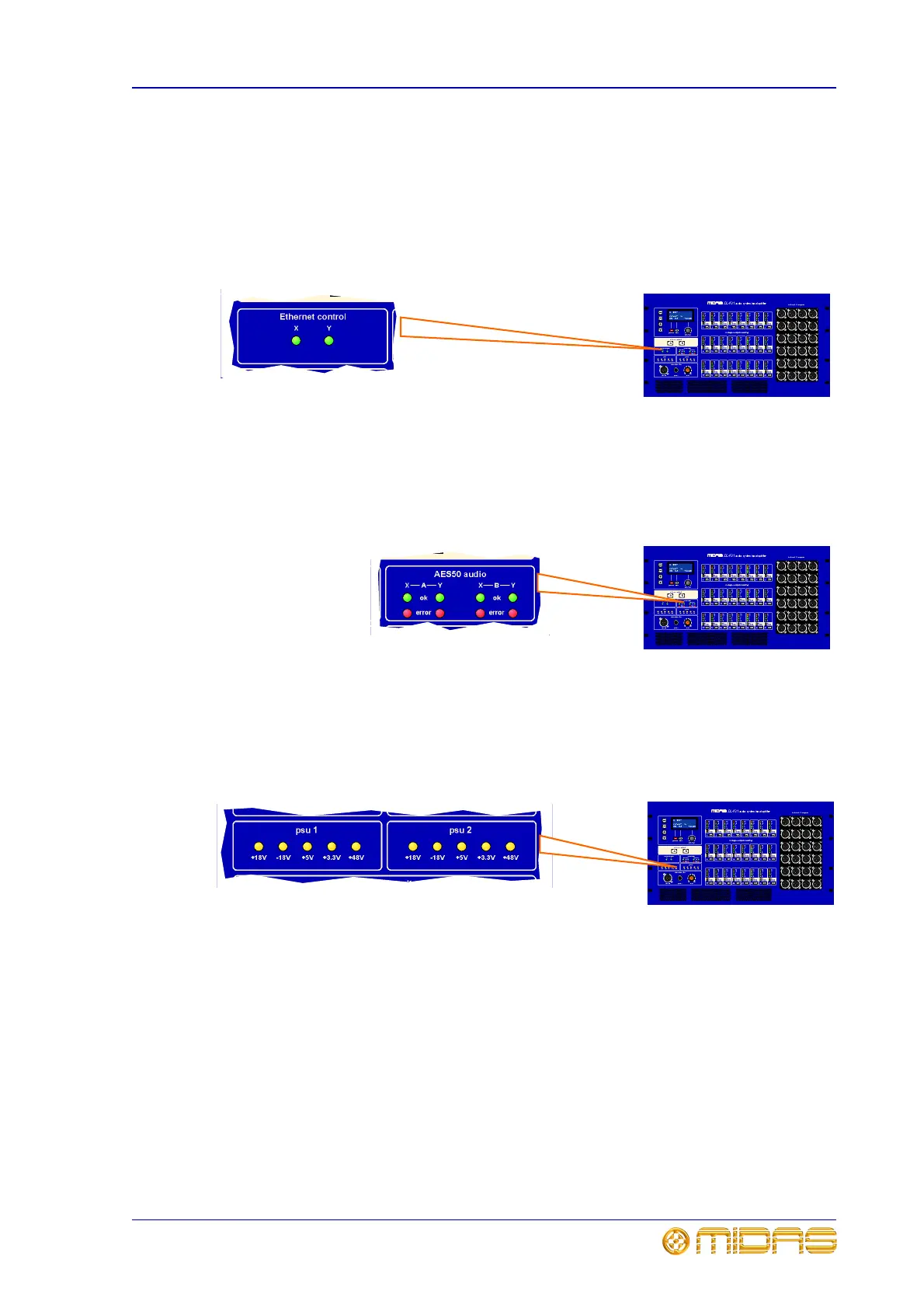
Ethernet control panel
The Ethernet control panel has two green LEDs, X and Y, both of which indicate
network communication status, where:
• Flashing - active master.
• On - connected.
• Off - not connected.
AES50 audio panel
In the AES50 panel, each X and Y channel - on both the A and B mic amp sections - has
a green ok LED and red error LED, which illuminate when communications to these
channels is ok or that there is an error, respectively.
psu 1 and psu 2 panels
These panels monitor the DL431 Mic Splitter’s internal supply voltages for each
network. The yellow LEDs illuminate to show that their respective voltage rails are
active. The voltages are +18V, -18V, +5V, +3.3V and +48V.



 To Next Page