VetPro DC Installation/Service Manual, 00-02-1606, Revision R01
134
Appendix B – Replacing the Power Cord
Tools Required
Phillips screwdriver, 3 mm hex key, needle nose pliers
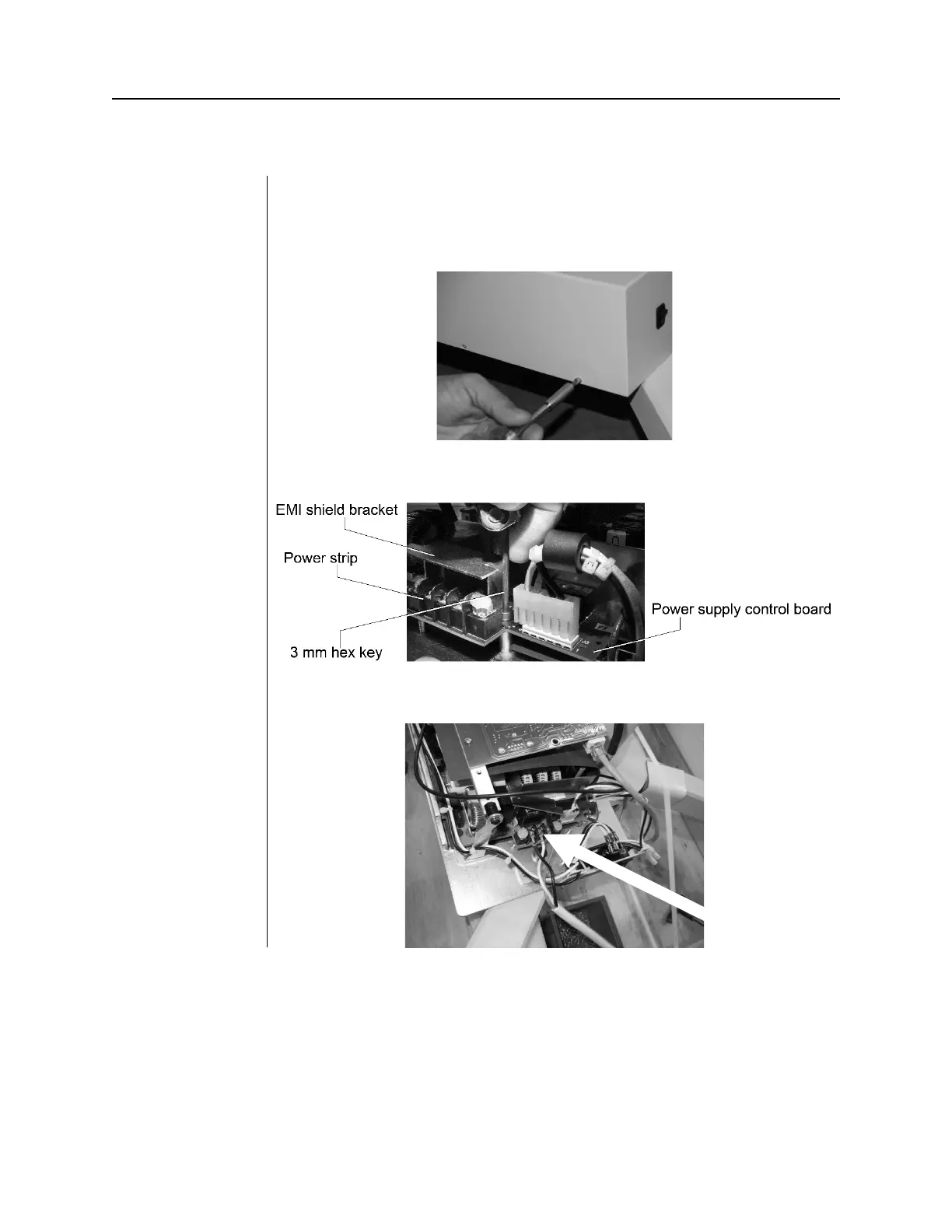
1. Remove the six screws that secure the control unit cover.
2. Remove the terminal block cover.
3. Loosen the three screws that secure the power cord (Part# E1-13028).



 To Next Page