VetPro DC Installation/Service Manual, 00-02-1606, Revision R01
23
The Operator Panel for the VetPro DC Animal Health Dental X-ray System can
be installed on the Control Unit or mounted remotely on a wall.
The Operator Panel snaps on to the front of the Control Unit. Installation of
the Operator Panel on the Control Unit may require the purchase and use of
the coil-cord hand switch option, 30-A2040.
Panel
The Operator Panel is mounted on the wall remote from the Control Unit.
If the Operator Panel is mounted separate from the Control Unit, a supplied
cable must be run from the Control Panel to the Operator Panel. Where local
codes require, a separate 2×4 junction box should be mounted to the left of
the mounting stud above the power supply box. Refer to the supplied
mounting template for specific location.
Above a
Countertop
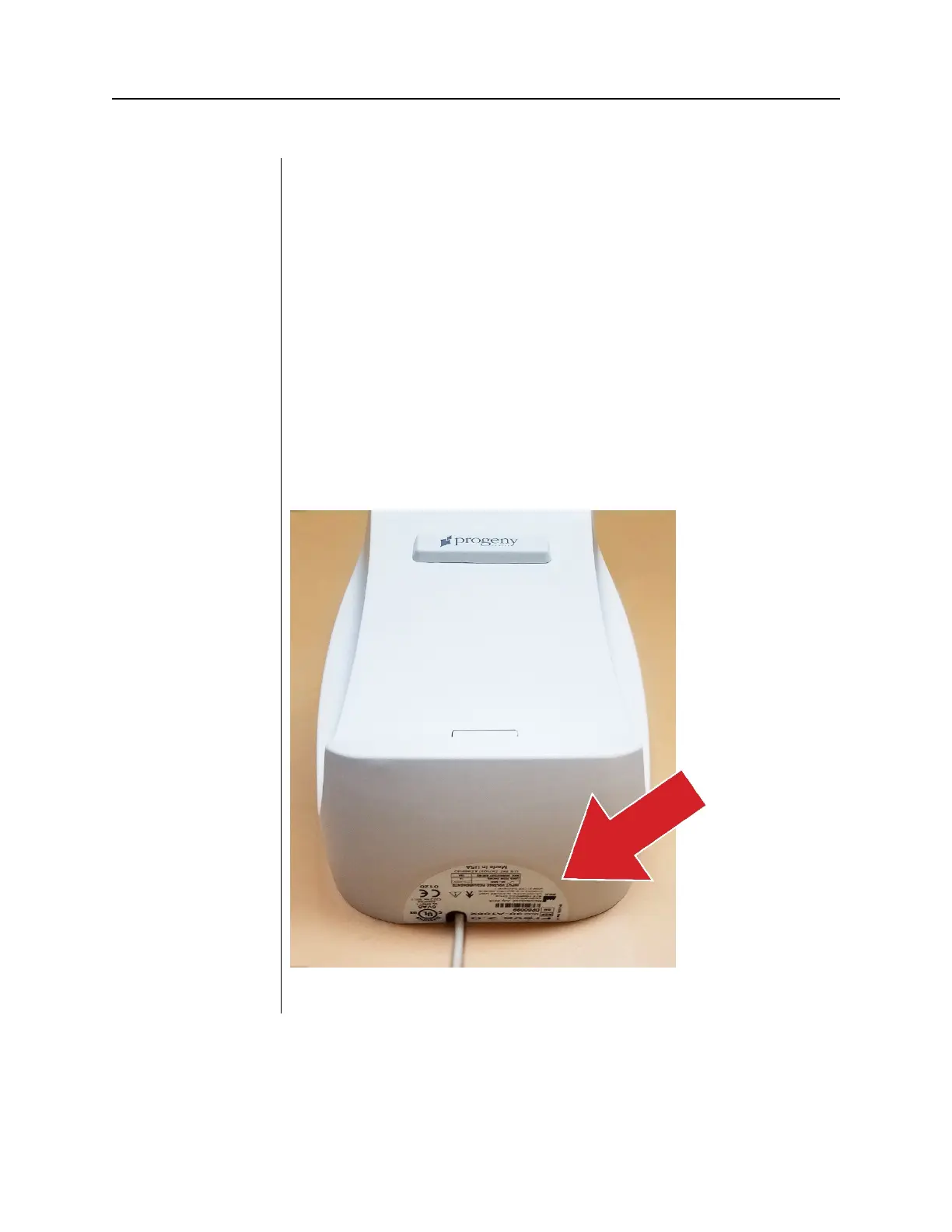
When mounting the control unit above a horizontal surface such as a
countertop, allow sufficient distance between it and the bottom of the control
unit to allow the product label to be read.



 To Next Page