VetPro DC Installation/Service Manual, 00-02-1606, Revision R01
50
Adjustment
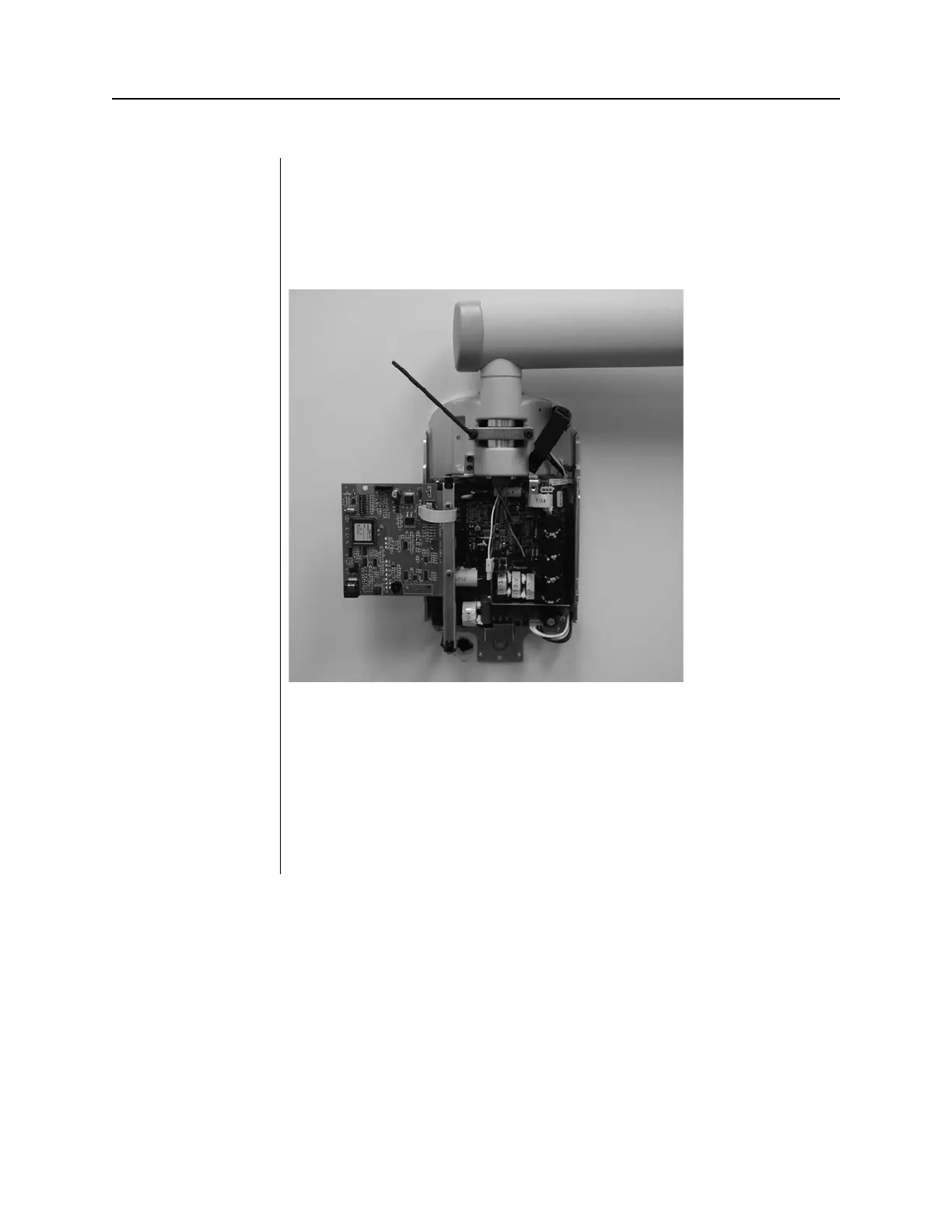
1. Locate the brake assembly at the top of the Control Unit. The brake
assembly has a screw on either side of a clamping bar over the Horizontal
Arm pivot post.
2. Using a 4 mm hex key, as shown in Figure 38, tighten the screws equally
to apply adequate braking to the pivot post so that Horizontal Arm begins
to move after the Articulating Arm.
Figure 39
Tightening the
Brake
Adjustments
The balance and friction of the Articulating Arm are preset at the factory.
During the installation process, check the balance and friction. When moving
the Tubehead, the Articulating Arm should be steady in all positions and
move before the Horizontal Arm. If adjustments are necessary, follow the
adjustment procedures in the Troubleshooting section on page 76.
Do not use mechanical adjustments to compensate for a system that is not
properly leveled on the wall.



 To Next Page