VetPro DC Installation/Service Manual, 00-02-1606, Revision R01
55
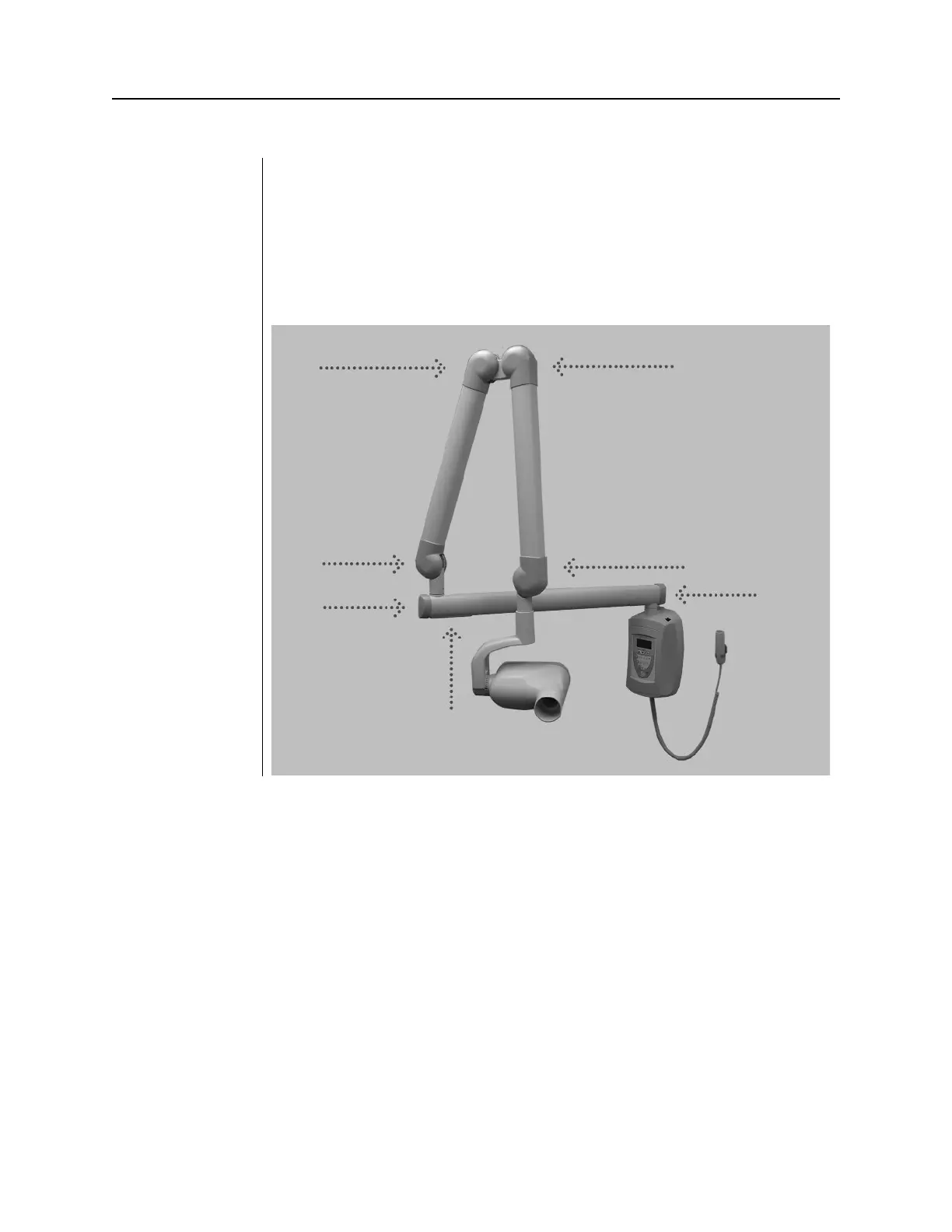
Installing Plastic Covers
The end cap for the Horizontal Arm is shipped in the packet of plastic parts and
is put on as part of the installation procedures. End caps for the Articulating Arm
are shipped installed but are removable to perform mechanical adjustments. The
cable access cover is placed over the cable connection underneath the
Horizontal Arm. Cover locations are shown in
Figure 42.
1. Place the plastic cover from the packet on the end of the Horizontal Arm.
2. Install the cable access cover over the Horizontal Arm opening using two
Phillips flat-head screws.
Figure 43
Cover Locations



 To Next Page