VetPro DC Installation/Service Manual, 00-02-1606, Revision R01
47
Calibration of the VetPro DC Animal Health Dental X-ray System is preset at the
factory and is not required during initial installation. Service replacement of the
Power Supply Control Board 30-08160 or the Tubehead may require calibration.
See the Calibration section of this manual.
Input Voltage
and Turning
On the
System
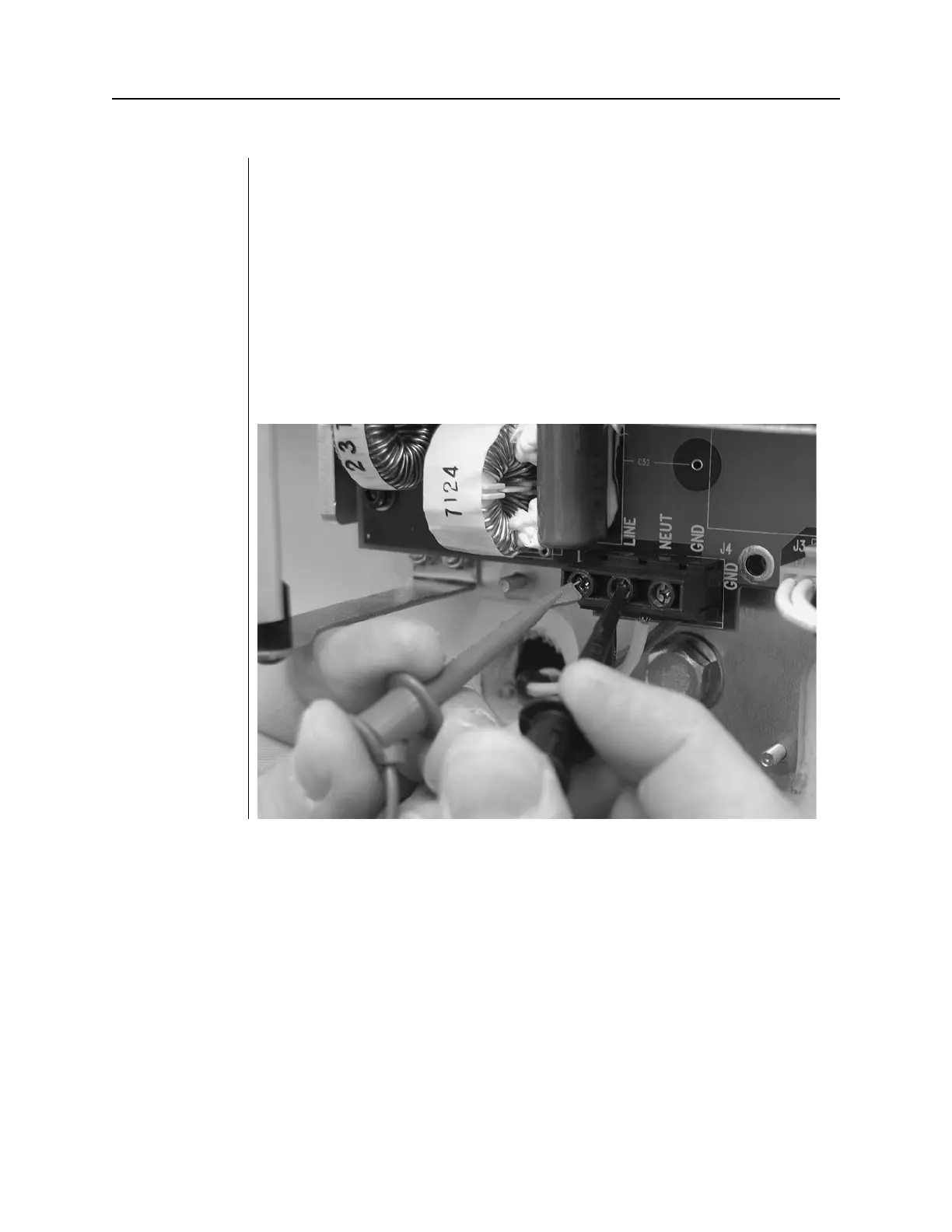
1. Before turning on the system, verify the input voltage by measuring the voltage
at LINE and NEUT, as shown in Figure 34. The reading should be within the
range of 100–250V.
2. Replace the power line terminal strip cover.
3. Turn on the VetPro DC Animal Health Dental X-ray System using the power
switch, as shown in Figure 35. On the Operator Panel, Figure 36, you will see
the product display screen showing the software version. Then the Operator
Panel will display the default technique factors.
Figure 35
Verifying Input
Voltage at the
Line Input



 To Next Page