VetPro DC Installation/Service Manual, 00-02-1606, Revision R01
73
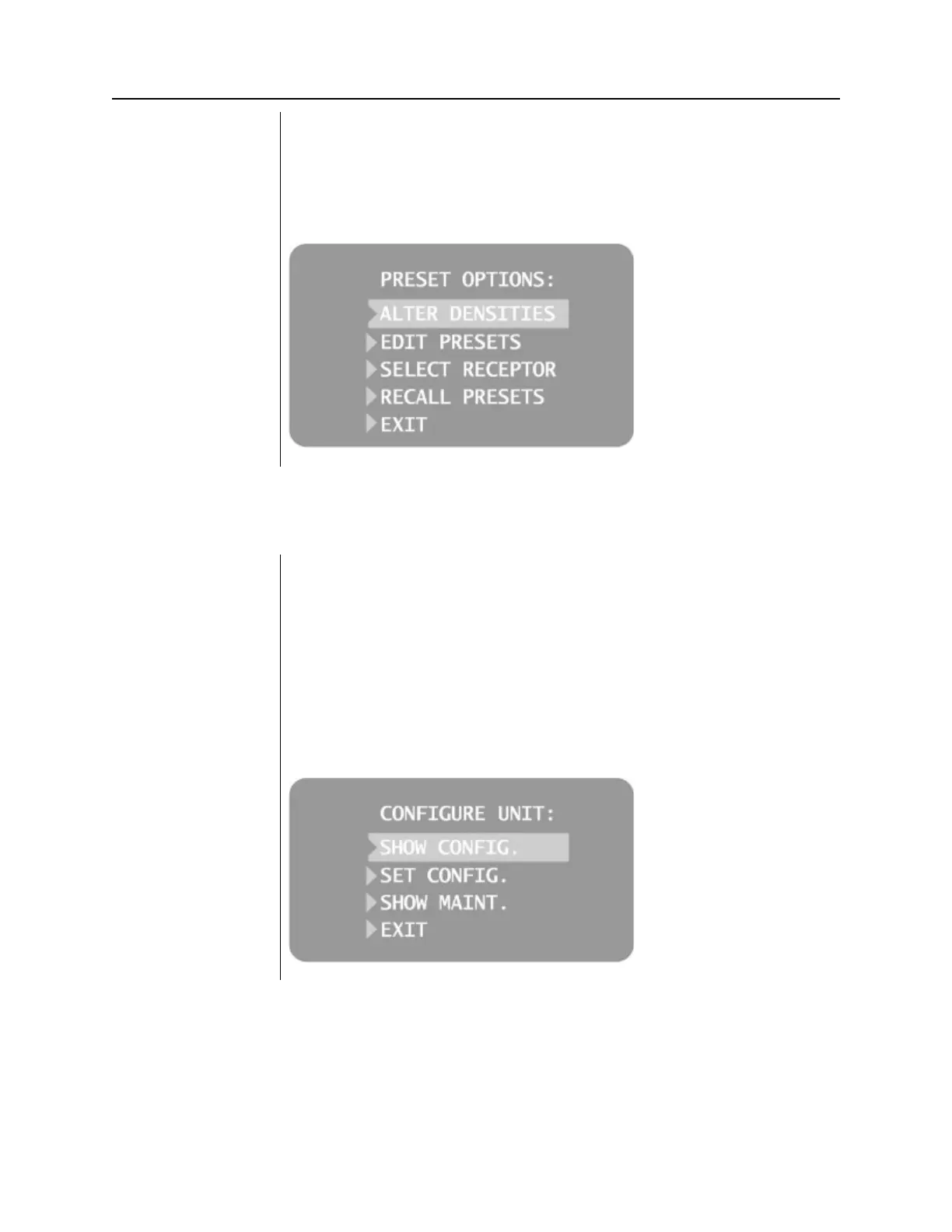
1. To return all presets to factory defaults, select RECALL PRESETS from
the Preset Options menu. The menu will ask you to confirm your choice.
2. Select YES using the up arrow button and return all presets to factory
default settings. Selecting YES will erase any custom presets that have
been set up.
3. Select NO using the down arrow button and retain current presets.
Figure 56
Preset Options
Menu
Showing Current System Configuration
The VetPro DC Animal Health Dental X-ray System displays the current
system configuration. This display is informational only.
1. From the Main System Configuration menu, Figure , select CONFIGURE
UNIT. You will see the Configuration menu shown in Figure
55.
2. Select SHOW CONFIG. The display will show:
• Current software version
• Cone size
• Diagnostic mode on or off
3. Press any button on the Operator Panel to return to the Configuration
Figure 57
Configuration Menu



 To Next Page