Novotronic Models
Technical Information
92
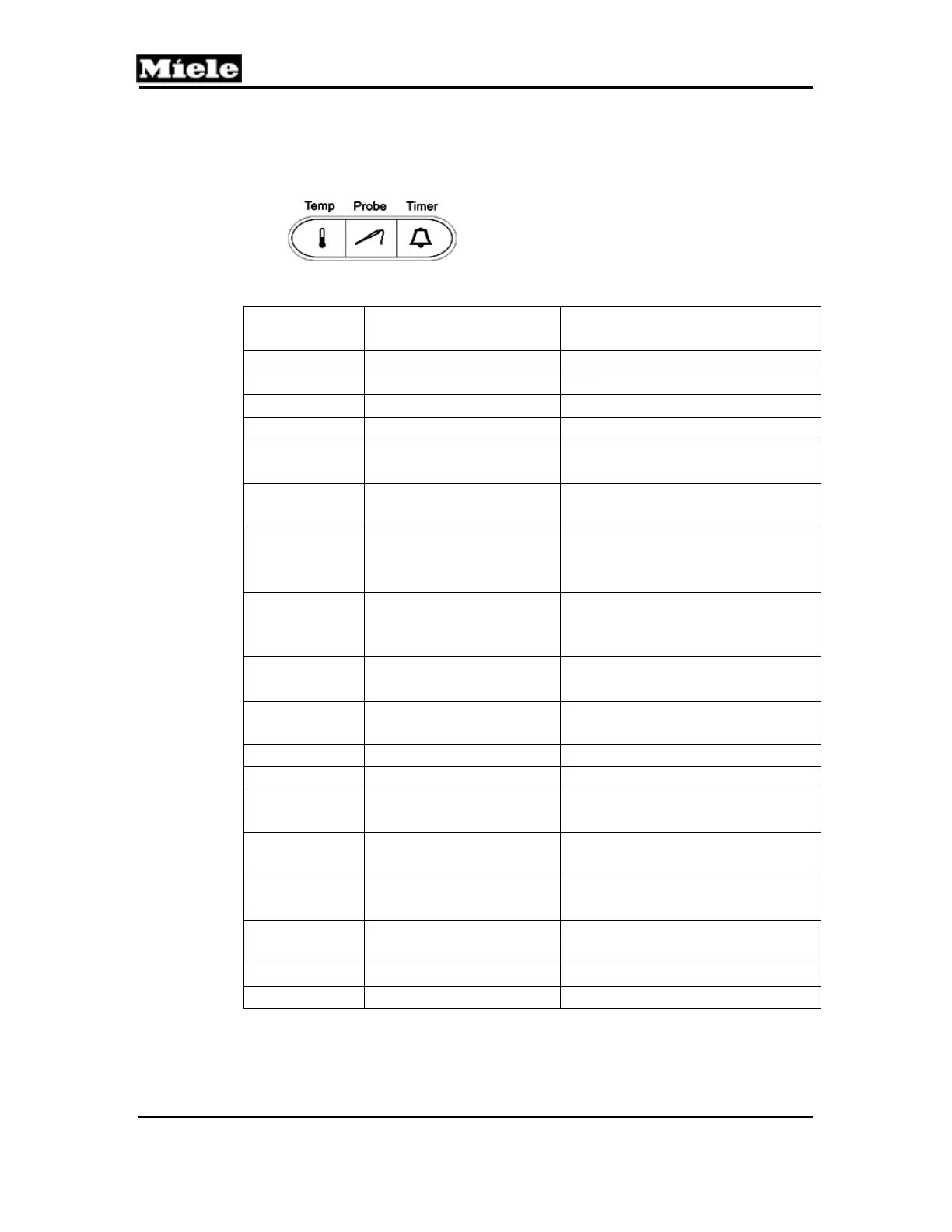
On the H373/H387 press the “Timer” button to toggle between
the available options
Option Activated or not
Activated
Result
01:0
Not activated Locking function off
01:1
Activated Locking function on
02:0
Not activated Vacant
02:1
Activated Vacant
03:0
Not activated Oven light activated when
operating mode is selected
03:1
Activated Oven light activated when
door is opened
04:0
Not activated Temperature in Celsius,
timer display with 24-hour
clock
04:1
Activated Temperature in Fahrenheit,
timer display with 24-hour
clock
05:0
Not activated Oven light switched off after
15 seconds
05:1
Activated Oven light always on during
operation
06:0
Not activated Rapid heat on
06:1
Activated Rapid heat off
07:0
Not activated Clock display shows current
time
07:1
Activated Clock display advanced by
one hour
08:0
Not activated Clock display shows current
time
08:1
Activated Clock display turned back by
one hour
09:0
Not activated Buzzer on
09:1
Activated Buzzer off
Table 6-6: Programming Mode Positions



 To Next Page