Novotronic Models
Technical Information
91
6.4 Programming Mode
6.4.1 Programming Mode Summary
Initial Requirements
Turn the selector switch to “O”
Accessing
1. Open the door fully
2. Turn the selector switch to “Light”
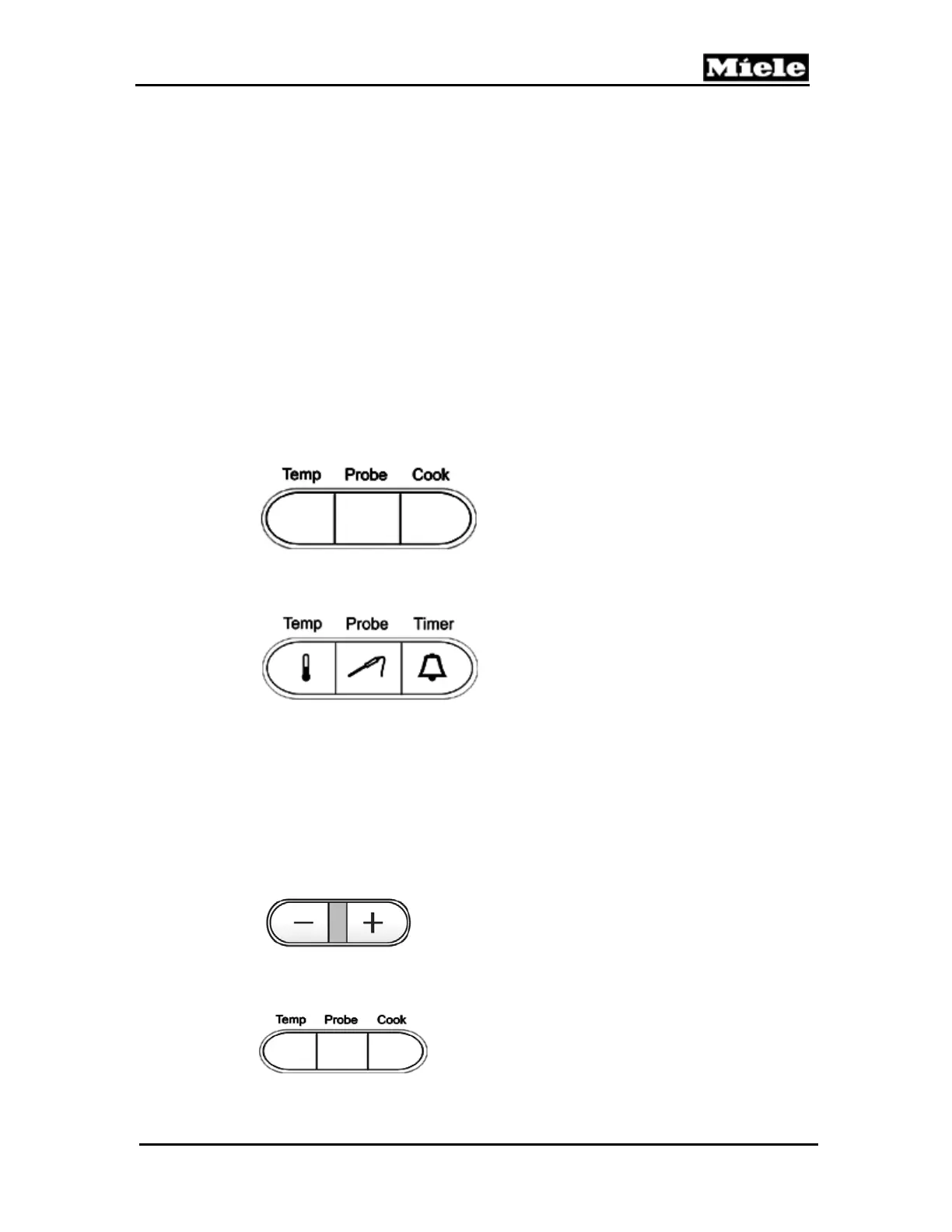
3. Press the “Temp” button
H 350
H373/H387
Acknowledgement Indicator
The indicator shows 01:00 or the most recently modified programmable
function
Options
Press the “-“ or “+” buttons as appropriate to advance to the desired
programmable function. Refer to table 6-1 for options
.
On the H350 press the “Cook” button to toggle between the
available options
Continued on next page.



 To Next Page