TS571W Installation Instructions
36
CLOSED LIMIT PROGRAMMING - PULL TO OPEN
NOTE:
If you hear three short beeps in succession, that means that the programming mode has timed out and you will
need to enter the programming mode again. You do not have to start the positioning all over. If the closed position is already
correct but you have timed out, press and hold and
until the buzzer sounds, then release. Then, immediately press
and hold
until the buzzer sounds and then release.
Closed Limit Programming
For Pull-to-Open Applications
Step 1: Enter the primary arm limit programming mode.
With the power on for your control box, press and hold both the and the buttons at the same time until LED 1 turns on and
the buzzer sounds, and then release them.
Step 2: Program the primary arm closed limit.
1. Next, press and hold and you will hear a long beep and the arm will begin to extend, closing the gate. Continue holding the
button down until the gate reaches the desired closed position, and then release.
2. If you overshoot the desired closed position, you can use to reverse the gate.
3. Adjust as needed until you are totally satised with the closed position. Then, press and hold
until the buzzer sounds, and
then release.
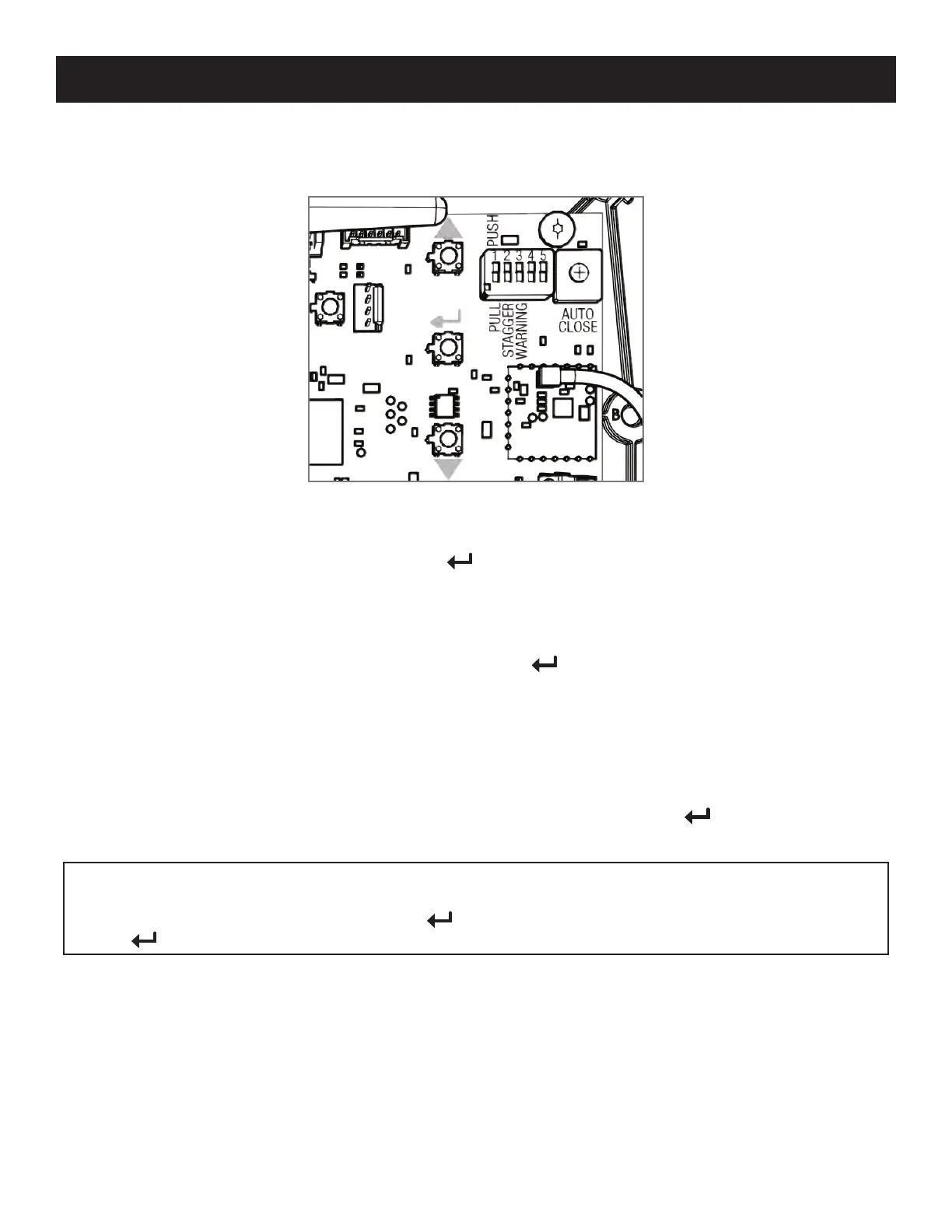
Button Conguration
● S2 = (Extend/Close)
● S3 =
● S4 = (Retract/Open)
LED 1
S4
LED 2
LED 3
S3
S2














 To Next Page