TS571W Installation Instructions 51
Appendix A
ACCESSORY INSTALLATION INSTRUCTIONS
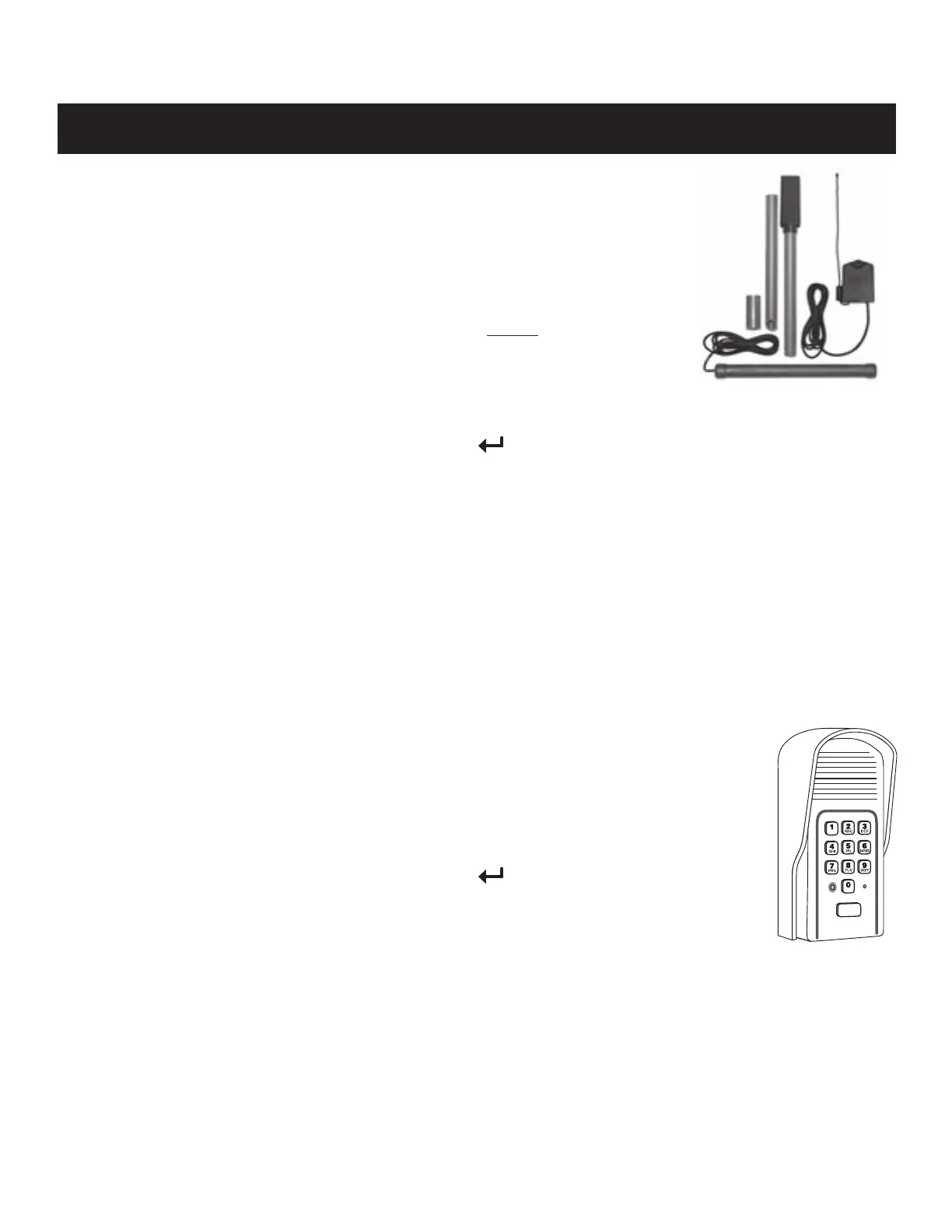
FM130-SW Installation
For the FM130 to function, the “Transmitter Module” must be programmed to your gate
operator’s control board.
Before you begin:
● Ensure the gate operator is in the OPEN position. Why? Make sure there is nothing in
the gate path. It is helpful to be
● Check to ensure the PUSH-PULL DIP setting is correct (see page 34). If you have to
change this DIP setting, turn the unit OFF then ON to save setting.
● Ensure the AUTOCLOSE is set to OFF.
Step 1: Choose a random dip switch setting on the Transmitter Module.
Step 2: On the gate operator control board, press and hold the (
, S3) button until LED2 illuminates and the buzzer sounds.
Release the button.
Step 3: Insert both batteries into the transmitter module. The transmitter module will begin transmitting.
Step 4: Once Learned, LED2 will ash and the buzzer will sound indicating that the Transmitter Module has been learned.
Remove the AA batteries from the Transmitter Module, and proceed with the rest of the installation following the
accessory instructions.
Notes:
1. If you need to erase this device, repeat steps 2-4 above.
2. Erasing all transmitters on the gate operator control board will erase this device.
3. AUTOCLOSE may be turned back on after setup is complete.
FM136 Installation
As an alternative to the instructions provided with the FM136, the keypad can be learned to your gate operator
as an additional transmitter by following these instructions:
Step 1: Choose a random DIP setting on the keypad unit. Refer to the FM136 manual for the location of the
DIP switches.
Step 2: On the gate operator control board, press and hold the (
, S3) button until LED2 illuminates and
the buzzer sounds. Release the button.
Step 3: Enter your MASTER CODE on the FM136 keypad (1-2-3-4 is the default unless changed). Once
learned, LED2 will ash and the buzzer will sound on the gate operator control board. Proceed with
installation of the FM136 per the accessory instructions.
Notes:
1. If you need to erase this device, repeat steps 2-3 above.
2. Erasing all transmitters on the gate operator control board will erase this device.
FM130














 To Next Page