Trouble
OM-244 814 Page 55
12-3. Software Error Message Display
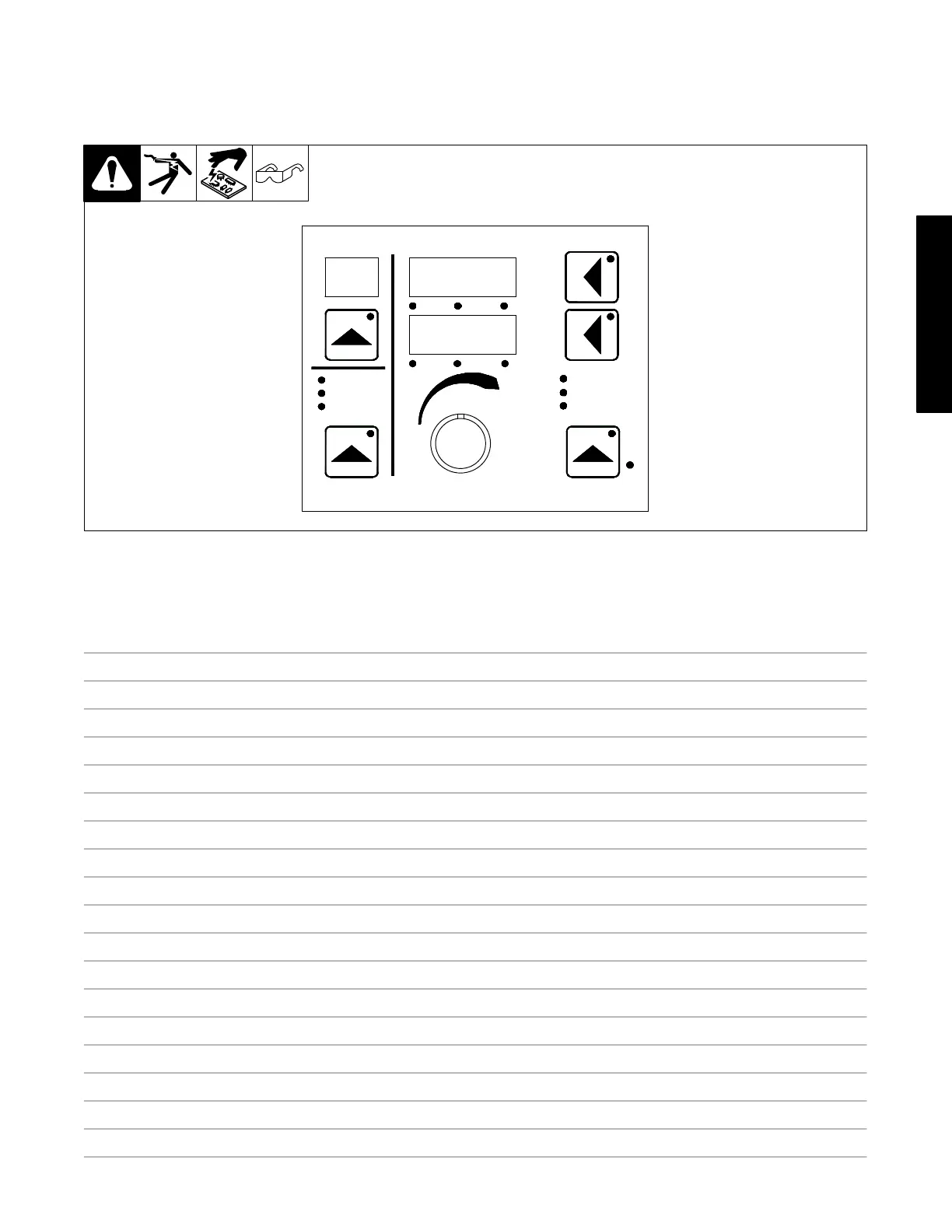
1. During the initial power up sequence, the ARM checks the UIM, WFCM and RIO for software numbers or revisions and compares them to what is
stored to see if they are compatible. If these software versions are not compatible, the ERR S W will appear on the display (see Figure 3).
Compatible software can be downloaded from www.MillerWelds.com.
ERR
S W
Trigger Control
Program
Process
Wire Type
Gas Type
Process Set up
Volts Time Arc Adjust
WFS Amps Arc Ctl
Sequence
Trigger Hold
Adjust Feeder Set Up
1
Figure 3. Feeder Display For Software Version Issues
2. After supplying information on the web site and resolving any software issues, the unit as a system should now be operational.
Notes






 To Next Page