20 Milli-Q® Reference System
Installation
Overview
This chapter explains how to install the System.
This chapter contains the following topics:
Alarms generated during installation
POD Unit, tubing and power cord
Installing the Q-Gard® Pack
Registering UV Lamp timer
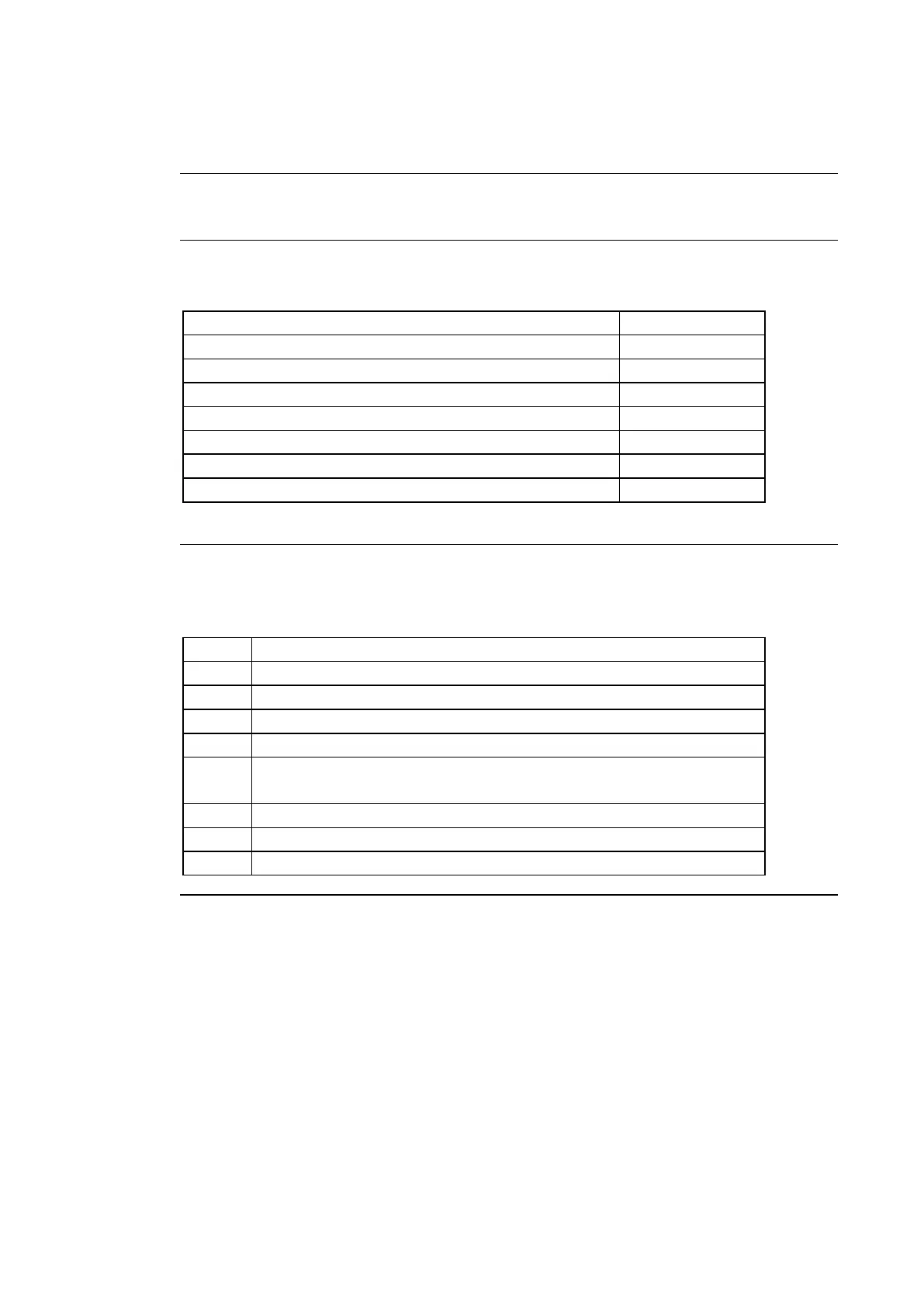
The steps shown below outline the sequence and major actions of a System installation.
Please refer to this list throughout the installation.
Put POD Arm onto POD Mast
Put Point Of Delivery onto POD Arm
Install feedwater tubing, termination plug and power cord
Power on the System, check date and time
Install, flush and rinse the Q-Gard® Pack and the Quantum®
Cartridge
Install and Register the POD Pak
Register the UV Lamp timer
Calibrate the Product Water flowrate



 To Next Page