Page 82 Accumass BW500 PL-565
Parameters
P697 ECal Idler Spacing
Enters the measured distance between the weighing idlers. Refer to the associated
belt scale instruction manual. (f=1.0)
Distance units are:
feet: if the imperial system of measurement has been selected, P004 = 1
metres: if the metric system of measurement has been selected, P004 = 2
Enter the distance to three decimal points.
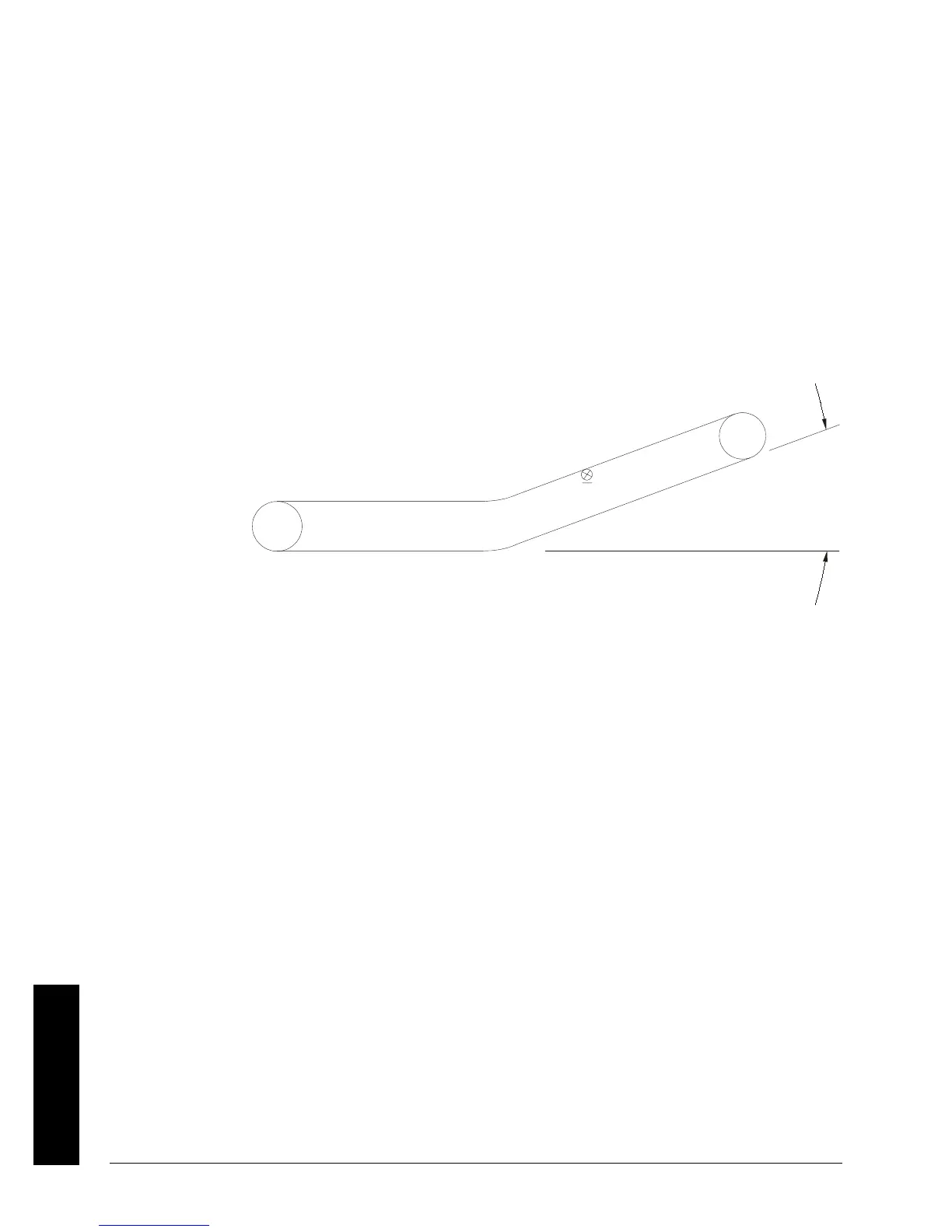
P698 ECal Conveyor Inclination
Enters the inclination or declination angle of the conveyor at the point where the belt
scale is installed. (f=0.0000)
Enter the inclination in degrees
Upon entry, display jumps to P017 to display the design load value as the test load.
P699 ECal mV Span
Applicable only for Milltronics belt scales not listed in P693, or scales other than
Milltronics (P693 = 4).
Enter the mV span corresponding to 0 to 100% full scale load
Upon entry, display jumps to P017 to display the design load value as the test load.
P735 Back Light
Sets the intensity of the back light for the LCD. (f=10)
Entry:
0 = off
1 to 10 = low to high


 To Next Page