1699503426 | REV A | 05.2021
© Mitchell International
MD-500
|
User Manual
|
21
|
en-US
DTCs Modes 3, 4, 5, A Button Denitions
Clear DTCs
Clear DTCs Button
The Clear DTCs button is used to clear codes and remove
all but permanent DTCs on the selected controller. To clear
codes, complete the following:
NOTE:
• Clearing DTCs will erase current Mode 1 Readiness
monitor information and require the user go through
necessary drive cycles over again. So, if Mode 1
information needs to be reviewed, be sure to view it
before clearing codes.
• If a code will not clear, turn the ignition o for at
least 10 seconds; turn it back on to KOEO, then
retry. Some controllers will go to sleep after a period
of inactivity and prevent clearing DTCs. This key
cycle may be needed when attempting to communi-
cate with other controllers after a period of time on a
dierent controller.
Refresh
Refresh DTCs Button
Tapping the Refresh button initiates a fresh scan of DTCs
from the vehicle.
Share
Share Button
Tapping the Share button opens the Android share options
that are currently available to the device. Share a report
output by print, email, Bluetooth, USB or other available
options.
Save
Save
Tapping the Save button will save DTC and test data reports
from Automated System test
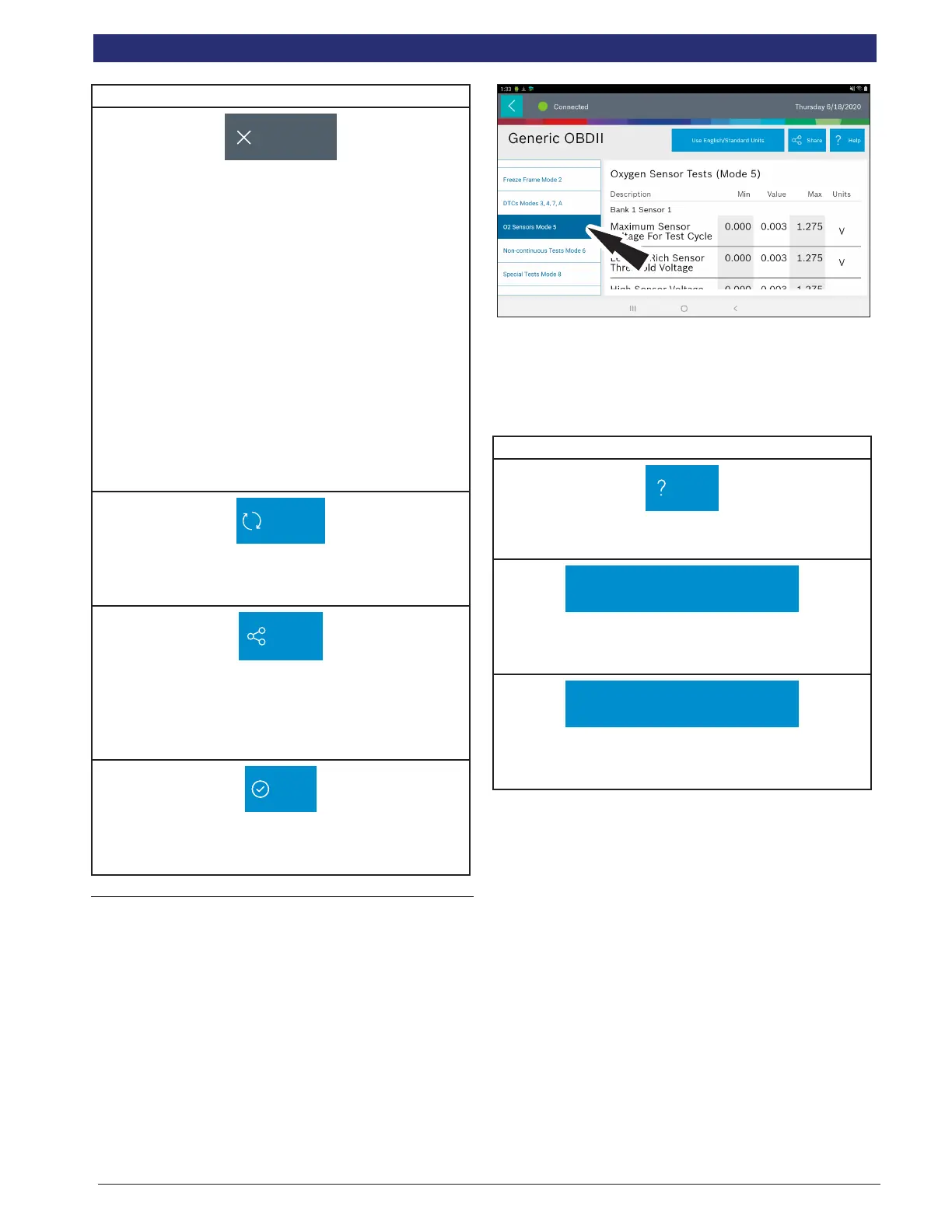
Oxygen (O2) Sensors
Mode 5 views O2 sensor monitor test results.
Mode 5 displays the average of the O2 sensor monitor test
results measured over a period of time. The parameters of
this measurement vary between manufacturers. It may be
necessary to run the vehicle for a period of time to allow the
O2 sensors to fully warm up and begin operating as intended.
Oxygen (O2) Sensors Button Denitions
Help
Help
Selecting Help will open an online user manual.
Use Metric Units
Use Metric Units
Selecting Metric Units will switch from English/Standard
Units to Metric Units.
Use English/Standard Units
Use English/Standard Units
Selecting English/Standard Units will switch from Metric
Units to English/Standard Units.



 To Next Page