1699503426 | REV A | 05.2021
© Mitchell International
MD-500
|
User Manual
|
5
|
en-US
Battery Charging
Connect the tablet to AC power and fully charge the battery.
When the tablet is turned on, the level of battery
charge is indicated in the upper right corner of the
screen.
Note:
• It is recommended to keep the scan tool
plugged into power supply when not being
used.
• For maximum battery life, properly power
off scan tool when not in use for extended
periods.
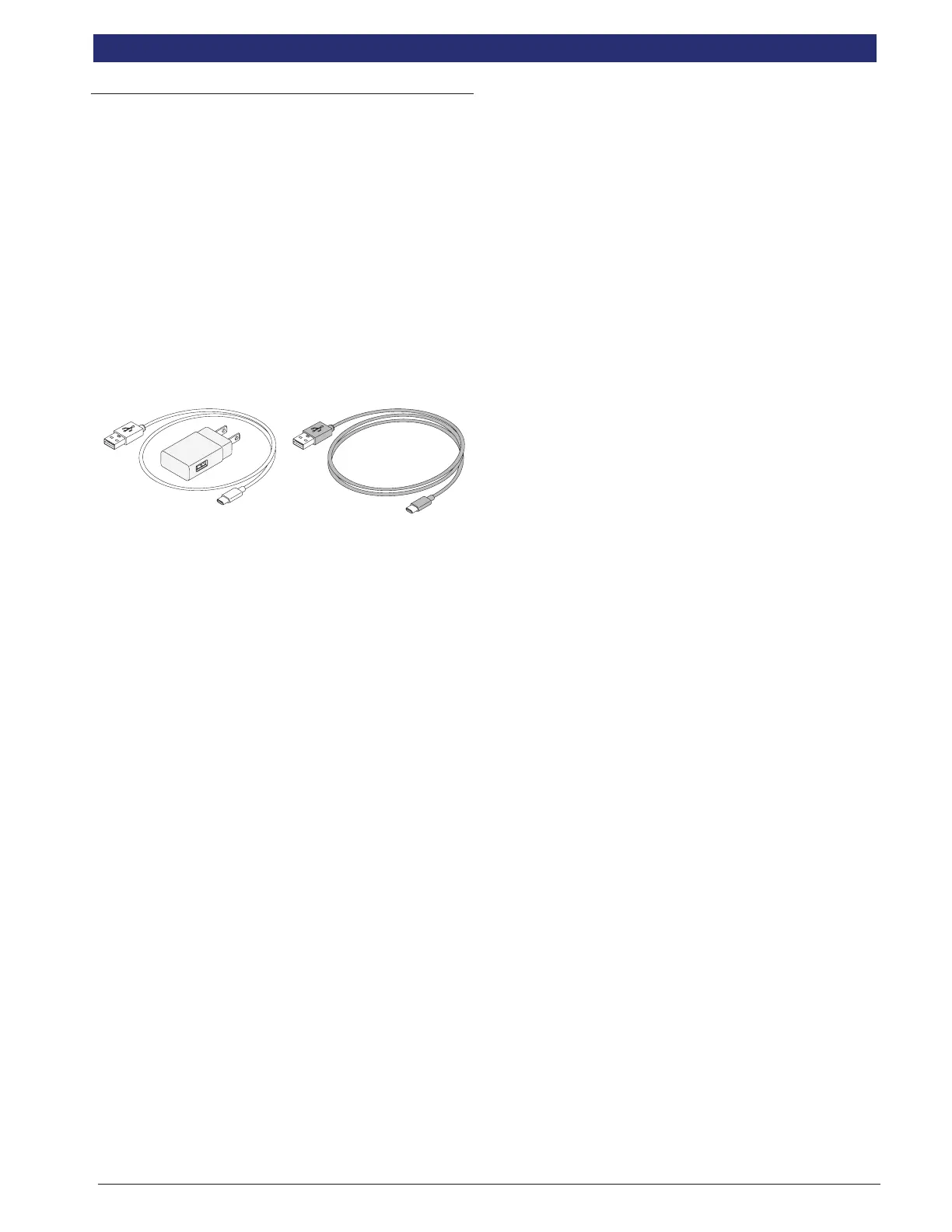
• MD-500 is supplied with 2 micro USB power
cables and 1 USB power block.
2 ft. cable 6 ft. cable
Battery Life Tips
The Tablet is an Android based touch-screen tablet.
The battery life icon shows charge level. The scan tool
lets you know how much battery life is left by viewing
the icon located at the top right of the home screen.
Like all Android devices, there are tips to help extend
or maximize battery life.
When not actively being used, the screen will
timeout and the scan tool display will power off, while
application remains running in background. The user
can set the length of delay between the last screen
touch and automatic screen timeout (dim and lock).
From the Home screen, touch the Android App button -
Settings - Display.
Select Screen timeout, then select the length of time
from the last screen touch and automatic screen
timeout.
To use again, press the power button to wake the tool
up. This will allow maximum run time, while not limiting
productivity.
When the tool is powered up, even if it is not being
actively used, Wi-Fi and Bluetooth® radios as well as
all other necessary hardware are still being powered.
Battery life is comparable to similar devices when in
this state.
Note:
• It is recommended to keep the scan tool
plugged into power supply when not being
used.
• For maximum battery life, properly power
off scan tool when not in use for extended
periods.



 To Next Page