en-US
|
22
|
User Manual
|
MD-500
1699503426 | REV A | 05.2021
© Mitchell International
Non-Continuous Tests
Mode 6 views onboard monitoring test results for
noncontinuous monitor systems.
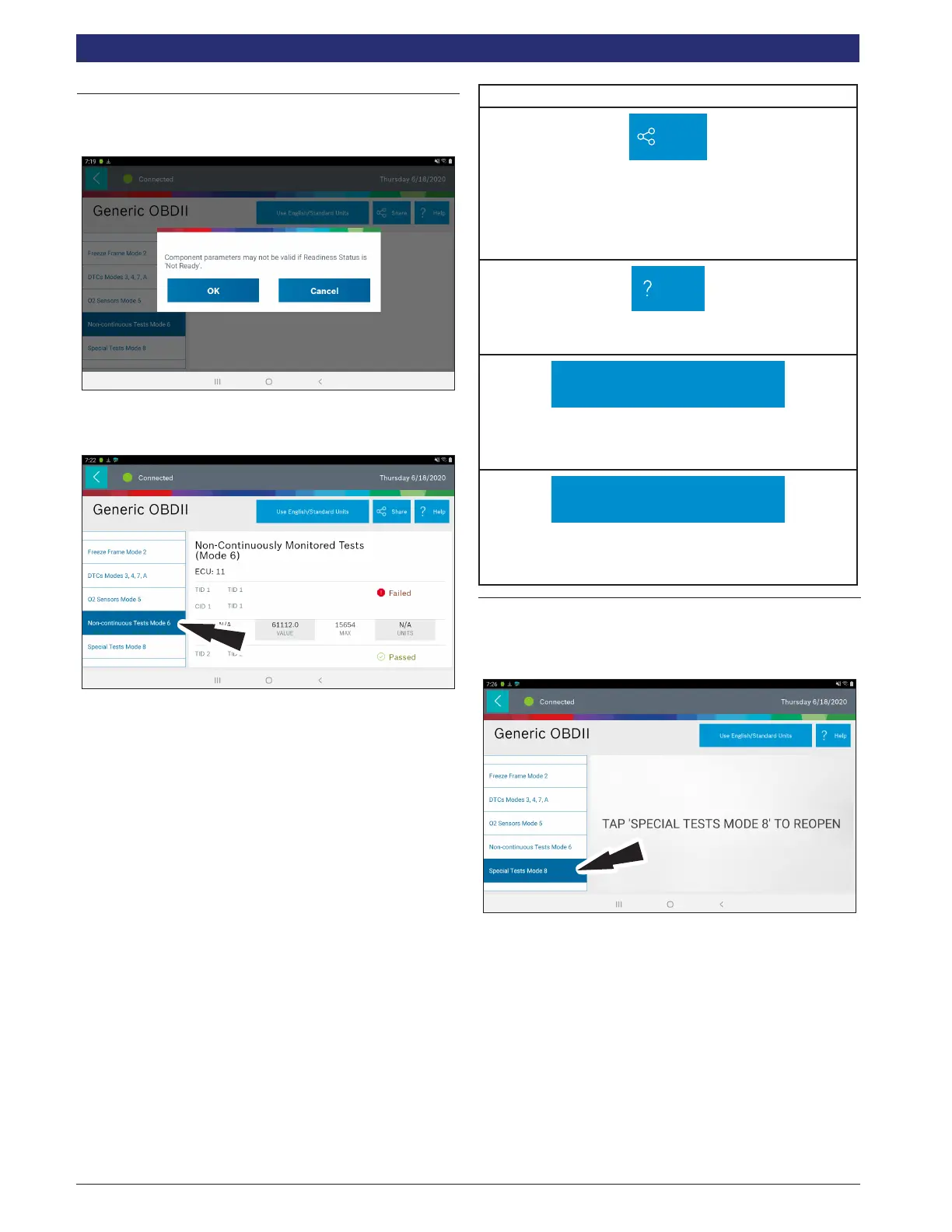
1. Select Non-Continuous Tests from the Generic OBDII
screen.
2. Follow the prompts on the screen.
Non-Continuous Monitor Tests (Mode 6) are a pass/fail test.
Some examples are certain EVAP tests, catalyst, and EGR.
The following information is reported:
• ECU.
• TID (test identication) which indicates the system
monitor.
• CID (component identication) which indicates the
component tested and its test value.
• Minimum value, maximum value, and current value for
each non-continuous monitor supported.
• Pass or fail test results.
Each vehicle manufacturer assigns a code number to their
system monitors and components. Refer to the vehicle
manufacturers Mode 6 code chart to determine the failure
indicated by the TID and CID. If this chart is not available, run
an automated system test (AST) from the DTC screen and
select Mode 6. See Read DTCs section for more information
regarding steps to complete that action.
Non-Continuous Tests Button Denitions
Share
Share Button
Tapping the Share button opens the Android share options
that are currently available to the device. Share a report
output by print, email, Bluetooth, USB or other available
options.
Help
Help
Selecting Help will open an online user manual.
Use Metric Units
Use Metric Units
Selecting Metric Units will switch from English/Standard
Units to Metric Units.
Use English/Standard Units
Use English/Standard Units
Selecting English/Standard Units will switch from Metric
Units to English/Standard Units.
Special Tests
Mode 8 controls the operation of an onboard system, test, or
component which is typically the EVAP system or diesel
particulate lter (DPF) test.
1. Select Special Tests from the Generic OBDII screen.



 To Next Page