25
R
UNNING THE EX CONTROLLER DEPLOYMENT TOOL TO INSTALL THE MIVOICE BUSINESS VIRTUAL MACHINE
CHAPTER 4 SOFTWARE INSTALLATION
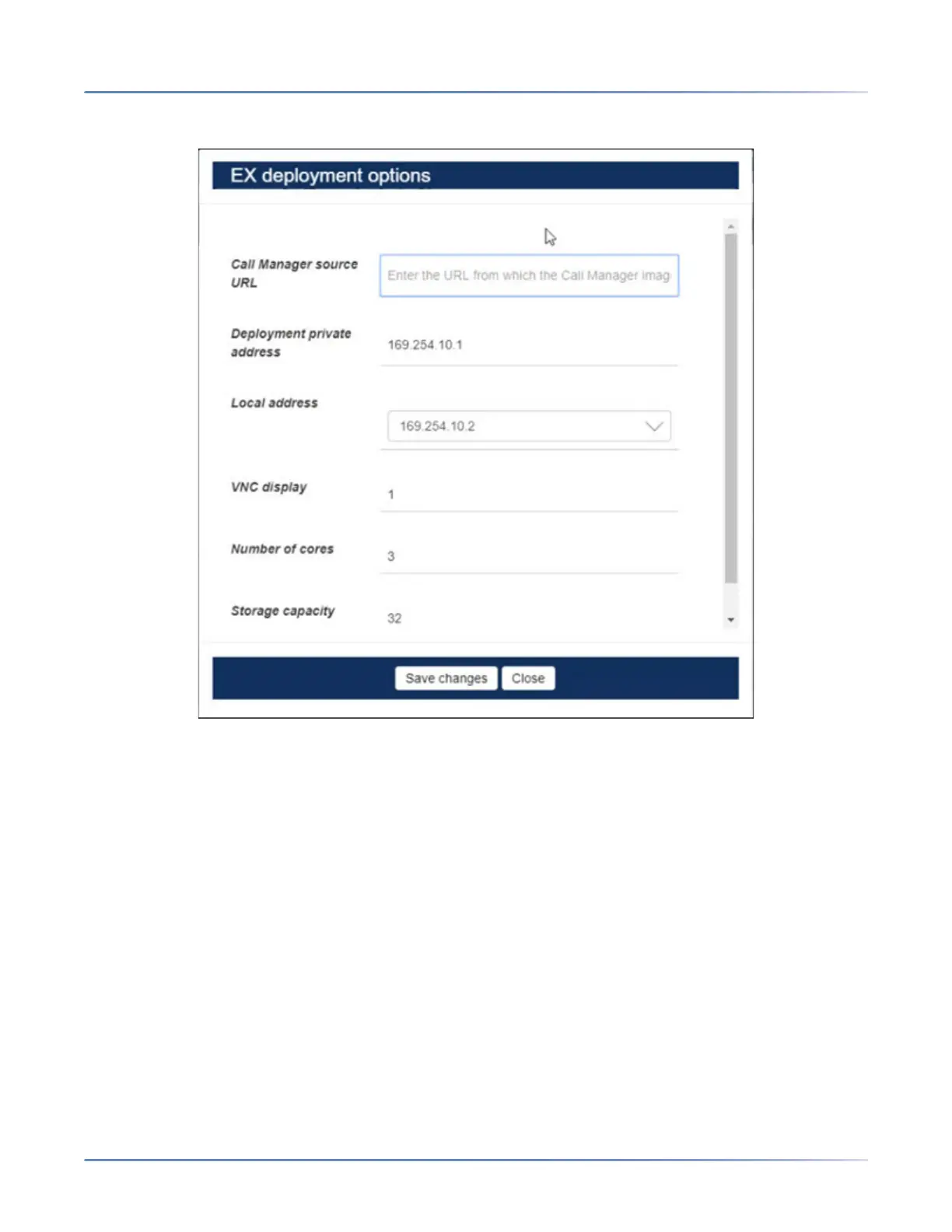
NOTE: Only the fields on the EX Controller Deployment home page are required for typical installations. It
is recommended that you do NOT modify the fields displayed under the Options button.
1. Under Platform Variant, in the Call manager list, select MiVB.
咨询订购:400-010-8885、 Support@mitel.com.cn



 To Next Page