57
R
ESET/DEFAULT BUTTON
CHAPTER 6 TROUBLESHOOTING
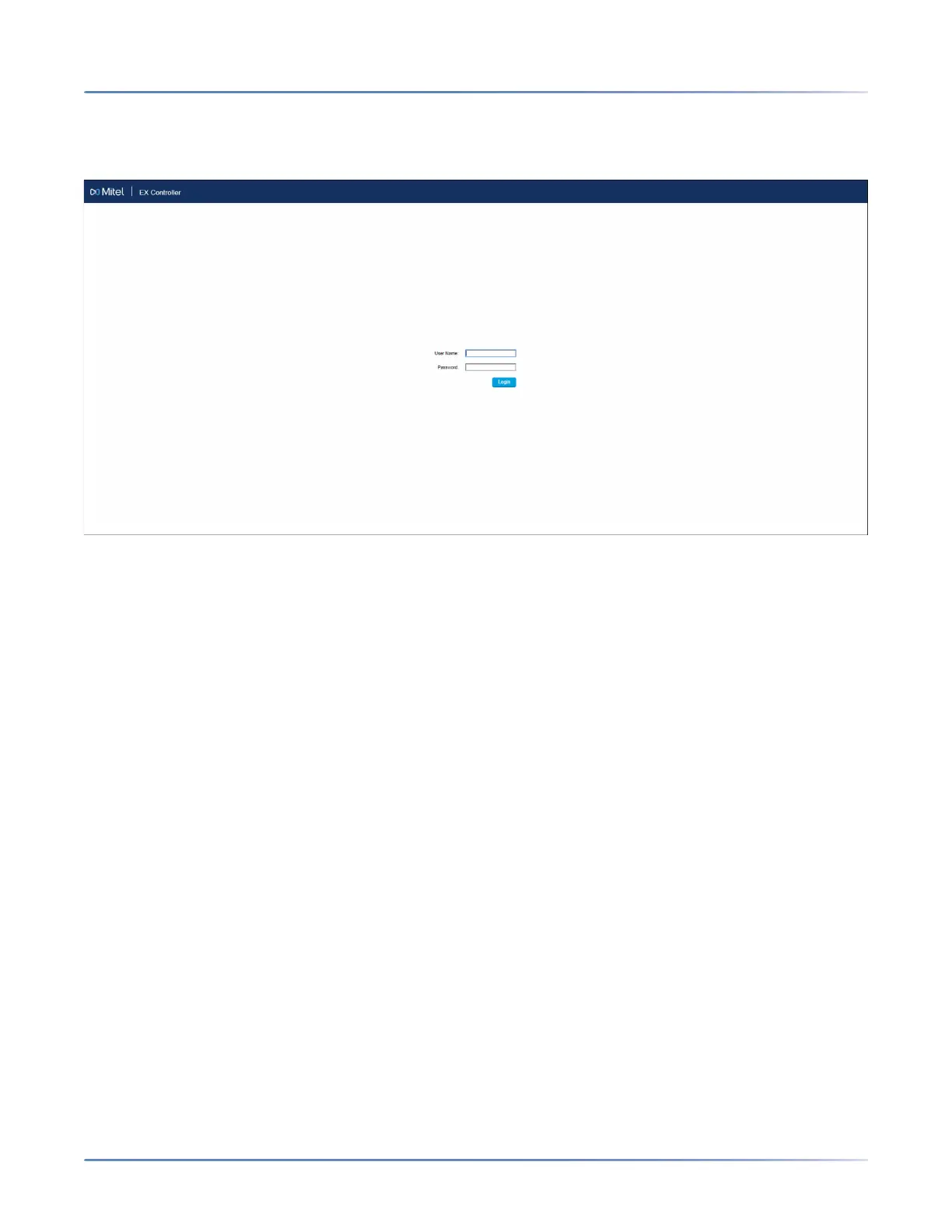
5. Enter the IP address 192.168.0.10 in the address bar of your browser to access the EX Controller Web
GUI.
The EX Controller Web GUI login page is displayed.
6. In the User Name field, type Public.
7. Leave the Password field empty.
8. Click Login.
咨询订购:400-010-8885、 Support@mitel.com.cn



 To Next Page