58
R
ESET/DEFAULT BUTTON
CHAPTER 6 TROUBLESHOOTING
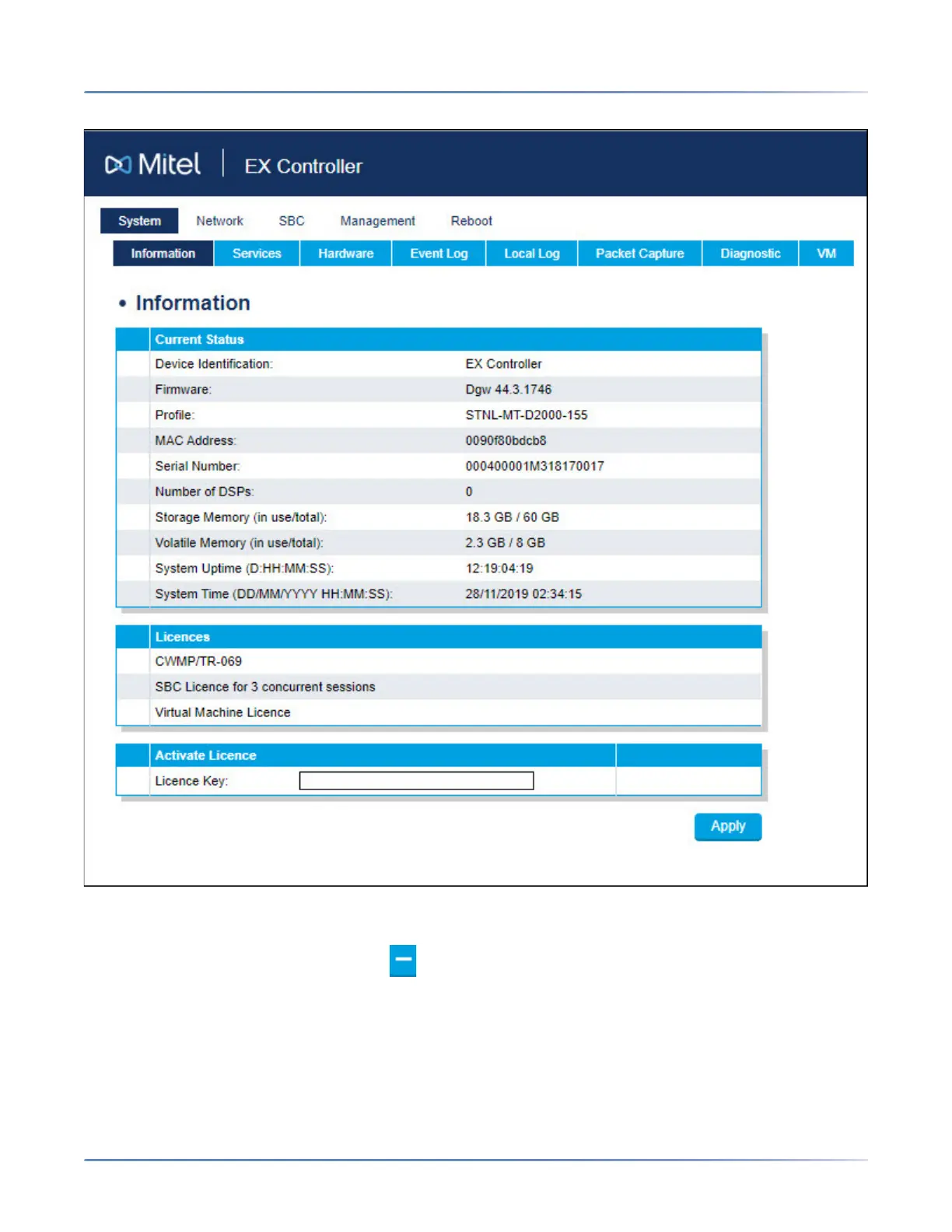
The EX Controller Web GUI home page is displayed.
9. Delete MiVB.img and MiVB.raw files:
a. Click Management > File. The File page is displayed.
b. From the VM Files table, click to delete vm/images/MIVB.cfg and vm/images/MIVB.raw
files.
咨询订购:400-010-8885、 Support@mitel.com.cn



 To Next Page