59
R
ESET/DEFAULT BUTTON
CHAPTER 6 TROUBLESHOOTING
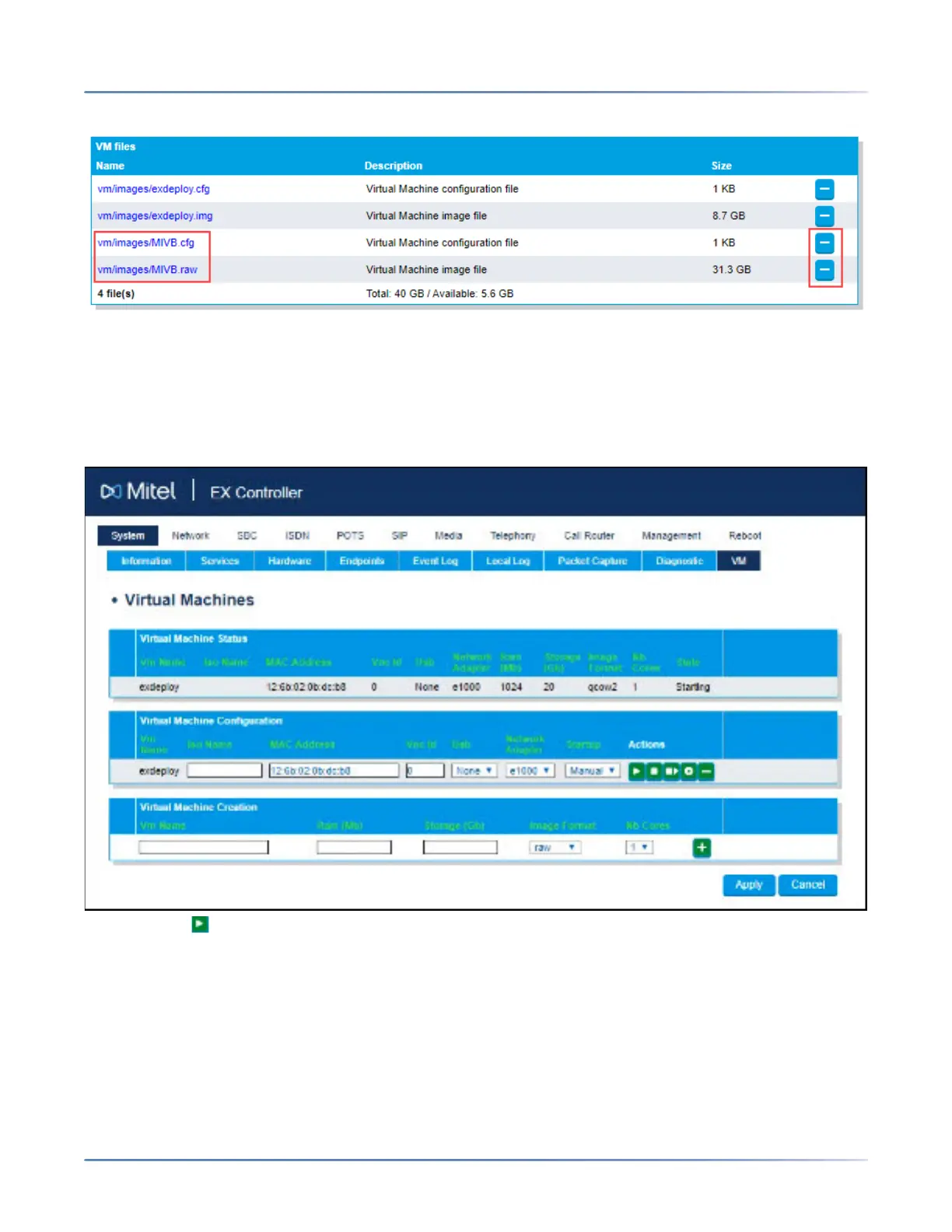
NOTE: Do not delete vm/images/exdeploy.cfg and vm/images/exdeploy.img files.
A confirmation message is displayed.
c. Click OK to delete the files.
10. Start the Deployment Tool virtual machine:
a. Click System > VM. The Virtual Machine page is displayed.
b. Under Virtual Machine Configuration section, change Startup option to Auto for the exdeploy
virtual machine configuration.
c. Click to start the Deployment Tool virtual machine. After a minute, refresh the page. The State
under the Virtual Machine Status changes to Starting from Stopped. After a minute, the
Virtual Machine Status changes to Started.
d. Continue with
i. Accessing the EX Controller Deployment Tool.
ii. Updating the EX Controller Deployment Tool
iii. Running the EX Controller Deployment Tool to Install the MiVoice Business Virtual
Machine.
咨询订购:400-010-8885、 Support@mitel.com.cn



 To Next Page