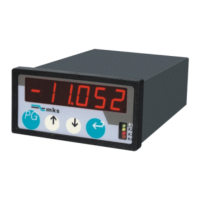
Instruction Manual #122162 47
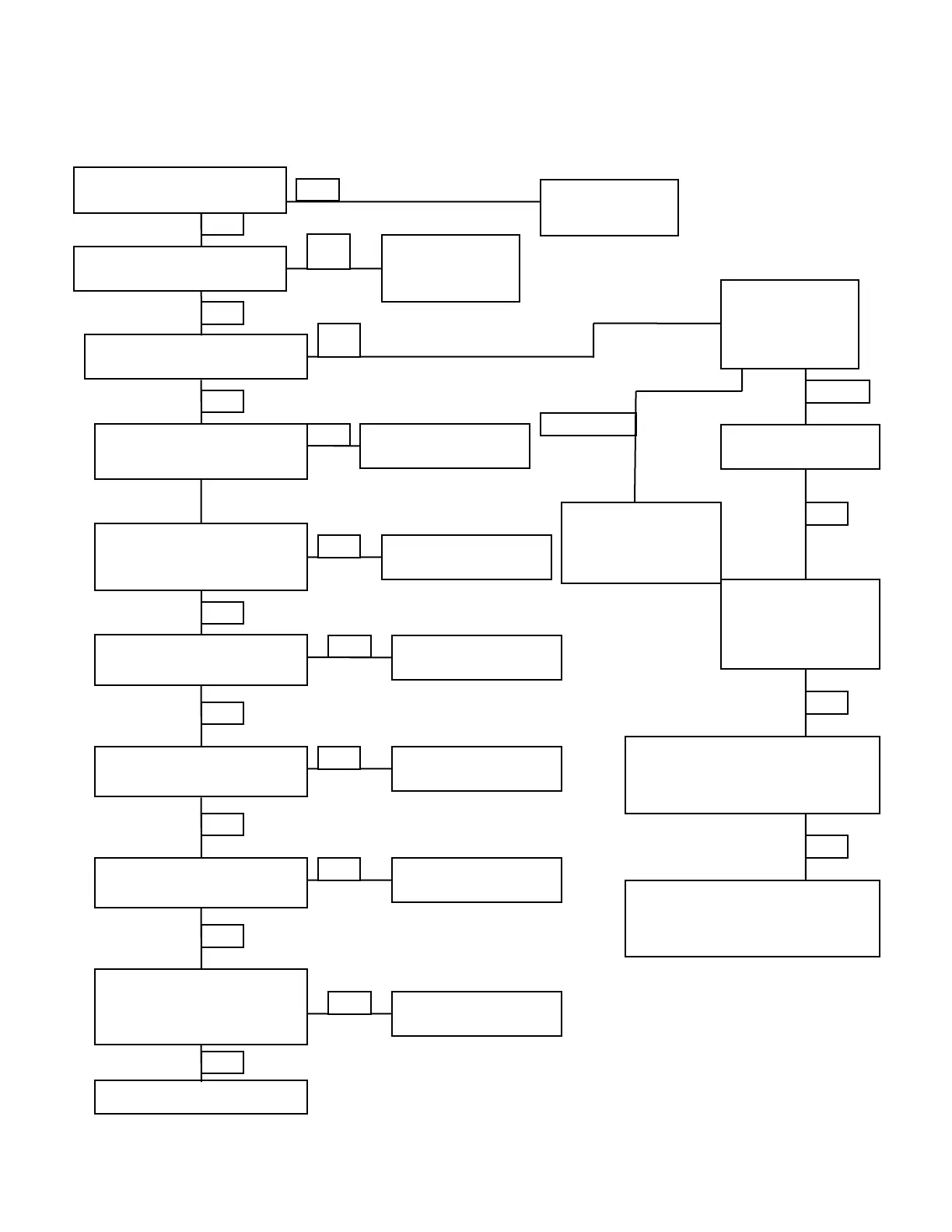
Is the TIM-100/120 power on?
Turn on TIM-100/120
power
Is the desired set point indicated
next to PresSP?
Is set point controlled
locally at the TIM-
100/120 or via the
analog 0-5 VDC?
Are all downstream dampers fully
open?
Ensure StptMode is set
to Single and “PresSP1”
equals your desired set
point.
Is N2 Supply on and between 40
- 100 PSI?
Is process pressure sense line
connected?
Is process chamber fully sealed?
Check all fittings on process side
of the Sentry 1510 for leaks.
Turn on N2 and adjust
regulator for 40 - 100 PSI
Connect process sense
line
Ensure StptMode is set
to Analog
Verify connections to your process tool.
(See installation and setup instructions.)
Verify that “Aux In”
parameter equals the
desired voltage (5000=
5.000 V). Verify line
voltage to the TIM.
Set TIM-100/120
Parameter StepLim
to Off
Is the TIM-100/120 Parameter
Step Limit Off?
Is the P-Trap filled with fluid or
drain isolation valve closed?
Fill P-Trap or close
isolation valve
Contact Technical Support or replace
the TIM-100/120.
7.2.2 Measured Process Pressure is Greater than Set Point


 To Next Page