FlexStation 3 Benchtop Multi-Mode Microplate Reader User Guide
68 0112-0127 B
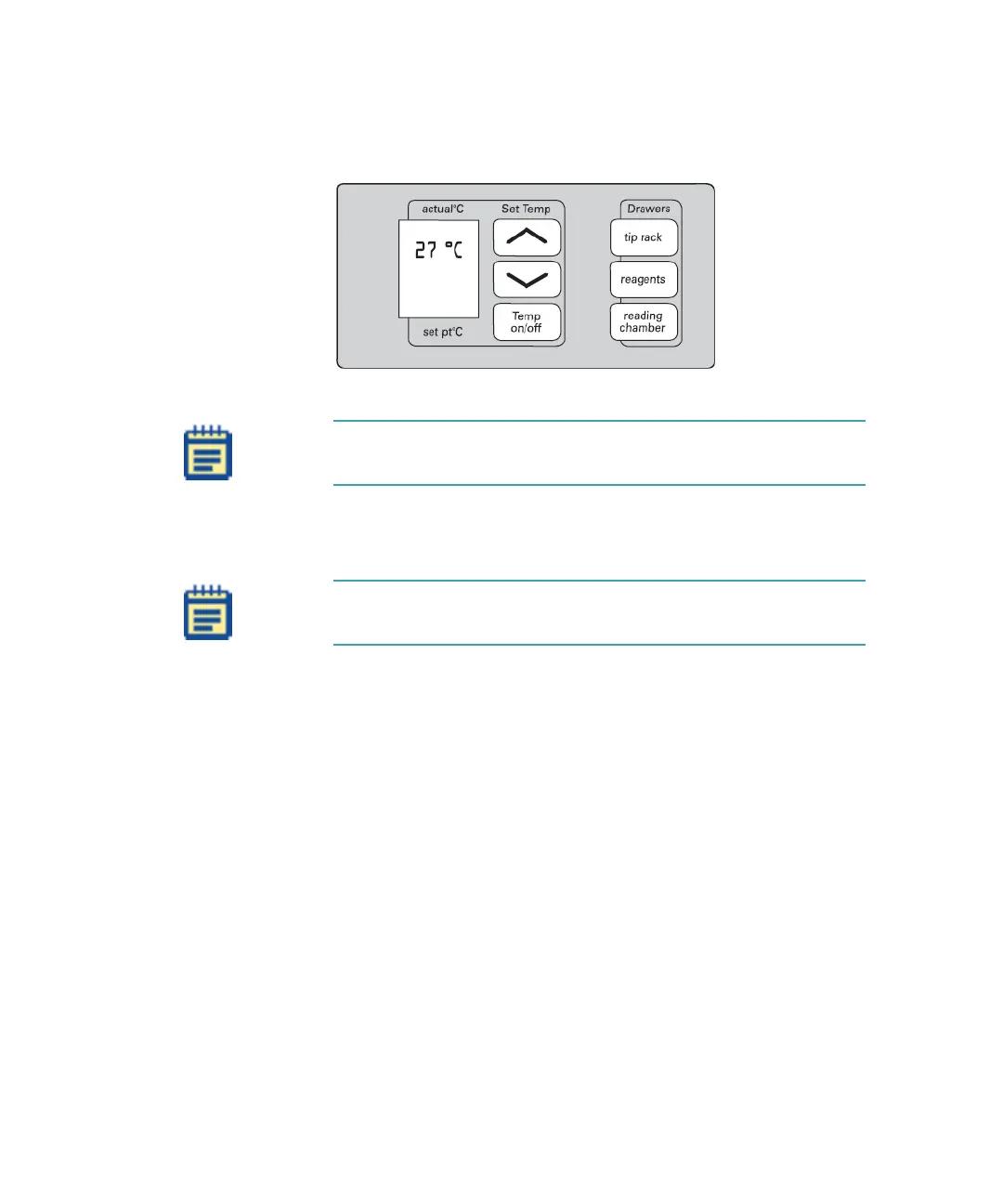
After about five minutes, the instrument is warmed up and
ready.
Figure 3-2: Control Panel Ready
3. Turn on the host computer and allow Windows to start up.
4. Double-click the SoftMax Pro Software icon to start the program.
The SoftMax Pro Software opens with an Untitled window in Flex mode,
with a default template selected.
Note: No set point temperature appears at this time, since the
incubator has not been turned on.
Note: If you get an error message while the software is starting
up, see Troubleshooting Procedures on page 129.
FlexStation_manual.book Page 68 Tuesday, June 25, 2013 10:22 AM


 To Next Page