Moneris® Go Plus: Using Your Terminal 18
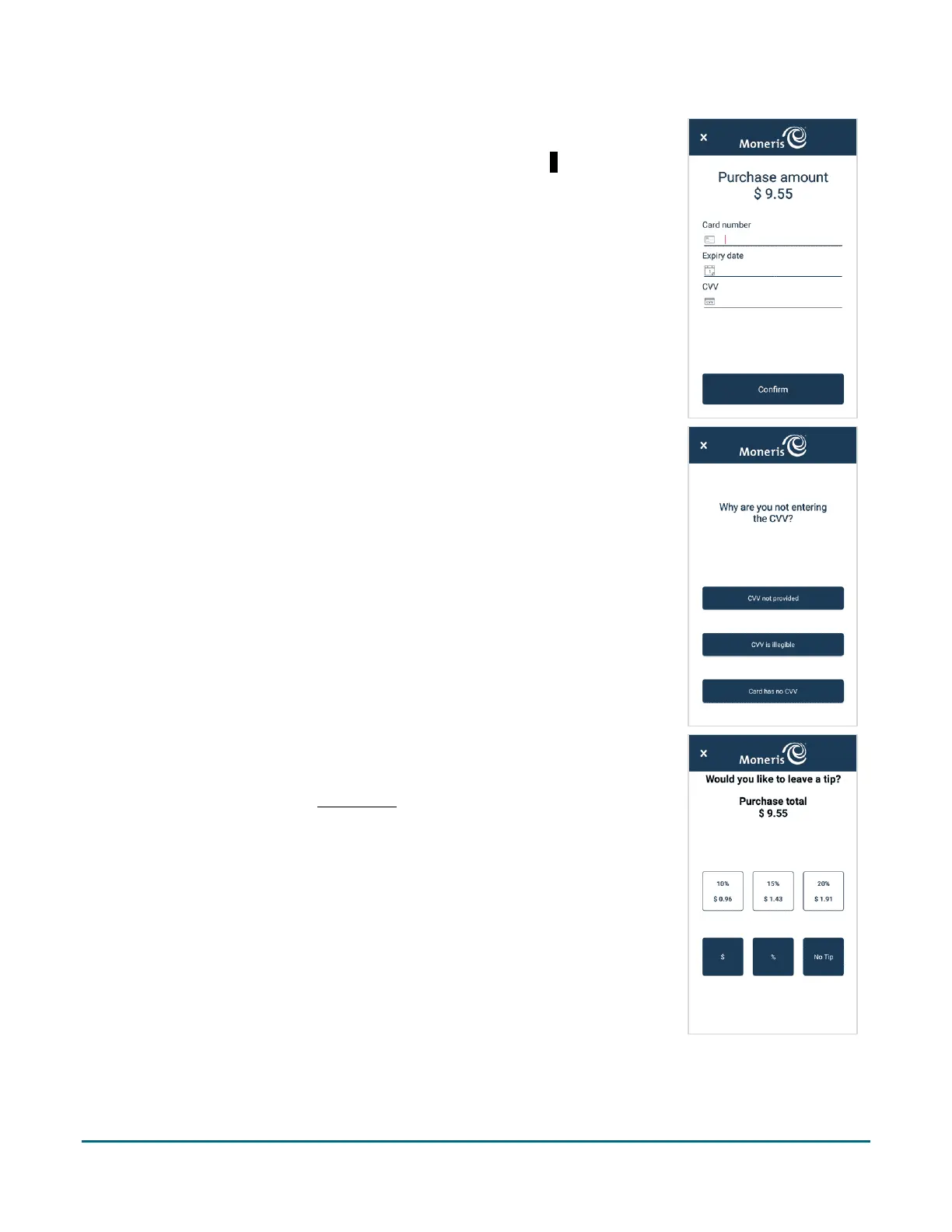
5. At the card entry screen:
a. Verify the purchase amount. To re-enter the amount, tap x in the title
bar to cancel the transaction.
b. Tap each credit card field and enter the information required.
c. Tap Confirm.
If you did not enter a CVV, continue at step 6.
Otherwise, skip to step 7.
6. Tap one of the available choices to indicate why you did not enter the
CVV.
7. If tip entry is turned on, you can enter a tip amount as specified by the
customer.
To enable tip entry, refer to Tip settings
(page 54).



 To Next Page