Moneris® Go Plus: Using Your Terminal 22
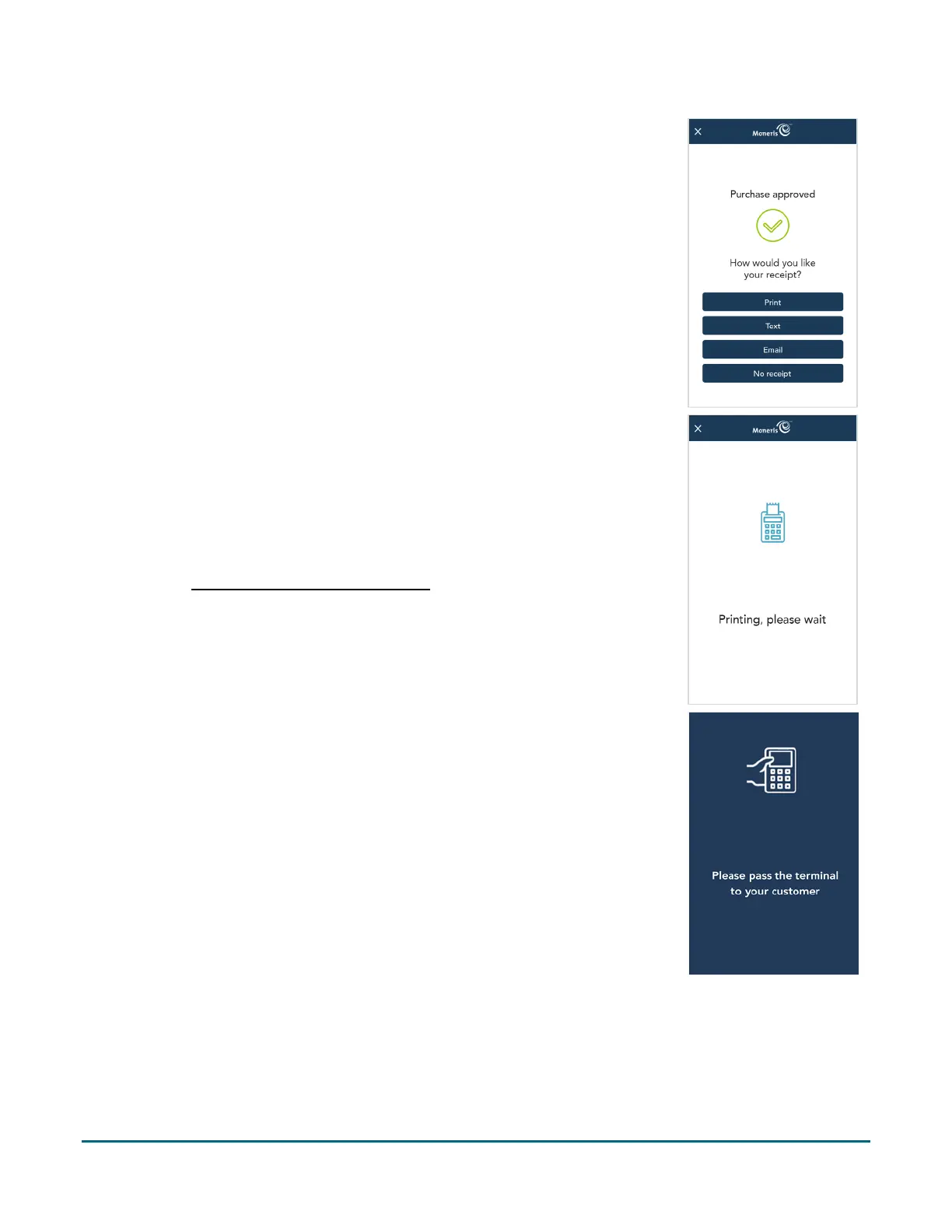
5. The receipt options screen appears for the approved payment. Pass the
terminal to the customer.
6. The customer selects a receipt format (or no receipt) by tapping one of
the options on screen. If the customer chooses Text or Email, they are
prompted to enter the appropriate information.
7. The customer passes the terminal back to you, as directed by the
application.
8. The application prints receipts if requested.
If the customer requested a printed receipt, give them the cardholder
copy.
If you enabled merchant receipt printing
, keep the merchant copy for
your records.
9. Pass the terminal to the customer so they can respond to the customer
prompts for the next payment of the balance due. This procedure will
repeat as long as there is a balance to be paid.
10. The application begins a card purchase or a cash purchase depending on
the option you selected in step 4.
a. The customer enters their card (if applicable).
b. If the tip prompt appears, the customer enters a tip or no tip.
c. The customer selects a receipt format or no receipt.
d. The customer passes the terminal back to you.



 To Next Page