Moneris® Go Plus: Using Your Terminal 25
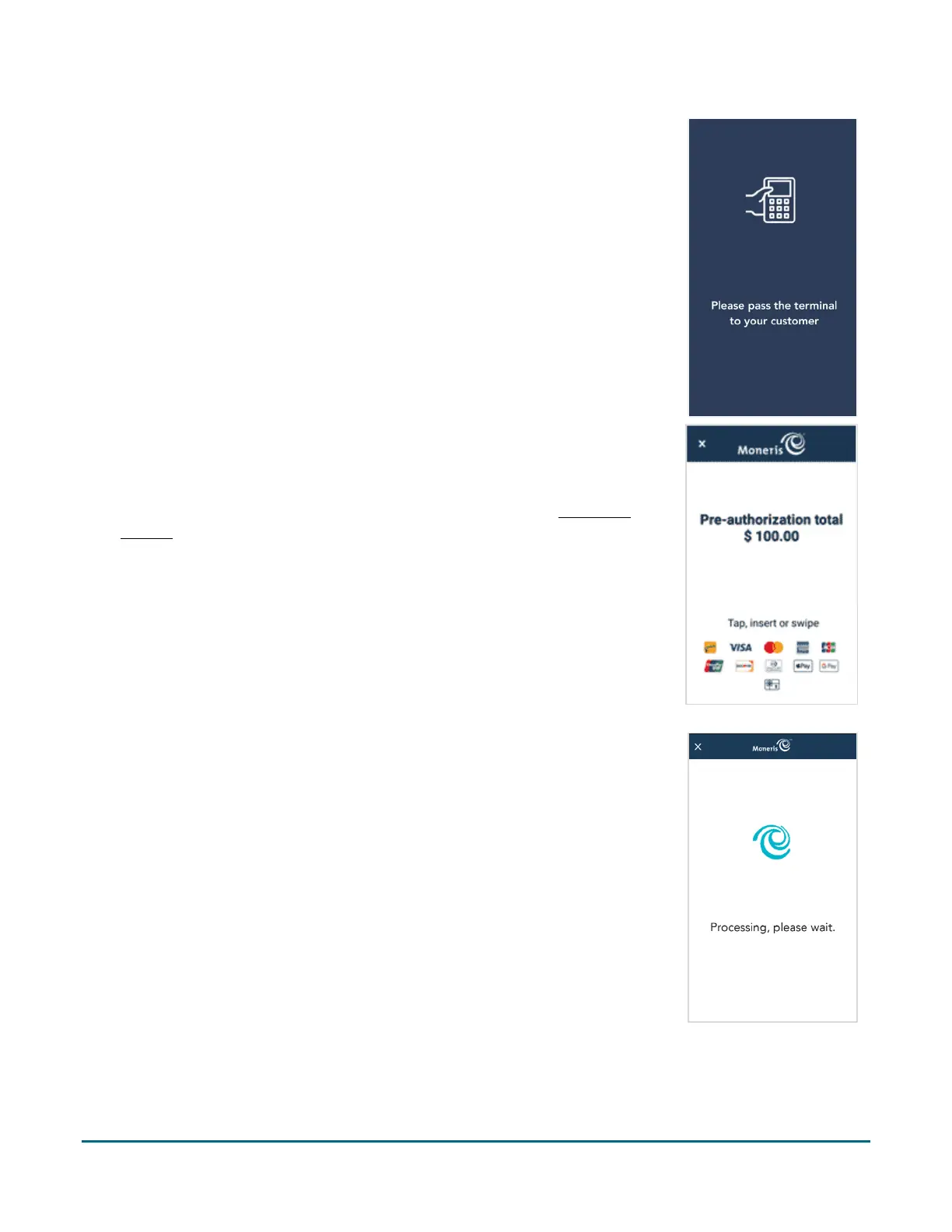
4. As indicated on-screen, pass the terminal to the customer so they can
enter their card and respond to any customer prompts.
5. The pre-authorization total screen appears, prompting the customer to
“Tap, insert, or swipe.”
6. The customer enters their card on the terminal. Depending on the type of
card, they can tap, insert, or swipe it. For more information on
Card entry
options (page 11).
7. The “Processing, please wait” message appears.
If the customer inserted a chip card, the message “Do not remove your
card” also appears.



 To Next Page