– 47 –
Range Components
Side Access Panel
To remove the side access panel:
1. Remove the range from the installation. (See
Installation.)
2. Place the control panel in the service position.
(See Control Panel.)
3. Remove the three 1/4-in. hex head screws that
attach the side panel to the rear of the range.
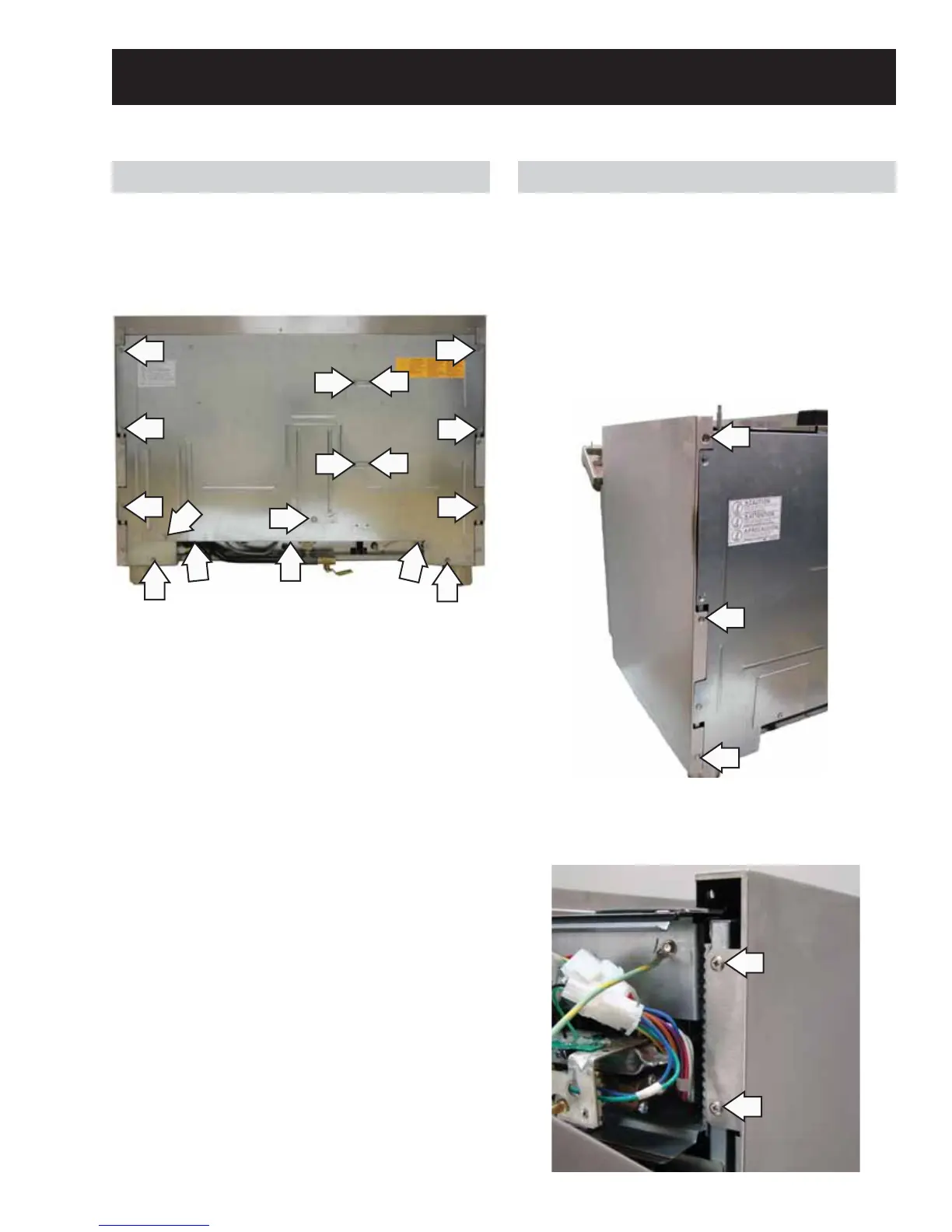
Back Panel
The back panel is attached with seventeen 1/4-in.
hex head screws. It is necessary to remove the
range from the installation to access the screws.
(See Installation.)
4. Remove the 2 Phillips-head screws from the
front of the side panel.
(Continued next page)


 To Next Page