– 60 –
(Continued next page)
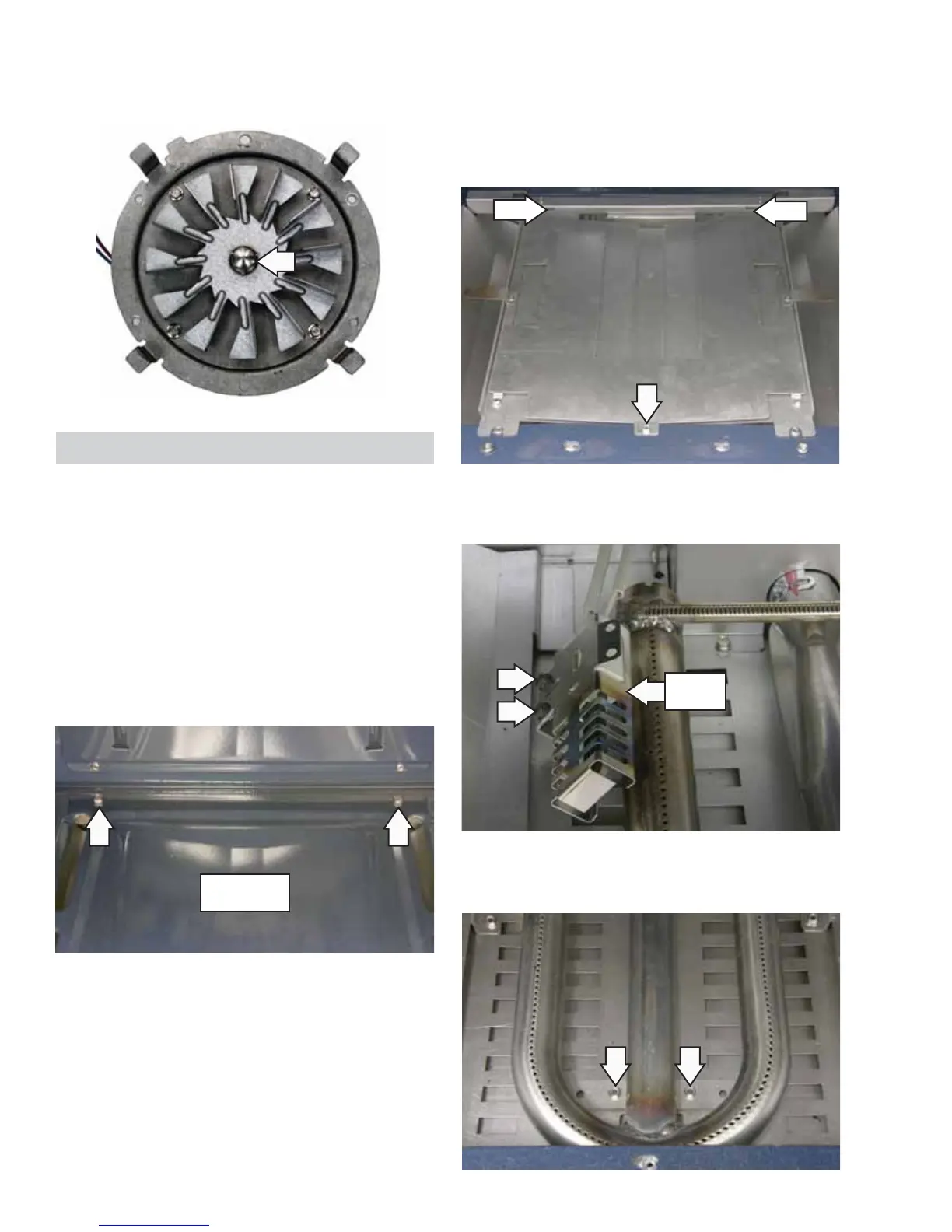
5. The fan blade is attached to the motor shaft
with a left-hand thread 1/2-in. hex-nut. Turn the
nut clockwise to remove.
Oven Bake Burner
Main Oven
To remove the main oven bake burner:
1. Remove the oven door.
2. Remove 2 screws from the back of the oven
bottom cover with a fl at-blade screwdriver.
3. Slide the oven bottom cover forward to
disengage lip at the front of the cover and
remove.
4. Remove one 1/4-in. hex-head screw from the
burner cover.
5. Slide burner cover forward to disengage tabs at
rear of cover and remove.
6. Remove the two 1/4-in. hex-head screws that
secure the glowbar ignitor to the oven burner.
7. Remove the two 1/4-in. hex-head screws from
the oven bake burner and lift out to remove.
Oven Bottom
Cover
Glowbar
Igniter
Tab
Tab


 To Next Page