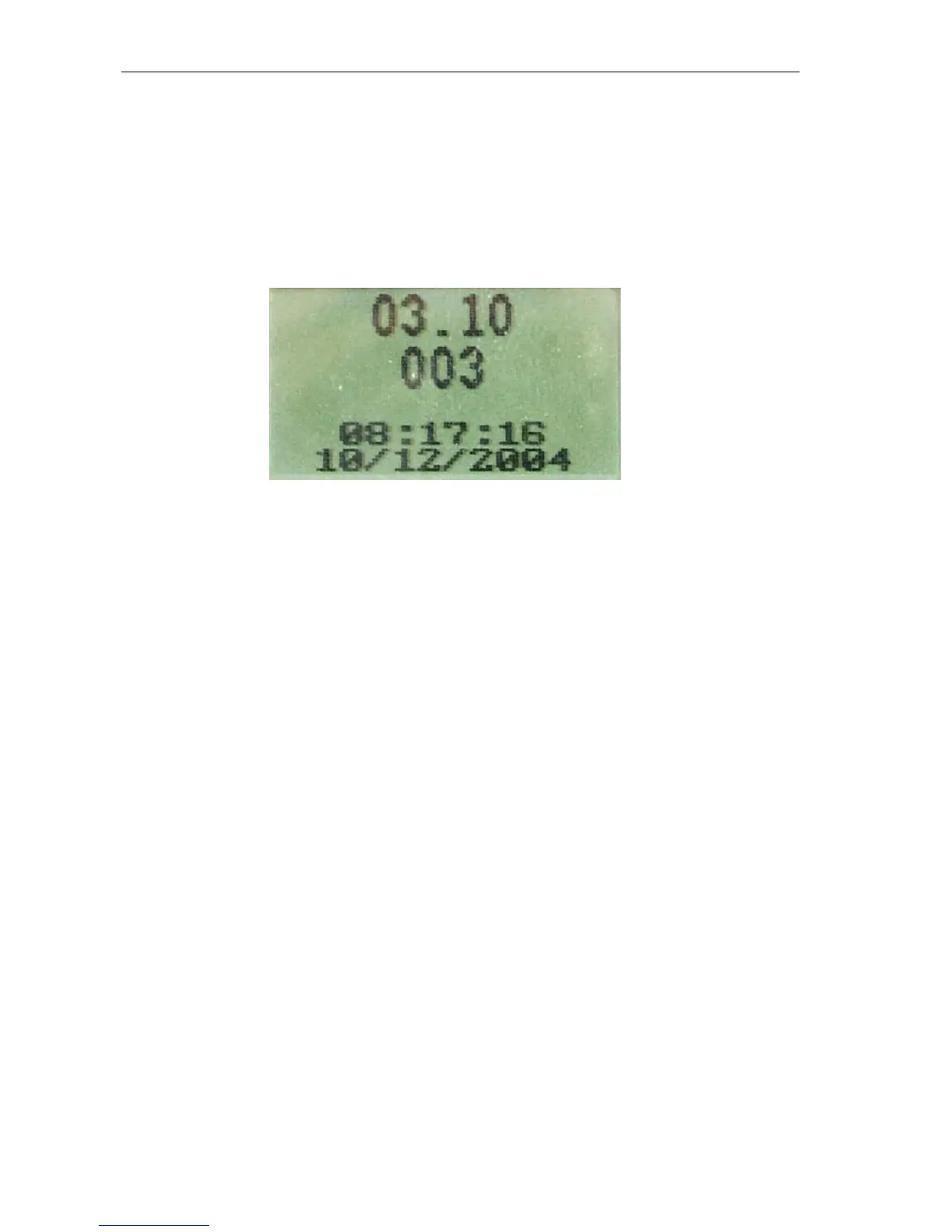
Viewing Software Version Number
VERSION displays the current software version installed in the H12+.
From the Configuration menu, scroll to VERSION using the Down or Up key. Press the Enter key to return to the
Configure menu.
The top number indicates the software version on the H12+, in this case version 03.10, and the bottom number
indicates the bootcode version number, in this case 003.
Starting a Recording Session
1.
If necessary, reformat the flash card using the proper utility with H-Scribe software.
2.
Remove the battery door of the H12+. Insert the formatted flash card into the card slot.
Note: The flash card is fully inserted in the card slot when the Eject button is in the full-upright
position.
Insert a new AA battery in the battery compartment.
3.
Hook-up the patient.
4.
Verify the quality of the hook-up by checking the impedances. Use the Up and Down keys to scroll
through the Main menu until LEAD CHECK is displayed. Press the Enter key to select LEAD
CHECK.
5.
Verify the amplitude and signal quality by displaying each of the leads. Use the Up and Down keys to
scroll through the Main menu until DISPLAY ECG is displayed. Press the Enter key to select
DISPLAY ECG.
6.
If desired, enter the patient ID (or Name). Use the Up and Down keys to scroll through the Main
menu until ENTER ID is displayed. Press the Enter key to select ENTER ID.
7.
Use the Up and Down keys to scroll through the Main menu until RECORD is displayed. Press the
Enter key to select RECORD.



 To Next Page