LCD Removal & Replacement
1.
Open unit as described above.
2.
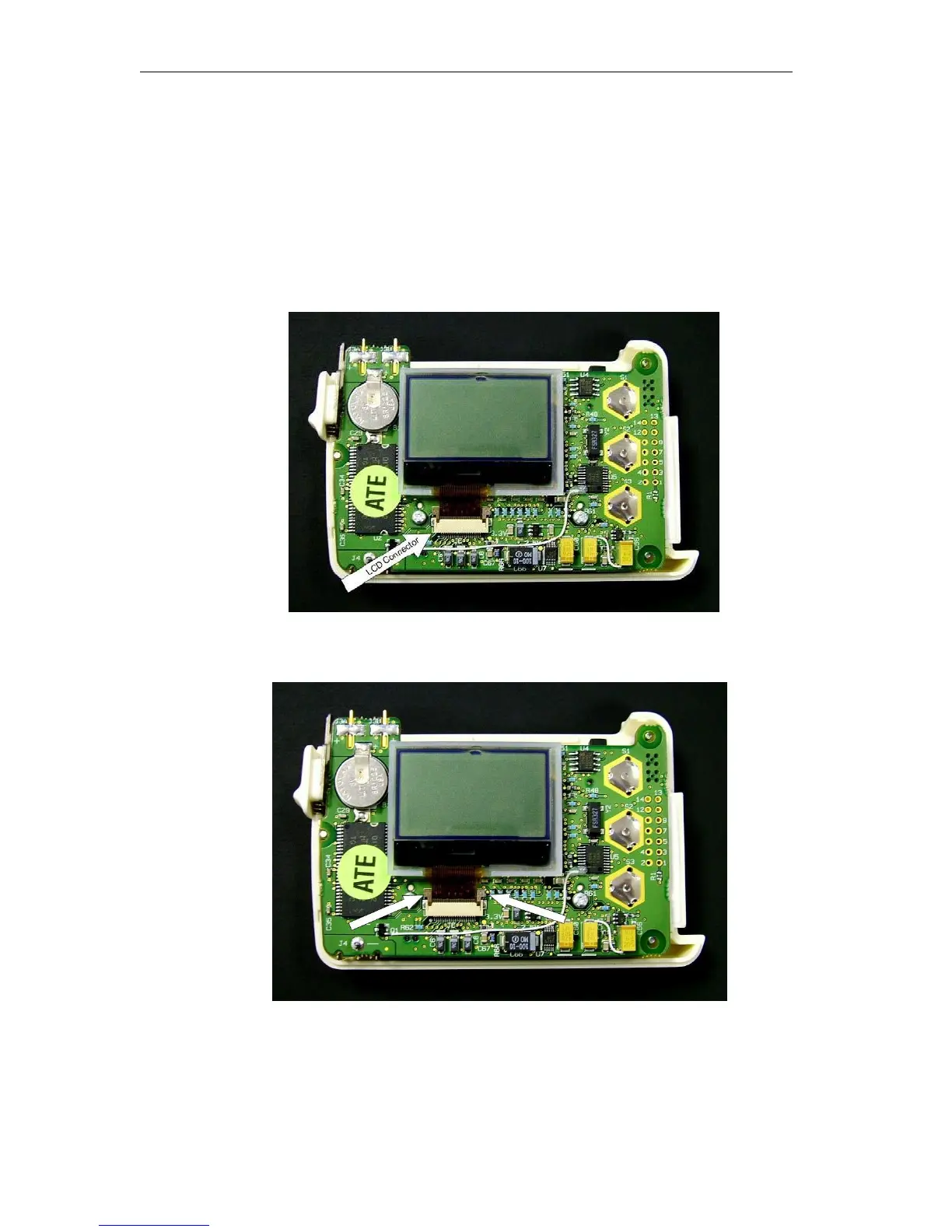
Locate LCD cable on Digital board.
3.
Remove the foam tape (item# 12) covering the LCD cable.
4.
Locate the LCD Cable connector on the digital board.
5.
Lift the ears of the LCD connector to release the cable from the connector.



 To Next Page