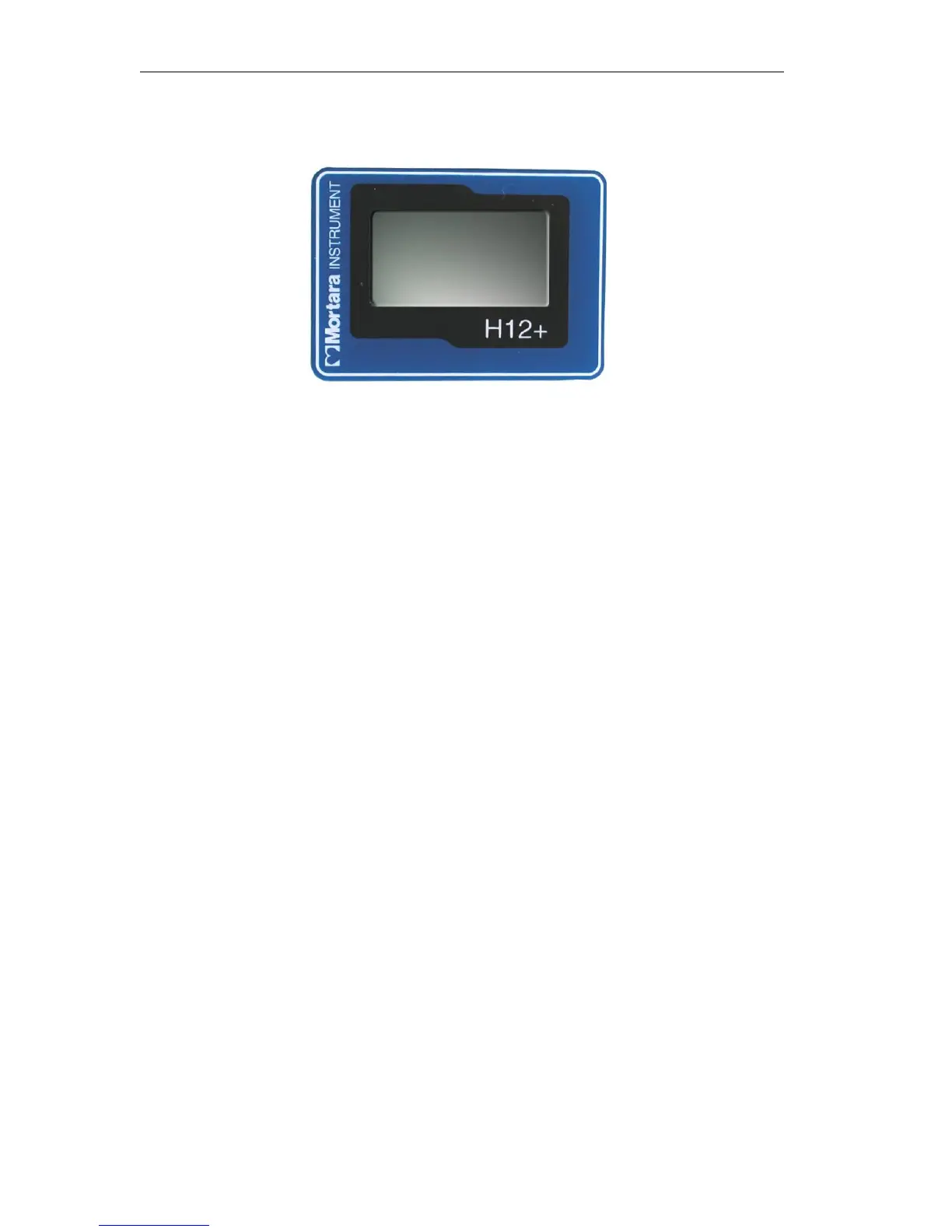
During normal operation, the current time (HH:MM:SS) is displayed in the middle of the screen continuously for the
entire 24-hour recording session. The Recording message is displayed below the current time.
If during recording the battery door is removed, the H12+ stops recording. A new formatted flash card must be
installed to continue recording.
Note: In the event of a lead fail condition occurring during recording, the appropriate lead fail indicator(s) is
displayed below the Recording message..
Entering (Optional) Diary Events
During the recording session, the patient may be instructed to enter event markers on the H12+ for analysis purposes.
Once entered, the patient is instructed to document the Time and Symptom in the Patient Diary. Typical diary
events may include symptomatic occurrences, such as shortness of breath or palpitations, or any event deemed
valuable for analysis purposes.
To enter an event after the first minute of recording, press any of the three keys on the H12+. The Event Stored
message is displayed below the current time until a new one can be entered.
Note: In the event of a simultaneous lead fail event, the Event Stored message replaces the lead fail message
for the one minute period. If lead fail persists after the one minute period, the lead fail message is displayed.
Ending a Recording Session
At the end of the 24-hour recording session, the time is cleared from the LCD screen and the RECORDING
COMPLETE message is displayed. To proceed:
1.
Remove the battery door of the H12+.
2.
Remove the battery. Use the battery only once. After use, dispose of the battery properly.
3.
Press down the Eject button and remove the compact flash card.



 To Next Page