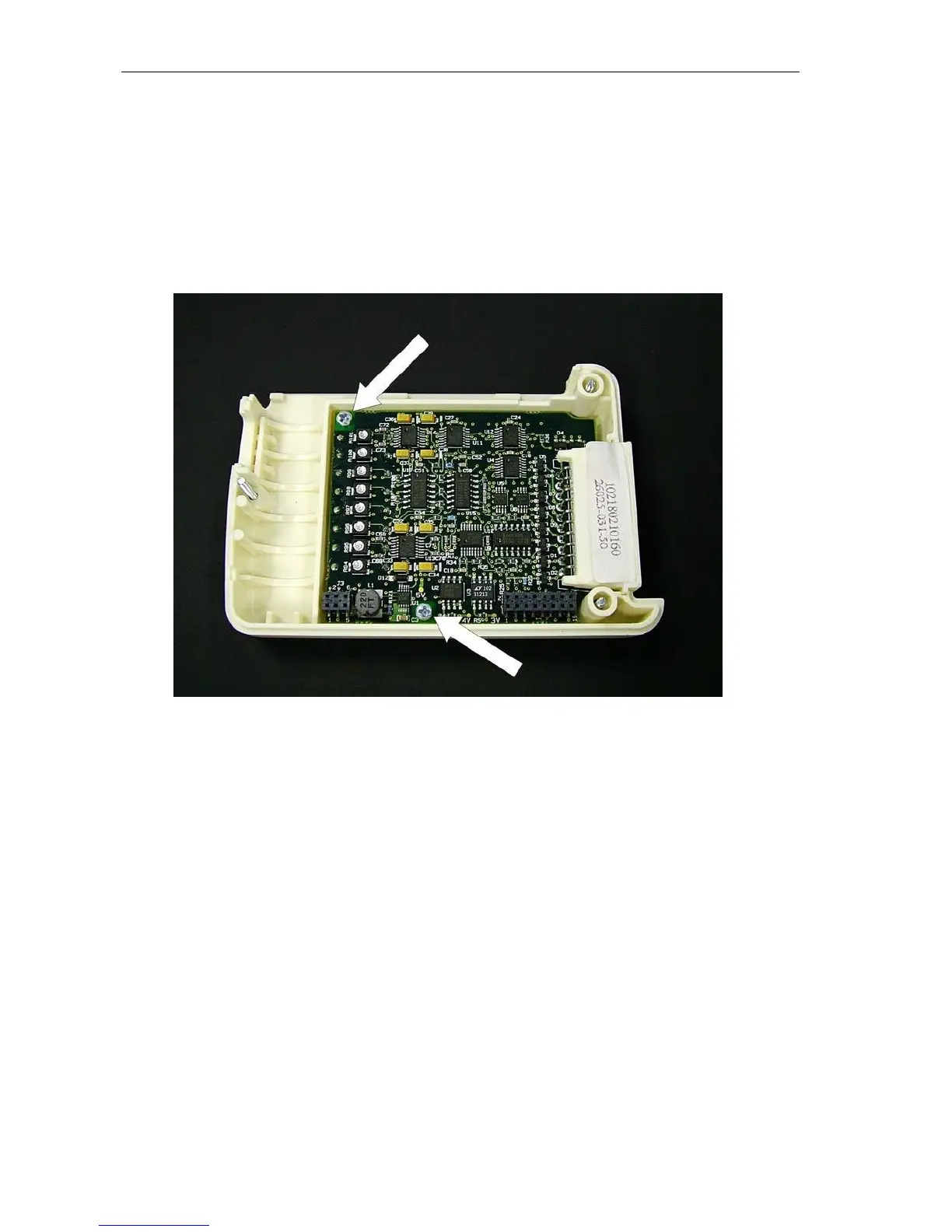
Front End Board Removal & Replacement
1.
Open unit as described above.
2.
Remove Digital board, item # 6, as described above. Please note that the LCD does not require removal.
3.
Locate the two mounting screws, item # 17, holding the Analog board, item # 18, to the chassis of the unit and
remove.
4.
Lift the Analog board out of the chassis.



 To Next Page