Opening the Unit
Anti-Static equipment should always be worn when
working with static sensitive devices and in a static
sensitive area.
1.
Remove the battery from the unit.
2.
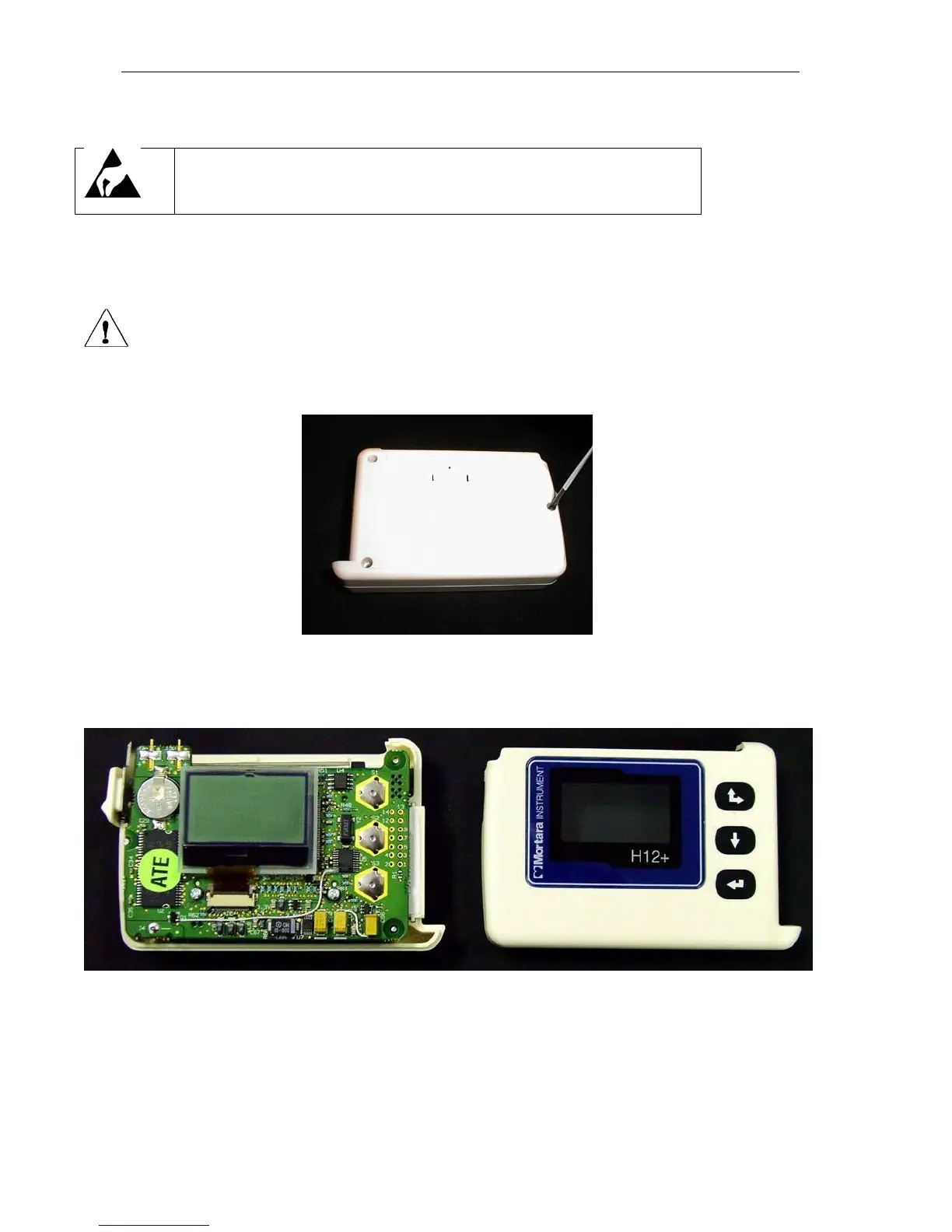
Remove label, item #13, on back of unit to access the three screws securing the case together.
ATTENTION: When removing the back there is the possibility that the serial number label will also be removed. Please
document the unit serial number prior to removing the back label of the H12+. If the serial number label is damaged when the
back label of the H12+ is removed please contact Mortara Instrument for a replacement serial number label. The serial number
and the REF number must be supplied.
3.
Remove the three screws, item # 16, to open the unit up.
4.
Flip the unit over and remove the front cover to expose the boards.
Note: Care should be taken when opening the unit. There is potential for the spring, item # 17, for the battery door
latch to pop out.



 To Next Page