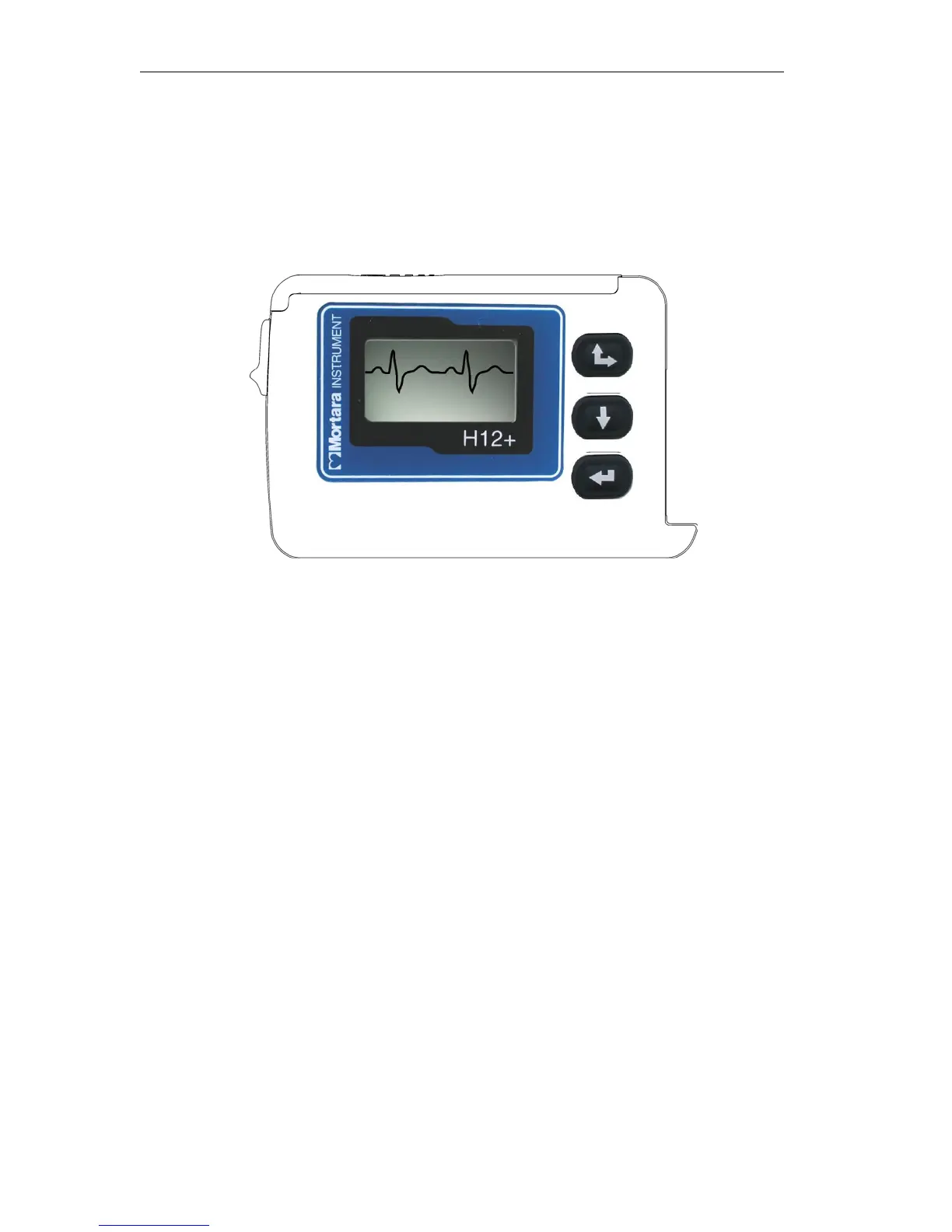
Using the Keypad
The keypad is located on the front, right-side of the H12+ Recorder. Three keys are available for navigating through
the LCD screens and for entering the patient ID and event markers during the recording. These include the
Up/Right, Down and Enter keys.
Up/Right
Down
Enter
During patient hook-up, the Down and Up keys are used to scroll through the Main menu options, to enter the
Patient ID and to set the date/time and language. The Enter key is used to select a Main menu option and sub-
menus displayed on the LCD screen and to store the patient ID and configuration parameters for recorder operation.
Main Menu Options
The Main, or top-level, menu includes the following options.
LEAD CHECK
DISPLAY ECG
ENTER ID
RECORD
CONFIGURE
On the next page, an operational flowchart of Main menu options depicts the flow of functionality using the Up,
Down and Enter keys.



 To Next Page