Moxa Managed Ethernet Switch (UI_2.0_FW_5.x) User Manual
Trap Settings
SNMP traps allow an SNMP agent to notif y the NMS of a significant event. The switch supports two SNMP
modes: Trap mode and Inf orm mode.
SNMP Trap Mode—Trap
In Trap mode, the SNMP agent sends an SNMP trap PDU to the NMS. No acknowledgment is sent back f rom
the NMS so the agent has no way of knowing if the trap reached the NMS.
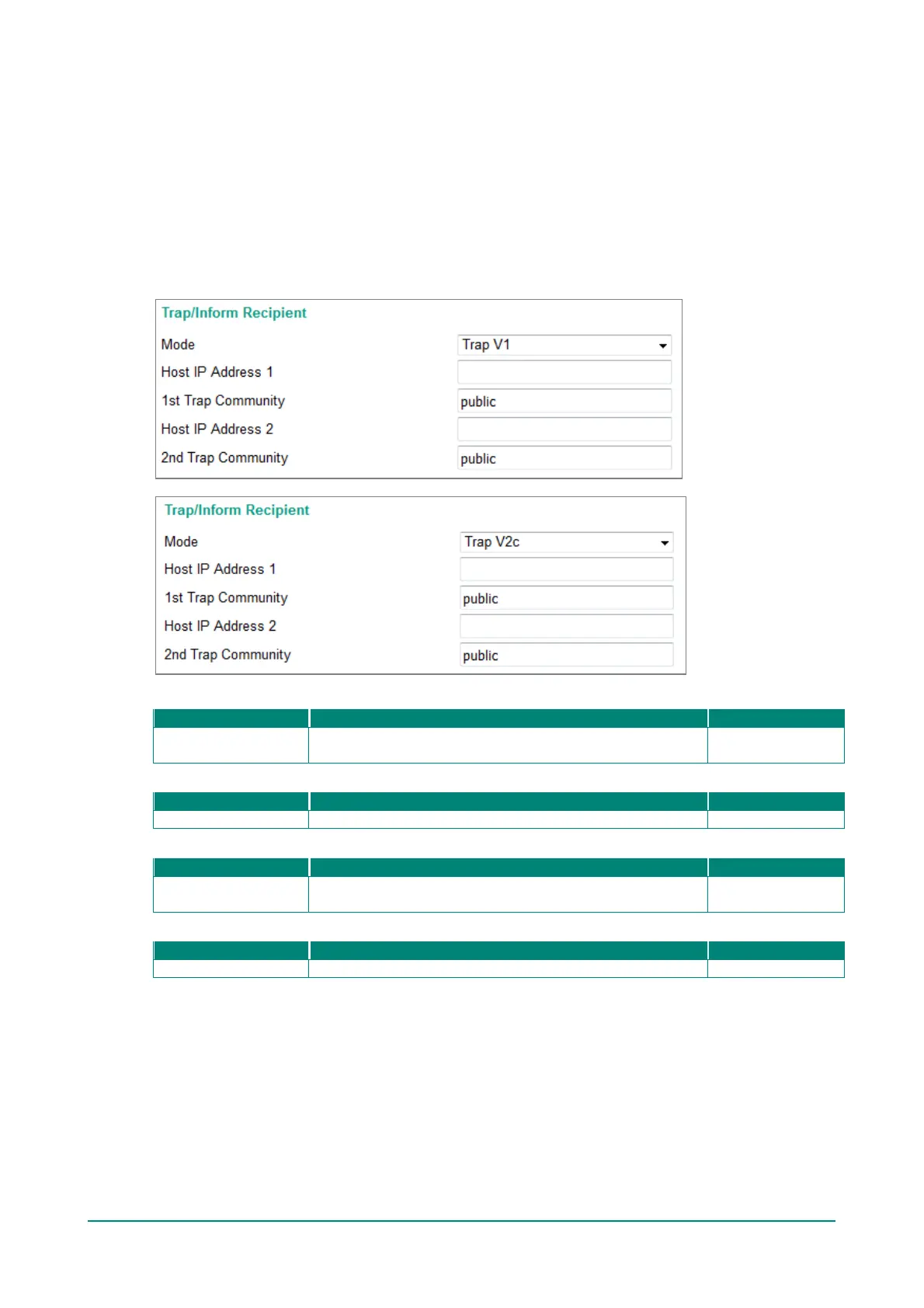
SNMP Trap V1, Trap V2c
Host IP Address 1
IP or name
Specifies the IP address or name of the primary trap server
None
1st Trap Community
Specifies the community string to use f or authentication.
Host IP Address 2
IP or name
Specif ies the IP address or name of the secondary trap server
used by your network.
None
2nd Trap Community
Specifies the community string to use f or authentication.


 To Next Page
 Loading...








