Moxa Managed Ethernet Switch (UI_2.0_FW_5.x) User Manual
Authentication
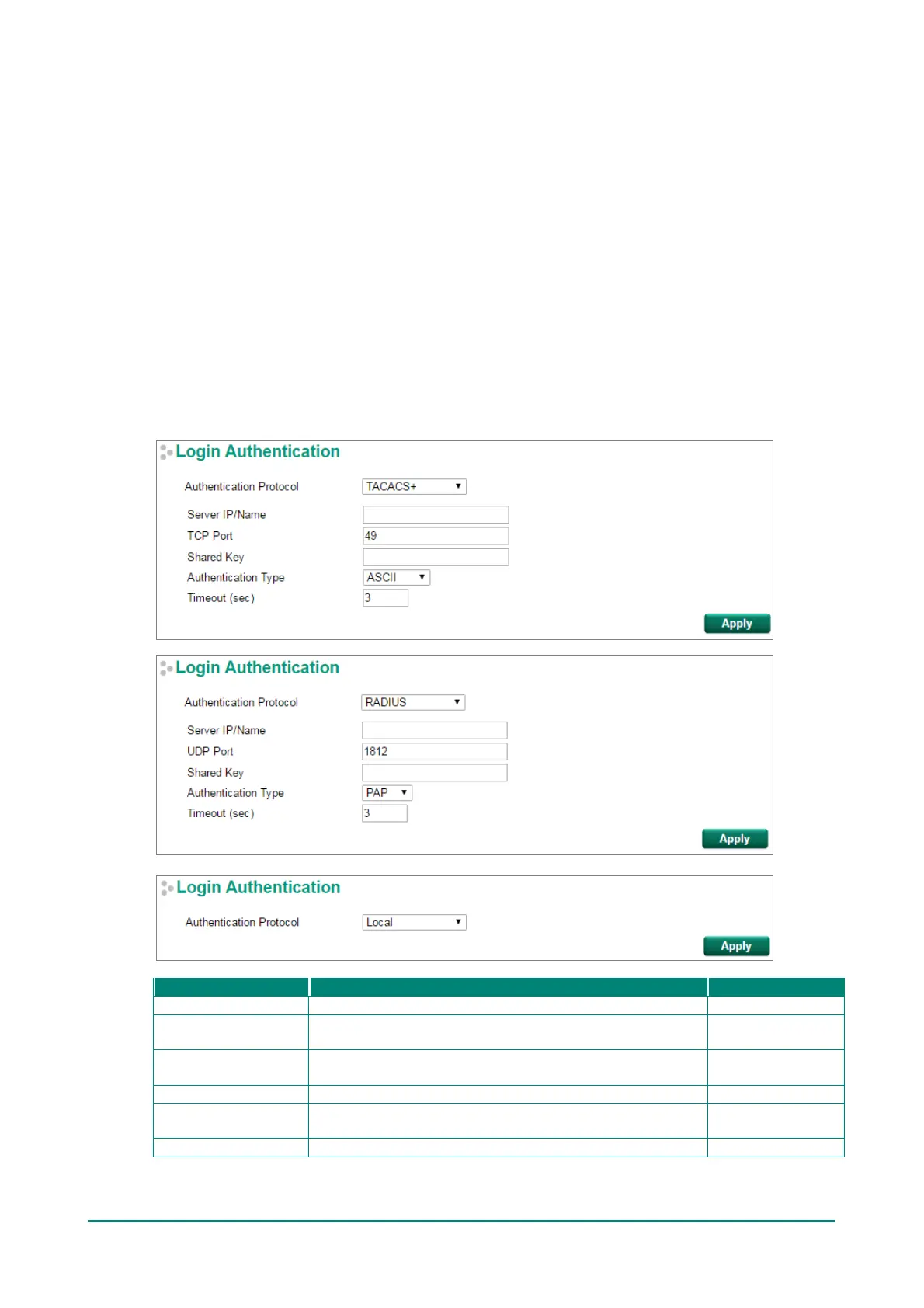
Login Authentication
Moxa switches provide three different user login authentications: TACACS+ (Terminal Access Controller
Access-Control System Plus), RADIUS (Remote Authentication Dial In User Service), and Local. The
TACACS+ and RADIUS mechanisms are centralized “AAA” (Authentication, Authorization and Accounting)
systems f or connecting to network services. The f undamental purpose of both TACACS+ and RADIUS is to
provide an ef f icient and secure mechanism f or user account management.
There are five combinations for users:
1. TACACS+, Local: Check TACACS+ database f irst. If the TACACS+ server is not reachable, then the
switch will check the local database.
2. RADIUS, Local: Check RADIUS database first. If the RADIUS server is not reachable, then the switch
will check the local database.
3. TACACS+: Only check TACACS+ database
4. RADIUS: Only check the RADIUS database
5. Local: Only check the Local database
Authentication protocol selection.
Server IP/Name
Sets the IP address of an external TACACS+/RADIUS server
as the authentication database.
None
TCP/UDP Port
Sets the communication port of an external TACACS+/RADIUS
server as the authentication database.
RADIUS: 1812
Sets specific characters for server authentication verif ication.
Authentication Type
Authentication mechanism selection. ASCII, PAP, CHAP, and
MSCHAP are for TACACS+; PAP and CHAP are f or RADIUS.
ASCII for TACACS+
PAP for RADIUS
The timeout period f or waiting f or a server response.


 To Next Page
 Loading...







