Moxa Managed Ethernet Switch (UI_2.0_FW_5.x) User Manual
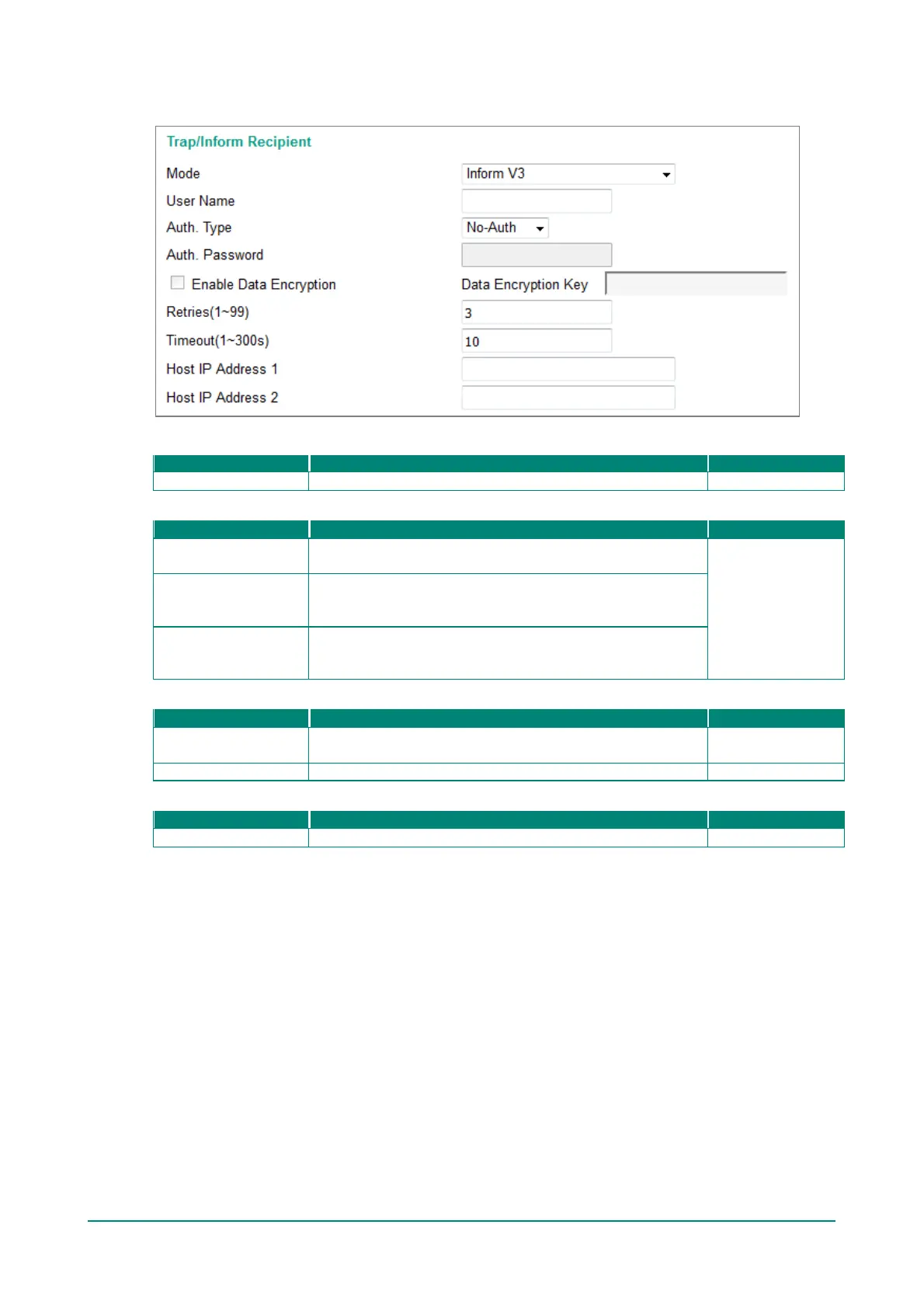
SNMPv3 Inform
User Name
Specifies the user name f or authentication.
Auth. Type
No-Auth
Allows the admin account to access objects without
authentication.
No-Auth
MD5-Auth
Authentication will be based on the HMAC-MD5 algorithms. 8-
character passwords are the minimum requirement for
authentication.
SHA-Auth
Authentication will be based on the HMAC-SHA algorithms. 8-
character passwords are the minimum requirement for
authentication.
Enable Data Encryption Key
Enable
Enables data encryption using the specified data encryption
key (between 8 and 30 characters).
NA
Data Encryption Key
Specifies the string to use f or authentication.


 To Next Page
 Loading...








